Best Descript Alternatives: Split by the Job You Actually Use Descript For
By the SoftSea editorial team
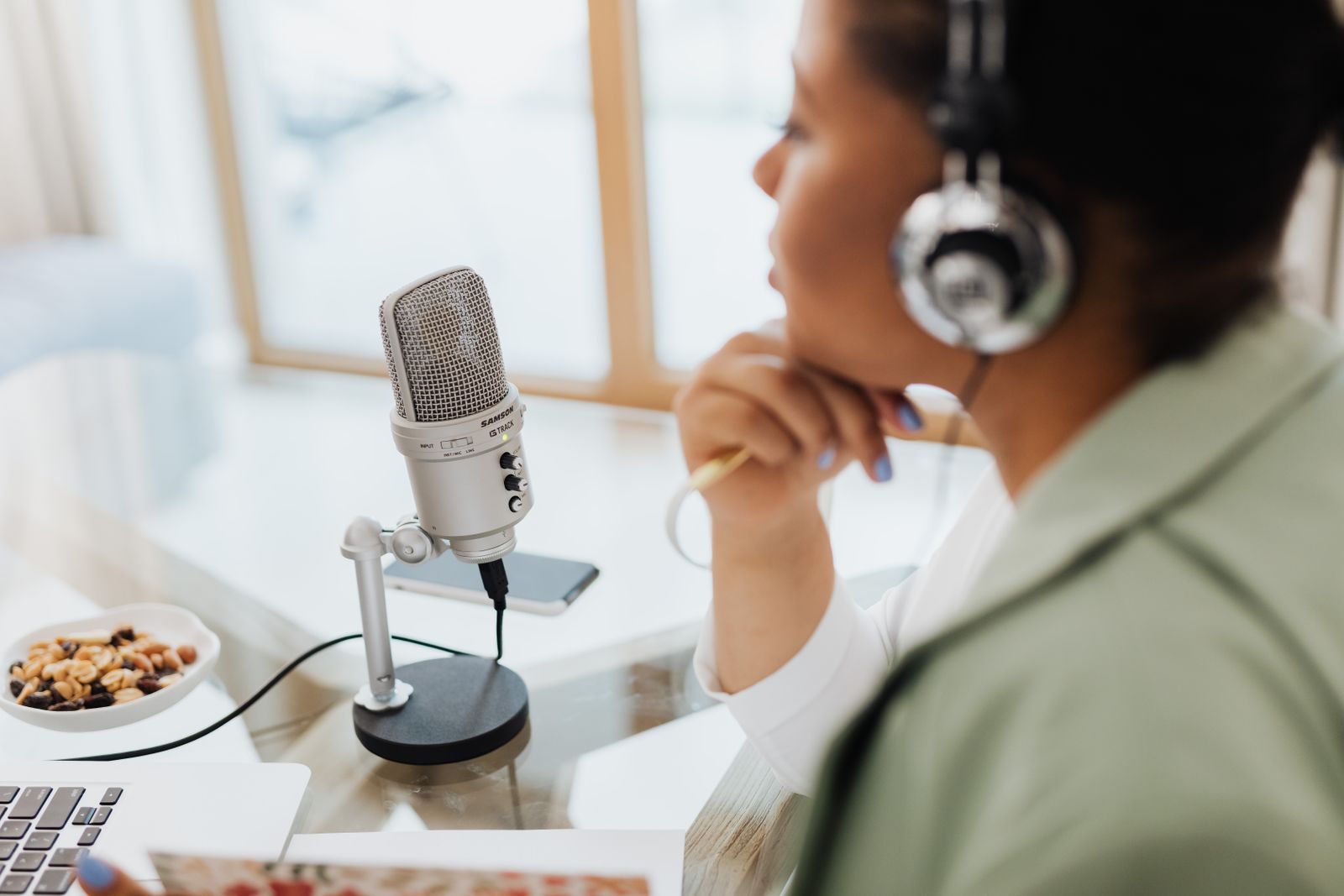
Photo: Kaboompics.com / Pexels
Descript is a bundle, and bundles have seams
People rarely leave Descript entirely; they leave one of its jobs. The podcaster who records remote guests discovers the recording is the weak link. The video editor who loves editing by transcript discovers the finishing tools are not Premiere. The social team discovers it only ever makes clips. And underneath every exit is Descript's metering, which this guide treats as a first-class topic because the incumbents do not: Descript charges in two currencies at once. Media hours (called media minutes on the current pricing page) limit how much audio and video you can transcribe and edit. AI credits limit the generated features, voice cloning, studio sound style processing, and AI edits. A plan can look generous in one currency and starve you in the other, and the only honest comparison is to translate both into your real publishing cadence.
The verified anchors, read from Descript's pricing page in the autumn of 2026 across multiple agreeing reads: Free gives 60 media minutes per month, 100 one-time AI credits, and 720p exports with a watermark. Hobbyist costs $16 per month billed annually ($24 monthly) per person and carries 600 media minutes (10 hours), 400 AI credits, and 1080p exports; it cannot buy top-up packs. Creator costs $24 billed annually ($35 monthly) with 1,800 media minutes (30 hours), 800 AI credits, and 4K exports. Business costs $50 billed annually ($65 monthly) with 2,400 media minutes (40 hours) and 1,500 AI credits. A weekly one-hour podcast with two speakers consumes roughly 8 media hours a month in raw recordings and edits, which fits Hobbyist; a daily video workflow does not fit anything below Business. Price your cadence before pricing the alternatives.
The Descript job you use
Best alternative
Verified price
Recording remote guests
Riverside
Pro $24 per month billed annually
Editing audio by transcript, free
Adobe Podcast
Free, 30-minute project cap
Waveform audio editing
Audacity
$0
Finishing and color
Adobe Premiere
$22.99 per month on the annual plan
Social clips
Your editor's clip tools, or stay
Descript Creator $24 billed annually
For recording: Riverside
Riverside is the alternative when the recording itself is the complaint: guest audio that arrives compressed, tracks that drift, or a browser recording that failed at the worst moment. It records each participant locally in high quality and uploads progressively, so the file you edit is not hostage to a guest's connection. Pro costs $24 per month billed annually ($35 monthly) per the vendor-derived reads this dataset verified in the autumn of 2026, with unlimited transcriptions and text-based editing included and 15 hours of separate-track downloads per month. The comparison to make is against Descript Hobbyist at $16 billed annually: Riverside costs $8 more per month and gives you a materially better recording, while giving up Descript's deeper AI editing bench. Podcasters whose guests are remote and whose editing is light should move. Podcasters who record solo into a good microphone gain nothing here; their recording was never the problem.
Interactive tool
Comparison Builder
Pick two or three products and see them side by side on the numbers that decide the purchase.
Measure
Descript
Riverside
Adobe Premiere
Starting paid price
$16 per user/mo, billed annually
$24 per user/mo, billed annually
$22.99 per user/mo, billed annually
Free option
Free plan: 60 media minutes per month, 100 one-time AI credits, 720p exports with watermark
Free plan: 2 hours of separate-track recording as a one-time allowance, watermarked exports
podcasters, course and tutorial creators, marketing teams cutting talking-head video
interview podcasts and shows, remote panels and webinars, creators whose guests record from home
professional editors, agencies and client work, creators already in Adobe apps
Strengths
Editing media by editing text is the fastest rough-cut workflow there is; Transcription, captions, and filler-word removal in one tool; Screen recording and remote recording built in
Local separate-track capture survives bad guest connections; Recording quality ceiling is the highest in this set; Text editing and clips included on paid plans
Industry default for client work; Text-based editing and deep audio and effects tools; Fits the wider Adobe ecosystem
Watch out for
Two meters to watch: media minutes and AI credits; Hobbyist cannot buy top-up credits when a month runs dry; Not a finishing editor: color, effects, and mixing live elsewhere
Free tier is a trial in disguise: 2 hours, once; Editing is a rough-cut tool, not a finishing editor; Download hours are metered even on Pro
Subscription only, no purchase option; Heavier system demands than beginner editors; Price rises if you pay month to month
Lowest entry price: Descript at $16 per user/mo billed annually. Real free plan: Descript, Riverside. Entry price is the floor, not the decision: check the plan line above for the tier that actually includes the feature you need.
All figures from vendor pricing pages, checked November 18, 2026. Some vendors price by contacts, tasks, or operations instead of seats; those notes are in the plan data and the linked pricing guides.
For free transcript editing: Adobe Podcast
Adobe Podcast is the alternative incumbents bury and budget-bound editors should surface: its browser-based Enhance Speech cleanup and transcript editing cover the core "edit audio by editing text" workflow at $0, with a 30-minute cap per project on the free tier. For a podcaster publishing episodes under half an hour, or a creator cleaning short-form audio, that cap is not a constraint in practice, and the price difference against Descript Hobbyist ($16 per month billed annually) is $192 per year. The limits are real and should be stated plainly: it is an audio tool, not a video editor; it lacks Descript's screen recording, scenes, and stock library; and the 30-minute ceiling disqualifies long-form shows outright. Treat it as the free answer to one Descript job, not as a Descript replacement.
For waveform editing at $0: Audacity
Audacity is the answer for editors who never wanted to edit text in the first place. It is free, open source, and edits audio the traditional way, by waveform, with a depth of effects, noise reduction, and batch processing that browser tools do not match. What it gives up is everything Descript automates: no transcript editing, no automatic filler-word removal, no voice cloning, no captions pipeline. Editors leaving Descript because its AI layer feels like a black box, or because their media hours keep expiring mid-project, will find Audacity's absence of meters restful: nothing you do in Audacity is counted. It pairs naturally with Adobe Podcast's cleanup or with Riverside's recordings, which is how most $0 stacks are actually built: one tool per job, none of them metering you.
For finishing: Adobe Premiere
Premiere is the alternative when Descript's ceiling is craft: color, titles, effects, multi-camera, and the handoff formats professional clients expect. At $22.99 per month on the annual plan ($34.49 monthly) in this dataset's verified read, it costs less than Descript Business and roughly the same as Creator, while being a categorically deeper editor. Its own text-based editing has also improved enough that the transcript workflow is no longer a Descript monopoly for rough cuts. The honest trade: Premiere has a learning curve Descript was designed to eliminate, and it has no recording layer at all. Teams that outgrow Descript usually end in a two-tool world, Riverside or Descript for capture and transcript rough cuts, Premiere for finishing, and should budget for the overlap month while projects migrate.
The meter audit: what your cadence actually costs
Before choosing, run the audit no incumbent performs. Count last month's recorded media hours honestly, including retakes and guest pre-chat you recorded. Multiply by 1.5 for editing passes. That is your media-hour floor: under 10, Hobbyist at $16 billed annually suffices; 10 to 30 points at Creator ($24); above 30, Business ($50) or a job-split stack. Then count AI features: if you use Studio Sound style cleanup and filler removal on every episode but never touch voice cloning or generated content, your credit burn is modest and Hobbyist's 400 credits hold; if you generate, you already know credits are your binding constraint, and no alternative on this page meters generation the same way, so compare on output, not credits. The calculator below runs Descript's own ladder at your seat count so the stay-put number is on the table beside every rival.
Interactive tool
SaaS Cost Calculator
The per-seat price is the small number. This is the real one: your team, a full year, both billing cycles.
Descript Hobbyist for 10 seats
$1,920.00 per year
Billed annually: $160.00 per month equivalent, paid once a year.
Billed monthly instead: $2,880.00 per year.
Annual billing saves $960.00 a year (33 percent), if you are sure the seats survive the year. Empty seats paid annually are the most common SaaS waste we see.
Bar: annual-billing cost as a share of monthly-billing cost for the same seats.
Plan prices from vendor pricing pages, checked November 18, 2026. Taxes, add-ons, and usage overages are not included, because vendors do not include them in the headline price either.
The verdict
Split the bundle and the answer is easy. Recording problem: Riverside Pro at $24 per month billed annually. Budget problem with short episodes: Adobe Podcast, free under its 30-minute cap. Meter fatigue and waveform preference: Audacity at $0. Craft ceiling: Premiere at $22.99 per month on the annual plan. And for creators whose cadence fits Hobbyist's 10 media hours and 400 AI credits, staying on Descript at $16 billed annually beats every assembled stack on simplicity. The mistake is buying a full Descript replacement to solve a one-job problem.
Related guides
The shortlist does not end here. These related guides cover the sibling tools, matchups, and pricing questions closest to this one.
How do Descript's media hours and AI credits actually work?
They are two separate meters. Media time (600 minutes, or 10 hours, on Hobbyist at $16 per month billed annually) is consumed by the audio and video you upload and transcribe. AI credits (400 per month on Hobbyist) are consumed by generated and AI processing features such as voice cloning and AI edits. Creator raises both (1,800 media minutes and 800 credits at $24 billed annually) and Business raises them further (2,400 minutes and 1,500 credits at $50). Hobbyist cannot buy top-up packs, so a Hobbyist user who runs out mid-month must upgrade rather than refill, a detail worth knowing before you commit a show to that tier.
What is the best free Descript alternative?
Adobe Podcast for transcript-based audio editing, with a hard caveat: its free tier caps projects at 30 minutes, which suits short podcasts and clips and excludes long-form shows. Audacity is the best free alternative for waveform editing at $0 with no caps at all, at the cost of every AI feature. Descript's own free plan (60 media minutes per month, 100 one-time AI credits, watermarked 720p exports) is a trial in all but name. Most genuinely free workflows combine Adobe Podcast or Audacity with a separate recorder rather than replacing Descript with one tool.
Is Riverside better than Descript for podcasting?
For recording remote guests, yes: Riverside records each participant locally at high quality, so guest audio does not depend on their connection, and Pro at $24 per month billed annually ($35 monthly) includes unlimited transcription and text-based editing with 15 hours of separate-track downloads. For editing depth, Descript remains stronger, with its AI features, scenes, and stock content. Solo recorders gain little from Riverside. The common professional answer is Riverside for capture and Descript or Premiere for post, which is why this guide splits the jobs instead of crowning one tool.
Which Descript plan do most podcasters need?
Hobbyist ($16 per month billed annually, $24 monthly) fits a weekly show: 10 media hours covers roughly four one-hour episodes with retakes, and 400 AI credits cover routine cleanup and filler removal. Daily shows, video podcasts with heavy AI use, and teams exceed it quickly and land on Creator ($24 billed annually; 30 media hours, 800 credits, 4K) or Business ($50; 40 hours, 1,500 credits). Because Hobbyist cannot buy top-ups, shows that regularly finish the month near 10 media hours should start on Creator rather than upgrading mid-season.
Can I replace Descript with Premiere alone?
Only the editing jobs. Premiere ($22.99 per month on the annual plan, $34.49 monthly) is a deeper editor than Descript in every craft dimension and now includes respectable text-based editing for rough cuts, but it has no recording layer, no remote guest capture, and a learning curve Descript exists to avoid. Editors who record locally and want finishing power can run Premiere alone. Podcasters with remote guests need a capture tool (Riverside, or Descript itself) in front of it.
Photo credits: Kaboompics.com (Pexels). Photos are served from this site; follow the credit to the library page for the original.