Adobe Premiere Pro Alternatives for Windows: Free and One-Time Options
By the SoftSea editorial team
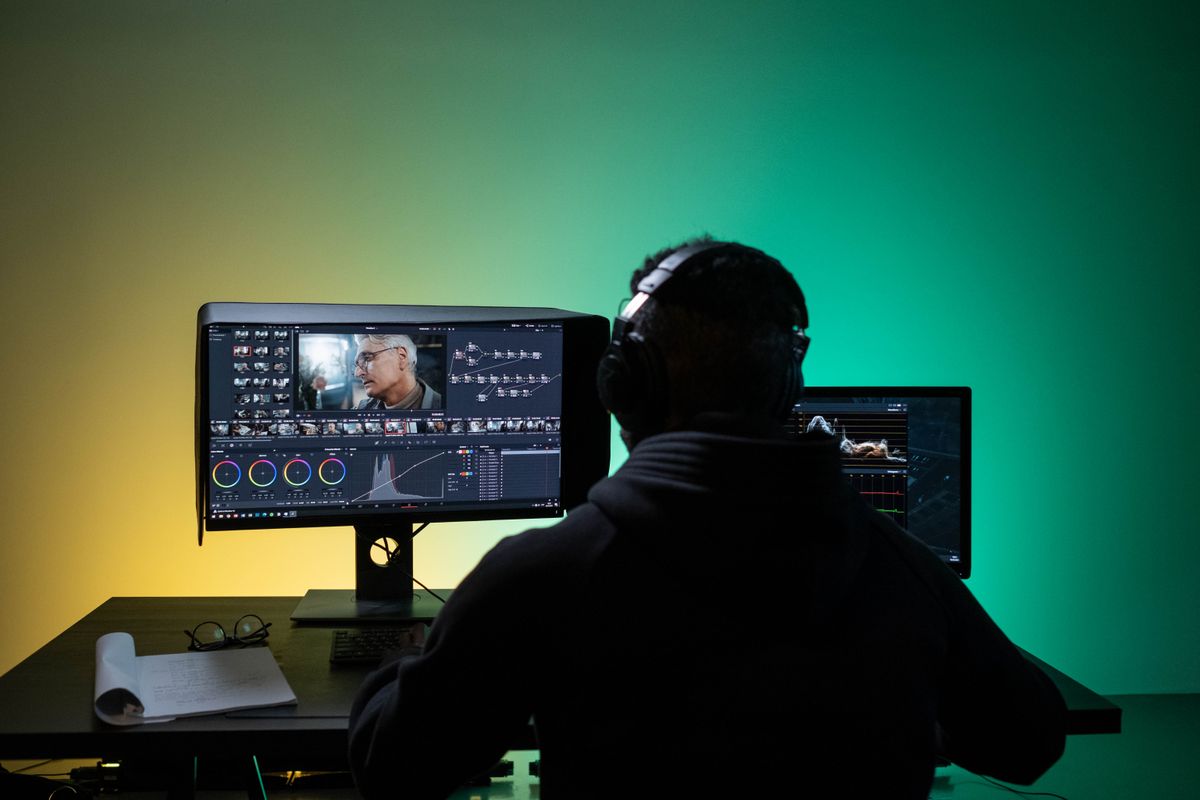
Photo: Ron Lach / Pexels
The two facts that decide this search
Premiere Pro costs $22.99 per month on its annual plan in the verified dataset ($34.49 month to month), which is $275.88 every year, forever, for as long as you edit. Windows editors leaving it are usually leaving that sentence. But two facts decide which alternative actually works, and most roundups state neither clearly. First: DaVinci Resolve's free edition is capped at UHD 2160p60 timelines and output with an 8-bit processing ceiling, while Resolve Studio removes those limits for $295 paid once. Second: no alternative in this guide, free or paid, opens Premiere .prproj project files natively. Your timelines are rebuilt, not imported, and any guide that glosses over that is selling you a surprise.
This article is Windows-only on purpose. Final Cut and the Mac side of the market are excluded, because a Windows editor cannot use those answers. Prices and limits were checked in November 2026 and match the dataset behind the comparison tool on this page.
Editor
Price
Ceiling or catch
DaVinci Resolve (free)
$0
UHD 2160p60 max, 8-bit ceiling, some effects Studio-only
DaVinci Resolve Studio
$295 one-time
No practical ceiling for most editors
Kdenlive
$0, GPL
Manual, technical interface
Shotcut
$0, GPL-3.0
Plain effects and titles
Clipchamp
Included with Windows and Microsoft 365 tiers
Consumer depth, Microsoft account world
Premiere Pro (baseline)
$22.99 per month on annual plan
The subscription you are leaving
DaVinci Resolve: the professional answer, free until it is not
Resolve is the only free editor in this guide that professionals use to deliver paid work at scale, because it is four tools (editing, color, Fairlight audio, Fusion effects) in one application, and its color page is the industry reference. For a Windows editor whose work is cuts, color, and delivery up to UHD, the free edition is not a compromise: timelines and renders up to 2160p60, the full editing toolset, and color grading that exceeds what Premiere offers natively. The free ceiling is specific and worth memorizing: resolution stops at UHD, processing is 8-bit (10-bit workflows need Studio), and a set of effects, noise reduction, and GPU features are Studio-only.
Studio at $295 one-time is the comparison that ends most subscription arguments. Against Premiere's $275.88 per year, Studio pays for itself in month thirteen and then costs nothing for years, including major version upgrades historically included. If you edit weekly, Studio is the rational purchase in this entire category. If you edit monthly, the free edition's ceiling may never touch you, and $0 is the rational price. Our broader video editing software guide places Resolve among the full field, including the YouTube-focused picks.
Interactive tool
Comparison Builder
Pick two or three products and see them side by side on the numbers that decide the purchase.
Measure
DaVinci Resolve
Shotcut
Kdenlive
Starting paid price
$295 per month, flat
Free
Free
Free option
Free plan: the standard edition is free, with editing, color, effects, and audio included
Free plan: the whole editor is free and open source; there is no paid tier
Free plan: the whole editor is free and open source; the project accepts donations and sells nothing
YouTube creators who will learn a pro tool once, color-driven work, teams that refuse subscriptions
Windows editors who refuse a subscription, straightforward cuts, captions, and exports, schools and budget desktops
independent editors on Windows, long-form timeline work at $0, open-source video workflows
Strengths
Best color grading tools in the category, free; No watermark on free exports; One-time Studio price instead of a subscription
Broad native format support without transcoding first; Runs on modest Windows hardware that strains Premiere; No subscription, account, or watermark at any point
A conventional multitrack timeline that Premiere users recognize; Proxy editing keeps long timelines responsive on mid-range PCs; Subtitles, keyframes, and effects are built in, not add-ons
Watch out for
Steep learning curve for beginners; Wants a capable computer and GPU; Free edition caps resolution and some effects
The interface is technical and takes time to learn; No Adobe project import: Premiere timelines are rebuilt, not opened; Effects and titles are plainer than Premiere and After Effects
More manual and technical than consumer editors; Premiere plug-ins, templates, and projects do not transfer; Polish and stability trail the commercial editors on large projects
Lowest entry price: Shotcut at Free per month flat. Real free plan: DaVinci Resolve, Shotcut, Kdenlive. Entry price is the floor, not the decision: check the plan line above for the tier that actually includes the feature you need.
All figures from vendor pricing pages, checked November 18, 2026. Some vendors price by contacts, tasks, or operations instead of seats; those notes are in the plan data and the linked pricing guides.
Kdenlive and Shotcut: free as in freedom, with the receipts
Kdenlive (GPL, from the KDE community) and Shotcut (GPL-3.0) are the genuinely free editors: no watermark, no resolution cap sold back to you, no account, no tier. Kdenlive is the closer match to a Premiere editor's expectations, with a conventional multitrack timeline, keyframes, effects, titles, subtitles, and proxy editing that keeps long timelines responsive on mid-range Windows PCs. Shotcut's strength is format breadth and tolerance for modest hardware; its weakness is a technical interface and plainer titles and effects.
Neither will be mistaken for a commercial product's polish, and both are honest about it. Their real competition is not Resolve but the freemium editors (the watermark-and-export-cap school), against which they win on principle and on total cost: the price of Kdenlive or Shotcut in year five is still $0, and your projects are files in open workflows rather than hostages in a subscription's project format. For schools, community media, budget desktops, and editors who refuse subscriptions categorically, this section is the article. Everyone else should start at Resolve and come here if its ceiling or its learning curve bites.
Clipchamp: the Microsoft route
Clipchamp is the preinstalled answer: a Microsoft editor bundled into the Windows and Microsoft 365 world, friendly to casual and social editing, with templates and stock built in. For a Windows user whose editing is occasional (family video, internal communications, quick social cuts), it may already be on the machine and sufficient, which makes its effective price $0 at the margin in the same way the Microsoft-ecosystem guides describe for other categories. Its ceiling is depth: multitrack sophistication, color control, and project longevity all sit below Resolve and below Premiere, and its center of gravity is the Microsoft account. Treat it as the right tool for light work and not as a Premiere replacement for a working editor.
The project-file truth, and what migration actually looks like
Because no alternative opens .prproj files, migration is a finishing strategy, not a file conversion. Finish or archive active projects in Premiere before the subscription lapses (export masters and project archives), and start new work in the new editor from day one. XML interchange (Premiere's export to Final Cut XML) carries a rough cut (clip order, basic trims) into Resolve for projects that must move mid-flight, and it should be treated as scaffolding: effects, titles, Lumetri color, and audio work do not survive translation and are rebuilt. Editors with client archives should keep one month of Premiere access budgeted as the archive key, or export reference masters of everything deliverable before cancelling. The checklist below sequences the exit so the subscription ends when the work allows, not when the billing date demands.
Interactive tool
Premiere Exit Checklist
Check off each step as you finish it. Your progress stays on this page.
0 of 7 complete
0% done
The verdict
Working editors: DaVinci Resolve, free until your work crosses the UHD or 10-bit line, then Studio at $295 once, which is the best deal in professional video software. Subscription refusers and open-source shops: Kdenlive for the conventional timeline, Shotcut for format tolerance on modest hardware, both $0 forever with no watermark. Occasional editors already in Microsoft's world: Clipchamp, already installed. And keep one Premiere month in the budget for the archive, because the project files are the subscription's last argument, and it deserves a planned answer rather than a resentful renewal. Readers choosing an editor for a YouTube channel specifically should also see our guide to software for editing YouTube videos, where the ranking weighs export presets and captions more heavily.
Related guides
Readers working through this choice usually weigh the options below next. Each one runs the same vendor checked pricing as this guide.
What is the best free alternative to Premiere Pro on Windows?
DaVinci Resolve's free edition, for most editors: a professional multitrack editor with the industry's reference color tools, free up to UHD 2160p60 timelines and output. Its ceiling is 8-bit processing and Studio-only effects and features. Kdenlive is the best fully open-source answer (GPL, no watermark, no caps), and Shotcut is the pick for modest hardware and maximum format tolerance.
Is DaVinci Resolve Studio worth $295?
If you edit weekly, yes, and the math is short: Premiere's annual plan costs $22.99 per month, $275.88 per year, so Studio pays for itself in about thirteen months and then costs nothing in year two, three, and beyond. Studio buys 10-bit workflows, resolutions past UHD, noise reduction, additional effects, and higher frame rates. If your work never crosses the free edition's UHD and 8-bit ceiling, the honest answer is to keep the $295 and use the free version.
Can these editors open my Premiere Pro projects?
No. No alternative here opens .prproj files natively. The practical paths are to finish active projects in Premiere before cancelling, to export a Final Cut XML from Premiere and rebuild the rough cut in Resolve (effects, titles, and color do not transfer), and to archive masters of finished work so the project files are a convenience rather than a lifeline. Plan the exit around your active projects, and keep a single month of subscription as the archive key if your client history matters.
What is the best open-source video editor for Windows?
Kdenlive, for editors coming from Premiere: a conventional multitrack timeline, keyframes, subtitles, and proxy editing for long projects, free under the GPL with no watermark or feature gates. Shotcut (GPL-3.0) is the alternative when format support and low hardware demands matter more than interface familiarity. Both are less polished than Resolve; both are free in the durable sense, with no tier waiting to be sold to you later.
Is Clipchamp a real Premiere alternative?
For light editing, yes; for professional work, no. Clipchamp is Microsoft's editor, bundled with Windows and Microsoft 365, and it handles casual, social, and internal video quickly with templates and stock. It lacks the depth in multitrack editing, color, and project handling that a Premiere user relies on, so treat it as the right tool for occasional editors and not as the destination for a working editor leaving a subscription.
What hardware do I need for DaVinci Resolve on Windows?
Resolve rewards a real GPU and RAM more than Premiere does, because its color and effects pipeline is GPU-driven: a mid-range discrete graphics card and 16 GB of RAM is the comfortable floor for HD and UHD work, and the free edition's 8-bit UHD ceiling keeps modest machines viable longer than expected. Kdenlive with proxy editing and Shotcut both run acceptably on weaker hardware, which is a legitimate reason to choose them for older Windows desktops and laptops.
Photo credits: Ron Lach (Pexels). Photos are served from this site; follow the credit to the library page for the original.