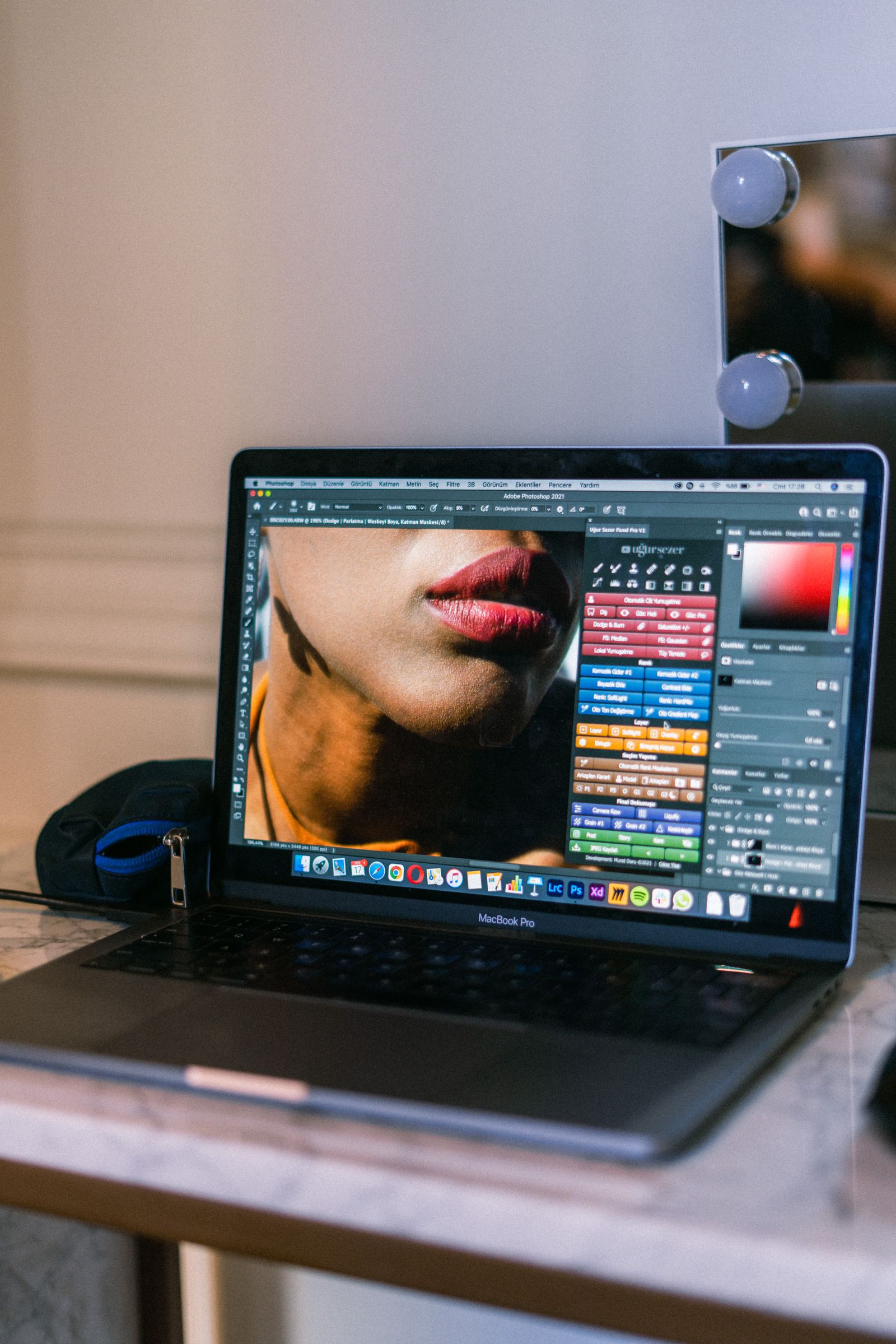
GIMP Alternatives for Mac: Native Apple Silicon Editors, From Free Affinity to Pixelmator Pro
By the SoftSea editorial team
Photo: Sami Abdullah / Pexels
The Mac complaint is about citizenship, not features
GIMP on a Mac is a capable editor wearing the wrong clothes: a cross-platform interface that ignores macOS conventions, menu and shortcut habits from another world, and a long history of being the last platform to feel finished in each release. The teardown for this query and its twin token (gimp alternatives macos, which returns the same field and is folded into this article rather than published separately) shows incumbents making the same point: the Mac bench is a citizenship contest. Which editors are built with native macOS technology, tuned for Apple silicon, and sold the way Mac users expect to buy software? Graded that way, the bench is short and clear. One honesty note before it: XCF files still do not travel with full fidelity, so keep GIMP installed as your archive reader; the flagship guide covers the migration protocol in full.
Mac job
Destination
Terms in our dataset
Professional all-round editing
Affinity
Free app; Canva account required
Native one-time purchase
Pixelmator Pro
Price not published in our dataset
Painting
Krita
$0, GPL open source
PSD in a browser
Photopea
Free with ads
Exact client handoff
Photoshop
$22.99 a month, annual plan
Affinity and Pixelmator Pro: the two Mac-shaped answers
Affinity is the value shock of this bench: the unified professional app (Photo, Designer, and Publisher studios in one) has been free since the October 2025 relaunch, gated by a free Canva account, with AI features behind a paid Canva plan whose price we carry as not published in the Affinity entry. It is a real Mac application with Apple silicon builds, and for photo editing, compositing, and layout it covers most of what Mac users were tolerating GIMP for. Pixelmator Pro is the citizenship purist's pick: built by a Mac-focused team with native technologies, fast on Apple silicon, and sold as a one-time purchase on the Mac App Store. We carry its price as not published in our dataset rather than printing a figure from secondary roundups; check the App Store listing, where the current price and any subscription options are stated by the vendor. Between the two, the fork is taste and trust: Affinity for breadth and zero cost with an account gate, Pixelmator Pro for a native, account-free purchase from an Apple-platform specialist.
Interactive tool
Comparison Builder
Pick two or three products and see them side by side on the numbers that decide the purchase.
Measure
Affinity
GIMP
Pixelmator Pro
Starting paid price
Free
Free
Not published
Free option
Free plan: the full Affinity app free since the October 2025 relaunch; a free Canva account is required
Free plan: the whole program, free and open source (GPL), no account
No free plan: paid Mac App Store application (trial availability varies)
Plans
Free: free
Free: free
Mac App Store purchase: not published
Platforms
Windows, macOS, iPad
Windows, macOS, Linux
macOS
Best for
designers leaving Adobe subscriptions, photographers who retouch more than they organize, Canva users stepping up
hobbyists and students, Linux users, anyone whose Photoshop use is layer basics
Mac users who want a native editor, one-time purchase buyers, Apple silicon machines
Strengths
Professional layer editing and RAW development at $0; One app covers photo, vector, and layout personas; PSD and standard format support is strong
Full layer, mask, and channel editing at $0; Opens and exports PSD files; Huge plugin and script ecosystem
Native macOS design and Apple silicon performance; Professional layers, masks, and RAW support; One-time purchase tradition
Watch out for
Requires a Canva account; not account-free like the open-source tools; AI features are paywalled behind Canva plans; No Lightroom-style catalog depth
No native CMYK workflow for print shops; Adjustment layers are not equivalent to Photoshop smart workflows; Interface and defaults feel dated next to paid rivals
macOS only; Price must be checked on the App Store listing; No Linux or Windows version
Lowest entry price: Affinity at Free per month flat. Real free plan: Affinity, GIMP. Entry price is the floor, not the decision: check the plan line above for the tier that actually includes the feature you need.
All figures from vendor pricing pages, checked November 18, 2026. Some vendors price by contacts, tasks, or operations instead of seats; those notes are in the plan data and the linked pricing guides.
Krita, Photopea, Photoshop: the rest of the Mac bench
Krita ($0, GPL) is the painting answer on Mac as everywhere, with the same caveat: its center is the canvas, not the darkroom, and photographers should pair it with a raw developer. Photopea in Safari or Chrome covers the no-install PSD job, free with ads, and doubles as the best XCF viewer outside GIMP itself. Photoshop at $22.99 a month on the annual plan remains the exact-handoff answer for client work, and on Mac it is fully native; the subscription is the price of certainty, rational when PSD semantics are billable, waste when they are not. What is missing from this bench on purpose: the long tail of cheap App Store editors that open photos and add filters. They are fine toys, but a GIMP user needs layers, masks, and selections that survive real work, and the five tools above are the ones that clear that bar on macOS today.
Interactive tool
SaaS Cost Calculator
The per-seat price is the small number. This is the real one: your team, a full year, both billing cycles.
Adobe Photoshop Photoshop single app (annual plan) for 10 seats
$2,758.80 per year
Billed annually: $229.90 per month equivalent, paid once a year.
Billed monthly instead: $2,758.80 per year.
No annual discount on these figures, so monthly billing costs nothing extra and keeps you free to leave.
Bar: annual-billing cost as a share of monthly-billing cost for the same seats.
Plan prices from vendor pricing pages, checked November 18, 2026. Taxes, add-ons, and usage overages are not included, because vendors do not include them in the headline price either.
The Apple silicon checklist
Whatever you choose, run the Mac-specific checks in the checklist below before migrating a workflow: confirm the build is a native Apple silicon (universal or arm64) binary rather than a Rosetta translation, test your tablet driver's pressure in the new app, check color profile handling against a known file, and verify your export path to the formats your clients or printers actually accept, including the CMYK conversation GIMP itself handles awkwardly. Mac users leaving GIMP are buying back fluency: the editor should disappear into the operating system you chose on purpose. Grade the trial on that feeling plus file fidelity, not on feature-count tables, and the right answer usually announces itself within one real project.
Related guides
The shortlist does not end here. These related guides cover the sibling tools, matchups, and pricing questions closest to this one.
Affinity for a free professional all-rounder (free app, Canva account required), Pixelmator Pro for a native one-time purchase built specifically for macOS, Krita for painting at $0, and Photoshop ($22.99 a month on an annual plan) when client PSD handoff must be exact.
Why are there two queries, mac and macos, but one article?
Because they are the same intent: the macos token returns the same incumbent field as the mac token. We folded them into this single Mac guide rather than publishing two near-identical articles, the same treatment this site gives misspelled and variant tokens in other clusters.
How much does Pixelmator Pro cost?
We carry it as not published in our dataset rather than quoting secondary roundups. It is sold on the Mac App Store as a one-time purchase (with any current options stated there by the vendor); check the listing for the live price before you buy.
Is GIMP native on Apple silicon?
GIMP ships macOS builds, but its interface is a cross-platform design that does not follow macOS conventions, which is the main reason Mac users search for alternatives. The tools in this guide are built as Mac applications; verify the current build is a native Apple silicon binary during your trial.
Can I keep my XCF files if I switch on Mac?
Keep GIMP installed as the archive reader: no alternative opens layered XCF files with full fidelity. Export TIFF or PSD copies for work you move, and start new projects in the new editor. GIMP is free, so keeping it costs nothing but disk space.
Photo credits: Sami Abdullah (Pexels). Photos are served from this site; follow the credit to the library page for the original.