Premiere Pro Alternatives for Mac: Final Cut Math and Apple Silicon Picks
By the SoftSea editorial team
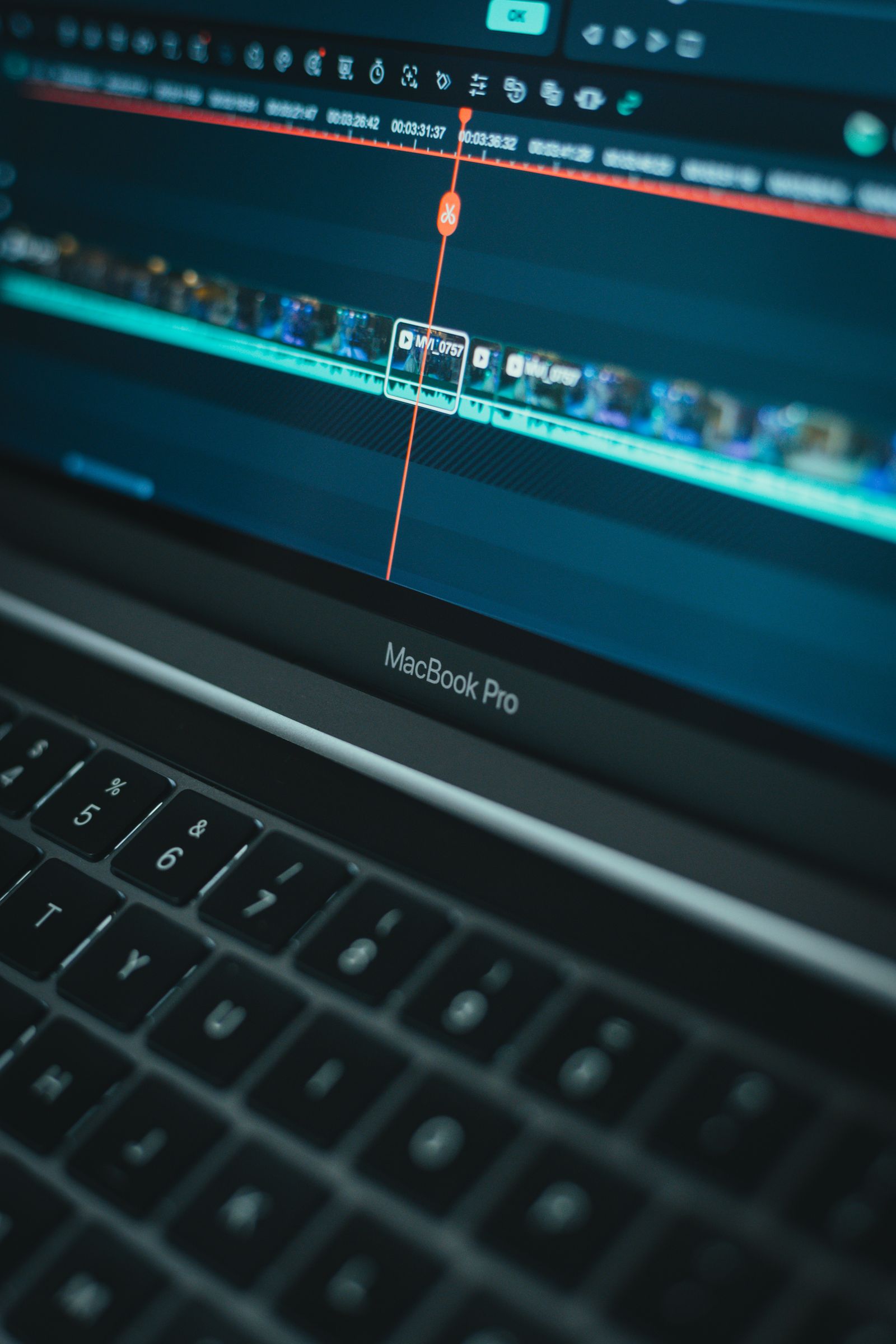
Photo: Moises Caro / Pexels
The Mac difference: a real one-time option
Every platform has DaVinci Resolve. Only the Mac has Final Cut Pro, and that changes the economics of leaving Premiere. Premiere Pro costs $22.99 per month on its annual plan in the verified dataset, which is $275.88 per year forever. Final Cut Pro costs $299.99 paid once (read on apple.com in November 2026), and it is also bundled in Apple Creator Studio at $12.99 per month or $129 per year for subscribers who want the wider app set. The break-even is short enough to memorize: $299.99 divided by $22.99 per month is about thirteen months. A Mac editor who will still be editing in month fourteen owns Final Cut for free from that point on, while the Premiere subscriber is at $322 and counting.
This guide is Mac-specific on purpose: the general Premiere alternatives guide covers the full field, the Windows guide excludes everything on this page, and the deciding facts here (Apple Silicon media engines, the magnetic timeline, the Mac-only trap) do not transfer. Prices were checked in November 2026.
Editor
Price
Platform note
Final Cut Pro
$299.99 one-time
Mac only, Apple Silicon tuned
Apple Creator Studio (includes Final Cut)
$12.99 per month, or $129 per year
Subscription bundle
DaVinci Resolve (free)
$0
Mac, Windows, Linux; UHD and 8-bit ceiling
DaVinci Resolve Studio
$295 one-time
Cross-platform, ceiling removed
Premiere Pro (baseline)
$22.99 per month on annual plan
The subscription you are leaving
Final Cut Pro: the break-even and the media engine
Final Cut's case rests on two pillars. The first is the math above: one payment, roughly thirteen months of Premiere money, and then years of editing at $0 marginal cost, with major updates historically included in the purchase. The second is hardware fit. Apple Silicon Macs carry dedicated media engines for ProRes and H.264/H.265 work, and Final Cut is built directly on them: timeline playback, background rendering, and exports on an M-series Mac are disproportionately fast for the hardware price, faster than the same machine running cross-platform editors that cannot lean on the media engine as completely. For a solo editor cutting camera-native footage all day, that speed is the product.
The honest limits are equally specific. The magnetic timeline is a genuine rethink of editing, and editors who think in tracks either adapt within a few projects or bounce off it permanently; there is no trial of your own habits except the free trial Apple offers, and you should use it on a real project. Collaboration is the second limit: Final Cut libraries are not a multi-editor medium the way shared Premiere or Resolve projects can be, and a Windows collaborator cannot open your work at all. Which brings up the trap.
The Mac-only trap, stated before you fall into it
Final Cut Pro runs only on Macs, and its projects open only in Final Cut. A solo editor who is certain about staying on Mac loses nothing. Everyone else should price the lock-in honestly: switching to Windows later means switching editors again, and handing a project to a Windows-based collaborator, client, or future employer means exporting a master and losing the editable timeline. DaVinci Resolve's projects move between Mac, Windows, and Linux freely, which is worth real money to editors whose platform future is not guaranteed. This is the single most common regret in this category, and it is entirely predictable at purchase time.
Interactive tool
Comparison Builder
Pick two or three products and see them side by side on the numbers that decide the purchase.
Measure
Final Cut Pro
DaVinci Resolve
Adobe Premiere
Starting paid price
$10.75 per month, flat
$295 per month, flat
$22.99 per user/mo, billed annually
Free option
No free plan; a 90-day free trial has historically been offered on the Mac App Store
Free plan: the standard edition is free, with editing, color, effects, and audio included
Free trial only: 7 days
Plans
Final Cut Pro (one-time purchase): not published · Apple Creator Studio: $10.75/mo flat
Mac editors leaving Premiere, Apple silicon owners, creators who want to own their editor
YouTube creators who will learn a pro tool once, color-driven work, teams that refuse subscriptions
professional editors, agencies and client work, creators already in Adobe apps
Strengths
Fastest exports on Apple silicon thanks to the media engines; One-time purchase option ends the subscription permanently; Magnetic timeline and roles keep big projects organized
Best color grading tools in the category, free; No watermark on free exports; One-time Studio price instead of a subscription
Industry default for client work; Text-based editing and deep audio and effects tools; Fits the wider Adobe ecosystem
Watch out for
Mac and iPad only; no Windows or Linux version exists; Premiere projects and plug-ins do not transfer; timelines are rebuilt; Some premium content is reserved for Creator Studio subscribers
Steep learning curve for beginners; Wants a capable computer and GPU; Free edition caps resolution and some effects
Subscription only, no purchase option; Heavier system demands than beginner editors; Price rises if you pay month to month
Lowest entry price: Final Cut Pro at $10.75 per month flat. Real free plan: DaVinci Resolve. Entry price is the floor, not the decision: check the plan line above for the tier that actually includes the feature you need.
All figures from vendor pricing pages, checked November 18, 2026. Some vendors price by contacts, tasks, or operations instead of seats; those notes are in the plan data and the linked pricing guides.
DaVinci Resolve on Mac: the cross-platform answer
Resolve on Apple Silicon is excellent in its own right: the free edition delivers professional editing and the reference color toolset up to UHD 2160p60 with an 8-bit processing ceiling, and Studio at $295 once removes the ceiling, a dollar less than Final Cut with none of the platform lock-in. Mac editors whose work is color-led, who deliver to clients on mixed platforms, or who simply dislike the magnetic timeline should start here. The free edition costs nothing to test against your real footage, and the test that matters is specific: cut one representative project in both editors and compare export times and your own editing speed after the learning curve flattens, not on day one.
Resolve also keeps the door open that Final Cut closes. The same license and the same project files work if a Windows workstation or a Linux render machine enters your life later, which is why studios standardize on it and why our general guide names it the default exit. On a Mac, that portability is the argument you are weighing against Final Cut's media-engine speed and one-time price parity.
What about the subscription bundle and the light editors?
Apple Creator Studio, at $12.99 per month or $129 per year, bundles Final Cut with Apple's other creative apps. It makes sense for editors who genuinely use several of them; for an editor who only wants Final Cut, the $299.99 one-time purchase beats the bundle by the end of year three ($129 times three is $387) and keeps beating it every year after. Run your own version of that arithmetic with the checklist below before choosing, because the bundle's value depends entirely on apps this guide cannot see you using.
Below both sit the lighter answers: iMovie is already on the machine and sufficient for genuinely occasional work, and the browser editors (CapCut web passes the free and no-watermark tests) are covered in our free online Premiere alternatives guide. Neither is a Premiere replacement for a working editor, and both are honest answers for readers whose editing turns out to be lighter than their subscription implied.
Interactive tool
Mac Switch Checklist
Check off each step as you finish it. Your progress stays on this page.
0 of 6 complete
0% done
The verdict
Mac-only solo editors: Final Cut Pro at $299.99 once, after a real-project trial of the magnetic timeline; the break-even against Premiere lands in about thirteen months and the Apple Silicon speed is real. Everyone with a cross-platform present or future: DaVinci Resolve, free until the UHD or 10-bit ceiling bites, then Studio at $295 once, with projects that survive any platform change. Bundle subscribers should do the three-year arithmetic before renewing Creator Studio for Final Cut alone. And as on every platform, no alternative opens .prproj files, so finish active projects in Premiere and archive masters before the subscription ends.
Related guides
The shortlist does not end here. These related guides cover the sibling tools, matchups, and pricing questions closest to this one.
Is Final Cut Pro worth $299.99 compared with Premiere?
For a Mac editor who will keep editing, yes, and the math is short: Premiere's annual plan costs $22.99 per month ($275.88 per year), so Final Cut's one-time $299.99 breaks even in about thirteen months and then costs nothing in the years after, with the added benefit of Apple Silicon media-engine performance. The condition is platform loyalty: Final Cut is Mac only, so editors who may switch platforms or collaborate with Windows users should weigh DaVinci Resolve Studio ($295 once, cross-platform) instead.
Is Apple Creator Studio a better deal than buying Final Cut outright?
Only if you use the other bundled apps. Creator Studio is $12.99 per month or $129 per year (read on apple.com in November 2026). Three years of the annual bundle costs $387, already more than Final Cut's $299.99 one-time price, and the gap widens every year. If Final Cut is the only app you need, buy it once; if you actively use several apps in the bundle, the subscription can be the rational choice.
Final Cut Pro or DaVinci Resolve on a Mac?
Final Cut is faster on Apple Silicon for camera-native editing and costs $299.99 once; Resolve is free to UHD with an 8-bit ceiling (Studio $295 once), has the stronger color toolset, and its projects open on Windows and Linux as well. Solo Mac editors who adapt to the magnetic timeline lean Final Cut; color-led editors, collaborators, and anyone unsure of their platform future lean Resolve. Testing both on one real project settles it better than any feature list.
Can Final Cut or Resolve open my Premiere projects?
No. No alternative opens .prproj files natively. Finish active projects in Premiere before cancelling, export masters and project archives of finished work, and use a Final Cut XML export to carry a rough cut into Resolve if a project must move mid-flight, with effects, titles, and Lumetri color rebuilt by hand. Keep one month of Premiere access budgeted as the archive key if your client history matters.
Why is Final Cut so fast on Apple Silicon Macs?
Apple Silicon chips include dedicated media engines for encoding and decoding formats like ProRes and H.264/H.265, and Final Cut is built to use them directly for playback, background rendering, and export. Cross-platform editors use the same hardware less completely, which is why Final Cut exports can be strikingly quick on an M-series Mac. The advantage is largest with camera-native footage and smaller on effects-heavy timelines that lean on the GPU instead.
Photo credits: Moises Caro (Pexels). Photos are served from this site; follow the credit to the library page for the original.