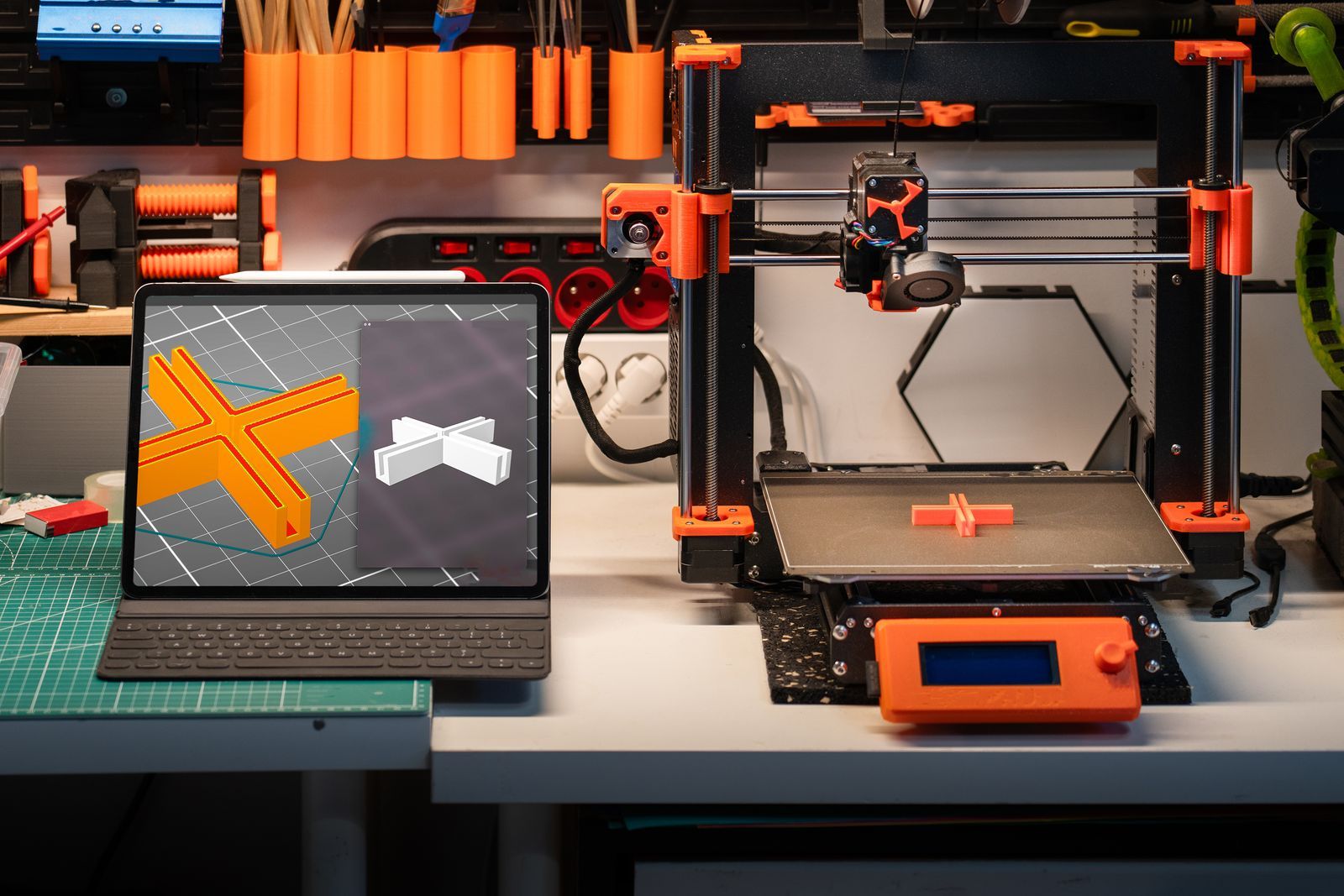
Parametric modeling: Fusion, and the license that matters
Parametric modeling is engineering at a desk scale: sketch a profile, constrain it with numbers, extrude it into a solid, and keep every dimension editable forever. A hole is not a hole-shaped absence; it is a 4.2 mm diameter constraint you can change to 5 mm and watch the part rebuild. Autodesk Fusion is the mainstream home of this method for makers, with assemblies, joints, and export to STL, 3MF, and STEP. Its Personal license is free for qualifying non-commercial use, renewable in three year terms for users earning under about $1,000 a year from the work, with limits such as 10 active editable documents. The Commercial license costs $680 a year, and the moment prints become a business is the moment it applies. Learn the method in Fusion and you have learned it everywhere; the vocabulary of sketches, constraints, and features is the industry's.
Sculpting: Blender, and modeling like clay
Sculpting inverts the parametric mindset: instead of defining a shape with numbers, you push a digital surface with brushes until the form looks right. Blender does this at a professional level for $0, permanently, and the tabletop miniature community has built an enormous public library of workflows around it. Sculpting's native risks for printing are invisible in a render: walls that thin to nothing at a cloak's edge, overhangs no orientation can save, and detail finer than the nozzle or resin vat can resolve. The craft of sculpting for print is mostly restraint: checking minimum thickness, keeping bases flat, and test-printing early at small scale before investing in detail. Meshmixer-style utilities and Blender's own 3D Print Toolbox addon exist to audit exactly these faults, and running the audit is a habit, not an insult to the sculpt.
Scripting: OpenSCAD, the model as a program
OpenSCAD describes models in code: unions, differences, and intersections of primitives, driven by variables. It sounds austere and is, gloriously, for the right work: a parametric box generator where typing a new width produces a new box, a gear defined by its mathematics, a nameplate whose text is a parameter. Designs from code are perfectly reproducible, trivially versioned, and shareable as a text file the recipient customizes by editing numbers. For one-off organic shapes it is the wrong tool and proudly so. Makers who think in functions find it faster than any mouse-driven CAD, and the customizable models shared on print libraries are very often OpenSCAD underneath.
FreeCAD: the method without the landlord
FreeCAD offers the parametric method as free and open source software, with no commercial restriction and no license that changes when your hobby becomes a shop. Its interface asks more of the learner and its community resources are thinner than Fusion's, but the paradigm is the same, and for makers who sell prints from day one or who simply prefer owning their toolchain outright, it removes the license question from the craft entirely. Skills move between FreeCAD and Fusion with modest friction, so starting here is not a detour.
AI generation: a method with a warning label
Prompt-to-3D tools produce a printable-looking mesh from a sentence or a photograph in minutes. As a method, generation is sketching: excellent for seeing a decorative idea in three dimensions, for a starting shape a sculptor then refines, and for makers locked out of modeling by time or disability. Its outputs are surfaces without engineering intent: wall thickness varies, dimensions are approximate, undersides and contact surfaces are guesses, and anything that must fit, bear load, or move is outside its current competence. This guide prints no plan prices for the category because they shift constantly; judge any generator by one test, which is exporting your own prompt and printing it on your machine.
Export and repair: where models become printable
The method ends at export, and export has a craft. Choose 3MF when your slicer accepts it: it records units and avoids the silent scale errors STL is famous for (STL carries no unit, and a model built in inches has surprised many makers at 25.4 times the intended size). Whatever the format, run the closing checklist: the mesh is a single watertight solid, normals point outward, wall thickness clears your process minimum (roughly 0.8 mm for a 0.4 mm FDM nozzle, finer for resin), and the part sits flat on its intended base. Slicers repair common faults on import, and dedicated repair tools handle the rest, but a model exported clean from its native tool prints cleaner than any rescue. Keep your source files (the Fusion design, the Blender scene, the OpenSCAD script) with the same care as the exports: the source is the model, the STL is just its photograph.
Which method should a beginner learn first?
The one your intended objects demand, in the gentlest available form. Functional ambitions start in browser-based shape tools and graduate to Fusion or FreeCAD. Artistic ambitions start sculpting in Blender, small and early-printing. Mathematical and generative ambitions start in OpenSCAD, where a first parametric design takes an evening. The only wrong first method is the one chosen because a list ranked it first; the objects on your shelf in six months will be the ones whose method matched your head.
Related guides
The shortlist does not end here. These related guides cover the sibling tools, matchups, and pricing questions closest to this one.
Frequently asked questions
What is the difference between 3D modeling and 3D printing modeling?
Intent. General 3D modeling optimizes for how a model looks on screen; printing modeling optimizes for a physical object: watertight solids, real dimensions, minimum wall thickness, and orientations that survive gravity and layer adhesion. The tools overlap, but the checklist differs, which is why a gorgeous render can be an unprintable file.
Is Fusion or FreeCAD better for a beginner?
Fusion has the smoother interface and the deeper pool of tutorials, and its Personal license is free for qualifying non-commercial use. FreeCAD has no license limits at all and the same parametric fundamentals. Beginners who might sell prints early, or who prefer open source on principle, start in FreeCAD without losing anything essential.
What is OpenSCAD good for?
Designs that are really formulas: parametric boxes and organizers, gears, threaded parts, text-driven nameplates, and any model other people should customize by changing numbers. It is free, open source, and produces perfectly reproducible models from a text file. It is not for organic shapes or sculptural work.
Can AI-generated models be used for functional parts?
Not reliably. Generated meshes approximate dimensions, vary in wall thickness, and carry no engineering intent, so fits, loads, and moving parts are beyond them today. Use generation for decorative pieces and as sculpting starts, and model functional parts parametrically, where every millimeter is a decision you made.
STL or 3MF: which should I export?
3MF when your slicer accepts it, because it stores units and model metadata, avoiding STL's classic inch-versus-millimeter surprise. STL remains the universal fallback that every tool and slicer reads. Either way, export from a watertight, correctly scaled source model; the format cannot rescue a broken mesh.
How do I check a model before printing it?
Run the closing checklist: single watertight solid, outward normals, walls above your process minimum, true scale in millimeters, and a flat intended base. Blender's 3D Print Toolbox, your slicer's import warnings, and dedicated repair tools each catch part of the list. A two-minute audit is cheaper than a four-hour failed print.
Photo credits: Jakub Zerdzicki (Pexels). Photos are served from this site; follow the credit to the library page for the original.