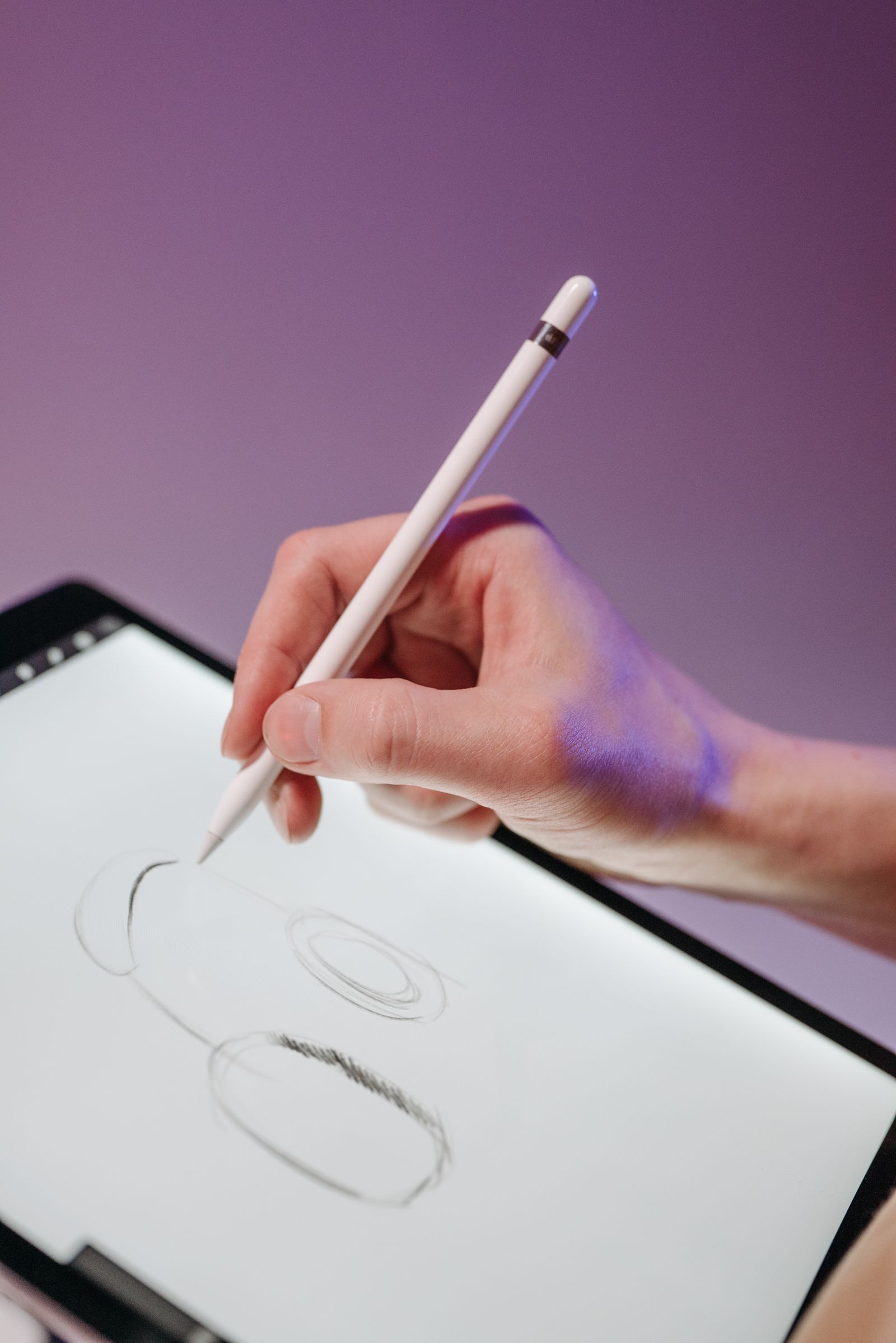
The short answer: style first, software second
2D animation is not one craft. Drawing every frame, posing a rigged character, animating shapes and type, and producing tiny web animations are four different workflows that happen to share a name, and each one has a correct tool. Guides that rank animation software in one list, without asking what you are making, are how beginners end up learning a rigging system to draw a bouncing ball.
| Your style | The workflow | Tools that fit | Price shape |
|---|
| Frame-by-frame, hand drawn | Draw each frame, onion skin the in-betweens | Krita, OpenToonz, Pencil2D | Free and open source |
| Rigged characters, cut-out style | Build a character once, pose it on a timeline | Toon Boom Harmony, Moho | Paid, tiered; see the tier warning below |
| Motion graphics and explainer shapes | Keyframe shapes, text, and masks | Blender Grease Pencil, dedicated motion tools | Blender is free |
| Web, SVG, and game sprites | Small files, loops, sprite sheets | Pencil2D, Synfig, Blender | Free bench covers most of it |
Frame-by-frame: the free bench is genuinely good
Hand-drawn animation is the one style where the free tools are not a compromise, because the workflow is drawing, and drawing tools matured decades ago.
Krita is a painting program first, with an animation timeline that digital artists adopted because the brushes feel right. If your frames look like paintings, start here. OpenToonz descends from software used on real studio productions, and it shows: a traditional workflow with a scene and exposure sheet mindset, powerful and initially bewildering. Animators who want the studio way of working, free, land here. Pencil2D is the honest beginner's tool: deliberately simple, bitmap and vector layers, and a first walk cycle achievable in an afternoon instead of a month. Synfig belongs in this section with an asterisk: it is a vector tweening system, closer to rigging than to redrawing, and animators who think in keyframes and interpolation rather than in drawings will feel at home.
The real cost of the free bench is not money; it is that nobody's support desk answers for it. Tutorials, forums, and your own stubbornness are the support system, and for most independent animators that trade is obviously worth it.
Rigged characters: where the paid tools live, and the tier warning
Cut-out animation, building a character from parts and posing it, is how television and web series hit deadlines, and it is where the professional paid tools concentrate. Toon Boom Harmony is the studio standard for this workflow, and Moho is the respected independent alternative with strong bone rigging.
Here is the warning our teardown found across the search results, and it matters more than any feature list: Harmony is sold in tiers (commonly named Essentials, Advanced, and Premium), and the prices quoted around the web for "Toon Boom" range wildly, from the high twenties to over a hundred dollars a month, because different pages quote different tiers, different billing periods, and different years, usually without saying which. A price for the wrong tier is worse than no price, so this guide does not quote one: check the vendor's current pricing page, identify the tier whose feature list includes what you need (the cheaper tiers limit rigging and effects in ways that bite mid-project), and price that tier. The decision rule is equally unfashionable: do not buy a rigging system until you have animated one short scene with a free tool and felt the specific pain the rig removes. Rigging pays when you reuse a character across many scenes; for a one-off short, it is overhead wearing a suit.
Motion graphics: shapes, type, and the Blender detour
Explainer videos, lyric videos, animated infographics, and logo stings are keyframe work: position, scale, easing, masks. Dedicated motion tools exist for this, and so does the detour worth knowing about. Blender, free and open source at $0 forever, contains Grease Pencil, which lets you draw 2D animation inside a 3D scene, moving the camera through your drawings and lighting them like objects. For animators whose style mixes drawn characters with moving cameras and parallax worlds, nothing on the free bench touches it, and the same Blender install covers 3D elements when a project grows into them. Its cost is the famous learning curve, paid once and amortized across every project after.
Web and game animation: small files, honest tools
For SVG animation, game sprites, and tiny looping web pieces, the requirements shrink to clean export and small files. Pencil2D and Synfig export the image sequences and formats this work consumes, and Blender renders sprite sheets happily. The trap in this niche is paying for a platform subscription whose value is hosting and templates when your deliverable is a file. Own your files; the web is littered with animations trapped inside defunct services.
The two tests before you pay for anything
The walk cycle test. Animate a character walking for two seconds in your finalist tool, start to finish, including export. Every workflow claim a tool makes collapses into that afternoon: drawing feel, onion skinning, timeline sanity, and whether the export is the file you actually need. The episode test. If you are choosing for a series, animate one complete short scene with dialogue timing, because rigging, lip sync, and scene reuse only reveal their costs at episode scale. Tools that win the walk cycle sometimes lose the episode, and the episode is the job.
Learning curve honesty
Every tool in this guide can produce professional work; the differentiator is where the difficulty lives. Frame-by-frame tools are easy to start and hard to master, because the difficulty is drawing and timing, which no software removes. Rigging tools are hard to start and fast later, because the difficulty is front-loaded into setup. Motion tools are easy to start and easy to plateau in, because templates carry you until they all look like templates. Pick the difficulty you would rather live with. That choice, more than any feature matrix, predicts whether you are still animating in a year.
The pipeline around the software: boards, sound, and cleanup
Software gets the glory, but finished animation is a pipeline, and beginners stall in the stages nobody lists. Storyboards and animatics come first: rough panels timed to the soundtrack, edited into a moving preview before a single clean frame exists. Every tool in this guide assumes you arrive with an animatic; none of them will rescue a story that was never boarded. Sound is recorded before animation, not after, because dialogue timing dictates mouth shapes and acting beats; animators who record scratch voices early and animate to them produce scenes that feel performed rather than illustrated. Cleanup and color are their own pass, whether that means a second artist in a studio or a second weekend for a solo creator, and projects that budget no time for them ship rough or do not ship. None of this requires paid software: the same free tools handle boards and timing, and your editor of choice assembles the animatic. It requires only the honesty to schedule the invisible stages, which is the real difference between animators who finish films and animators who finish tests.
Related guides
This decision rarely stands alone. The guides below cover the closest questions on the chart, each with prices checked on the vendor pages.
- Best Software for Designing 3D Prints: Pick by What You Are Making
- Best Software for Editing YouTube Videos: Pick by Channel Type and Bottleneck
- Best Software for Music Production: Pick by Workflow, Beats, Recording, or Composing
- Best Software for Photo Editing: Pick by Job, Library, Retouch, or Quick Fix
- Best Software for 3D Printing Modeling: Parametric, Sculpting, Scripting, or AI
- Best Software for 3D Printing: The Full Chain, From Idea to Finished Print
Frequently asked questions
What is the best free 2D animation software?
For hand-drawn work, Krita if you paint, OpenToonz if you want the traditional studio workflow, and Pencil2D if you are starting today and want the gentlest learning curve. For drawn animation in moving 3D space, Blender's Grease Pencil. All four are free without time limits or watermarks, which makes the real question which workflow fits your style.
What do professional 2D studios use?
For rigged television production, Toon Boom Harmony is the common standard, sold in tiers with meaningfully different capabilities. For hand-drawn features and independent work, the toolset is more varied and includes TVPaint-style frame-by-frame workflows and the open source tools in this guide. Studios choose by pipeline and hiring pool, not by which tool animates best in isolation.
Why do prices quoted for Toon Boom vary so much?
Because Harmony is tiered, and pages quote different tiers, billing periods, and years without labeling them. We found figures from the high twenties to over a hundred dollars a month in current results, all presented as the price. Use the vendor's pricing page, match the tier to the features your workflow needs, and ignore any roundup that prints one number without naming the tier.
Should beginners learn frame-by-frame or rigging first?
Frame-by-frame, even if your goal is rigged production. Timing, spacing, and the twelve principles are visible in every drawn frame and hidden inside every rig, and animators who learn them drawn carry them into any system. A month of Pencil2D or Krita walk cycles is the cheapest animation education in existence.
Can Blender really do 2D animation?
Yes. Grease Pencil is a full 2D drawing and animation system living inside Blender's 3D space, so drawn characters can be lit, moved through sets, and shot with a moving camera. It is free and open source. The trade is Blender's learning curve, which is real but shared with the 3D skills many animators end up wanting anyway.
What should I export my animation as?
For video platforms, a high quality MP4 from a lossless master you keep. For games, image sequences or sprite sheets at the exact frame size the engine expects. For web, SVG or Lottie style vector formats when the animation is shape-based. Whatever the deliverable, keep the project files and a lossless master; the format you need in three years is never the one you exported.
Photo credits: Pavel Danilyuk (Pexels). Photos are served from this site; follow the credit to the library page for the original.