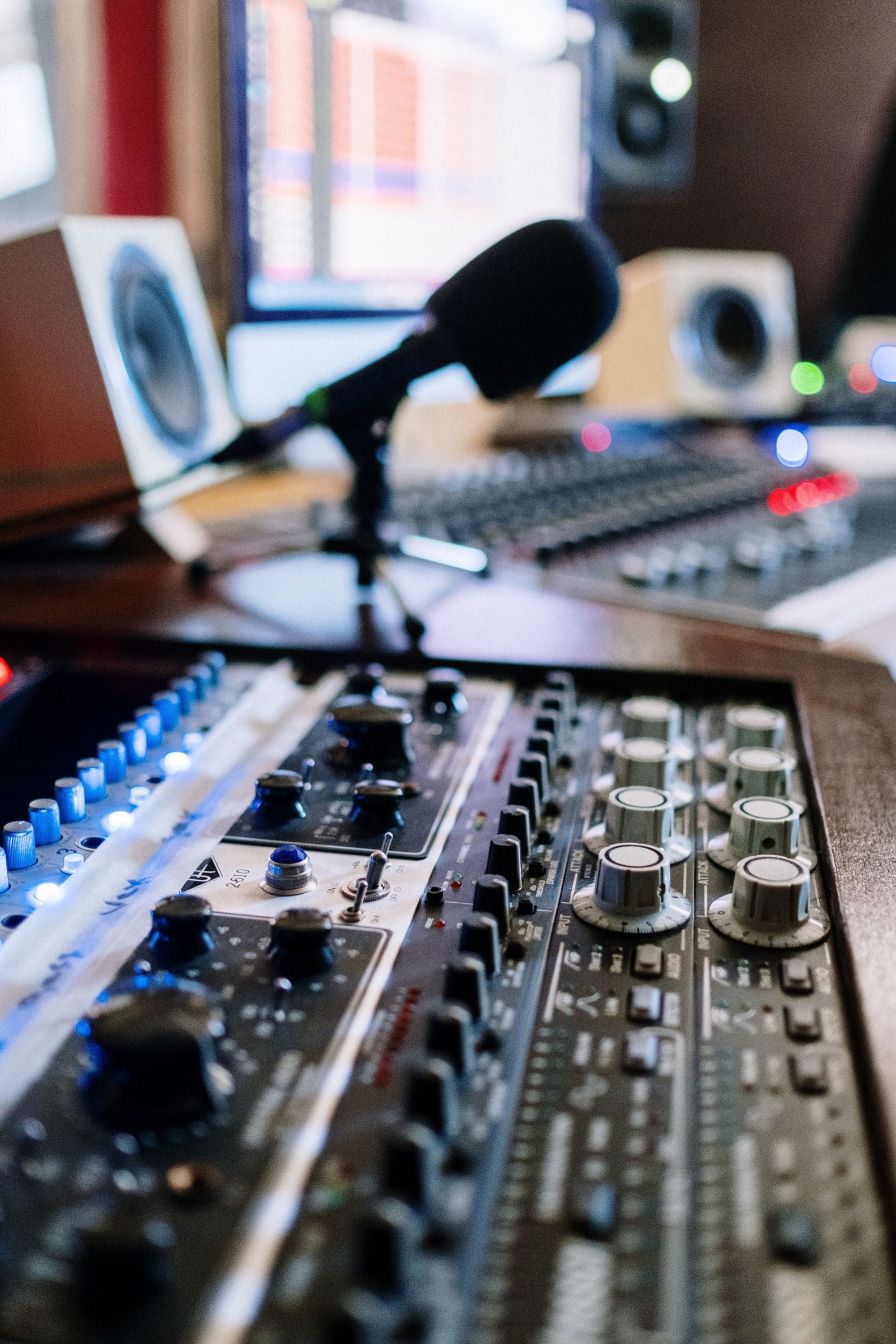
The short answer: your workflow picks your DAW
A digital audio workstation is where music gets recorded, arranged, and mixed, and the major DAWs all do all of it. They differ in what they make fast. Loop and clip launching for beats, clean multitrack recording for bands, scoring tools for composers: pick the workflow you will live in, because you will live in it for years, and switching DAWs later means relearning your hands.
| Your workflow | Pick | Price | Why |
|---|
| Starting at $0, any style | GarageBand (Apple devices), LMMS, or Waveform Free | Free | Real production tools with no trial clock |
| Beats and electronic production | FL Studio | From $99 one-time for Fruity Edition, lifetime free updates | Step sequencer and piano roll heritage, buy once |
| Recording and mixing on a budget | REAPER | $60 discounted license, $225 commercial, one-time | Full professional DAW, tiny price, endless evaluation |
| Electronic performance and loops | Ableton Live | Tiered editions; check the vendor page | Session view clip launching is its own instrument |
| Composing and scoring | The DAW with the notation and articulation tools you need | Varies | Orchestral workflows are specialist territory |
The free start is real, and it is the right start
Most beginners should pay $0 for their first months, not out of frugality but because the first months teach taste, not tools, and taste transfers between DAWs while project files do not. GarageBand on Apple devices is a complete sketchpad that graduates into Logic's world. LMMS is the free, open source, FL-shaped environment for beat-making on any platform. Waveform Free and the free tier of Cakewalk Sonar give full multitrack recording without a feature ceiling designed to frustrate. Make twenty tracks in a free DAW. The twenty-first will tell you exactly which paid workflow you need, in a way no review can.
FL Studio: the beat-maker's buy-once argument
FL Studio grew out of a step sequencer, and its piano roll remains the reference for programmed drums and melodies, which is why hip hop and electronic producers treat it as home. Its pricing is the friendliest in the industry: editions are one-time purchases (Fruity Edition at $99 is the entry rung) with lifetime free updates, meaning the version you buy keeps becoming the new version forever. The edition ladder is the trap to read carefully: the cheapest editions restrict audio recording and clip features in ways that matter once you record vocals or guitars, so price the edition whose limits you will not hit in year two, not the one that fits this month's curiosity.
REAPER: the professional DAW at a hobbyist price
REAPER is the anomaly of this category: a full professional workstation, used in studios and game audio departments, sold for a $60 discounted license (for personal and small-scale use) or $225 commercial, one-time, after a 60-day evaluation that is the complete program with a reminder screen. It is light, fast, endlessly customizable, and indifferent to genre: multitrack recording, MIDI, mixing, and mastering all live here. Its costs are aesthetic and educational: the interface is utilitarian, the stock instruments are thin compared with the suites, and its power hides behind menus and community scripts. For recording bands, podcasts with music, and anyone whose budget argues with their ambition, REAPER is usually the correct answer, and its price has embarrassed the industry for fifteen years.
Ableton Live and the performance workflow
Ableton Live earns its fame in Session view: a grid of clips you launch, loop, and rearrange live, which makes the DAW itself an instrument for electronic performance and a sketchpad for arrangement-by-playing. Producers who think in loops start songs faster here than anywhere. Live is sold in tiered editions, and its pricing and upgrade structure change often enough that this guide points you to the vendor's current page rather than printing a figure that will age badly; the decision advice is to price the middle tier seriously, because the entry edition's track and instrument limits are the ones beat-makers hit first.
Recording a band versus producing alone
The workflows diverge in hardware and habits more than in software. Band recording wants stable multitrack input from an audio interface, low-latency monitoring, comping tools for stitching the best takes, and a mixer view that behaves like a desk: REAPER and the traditional DAWs shine here. Solo production wants instruments and sounds built in, fast MIDI editing, and loops that behave: FL Studio and Ableton shine. Composers writing for orchestra want notation, expression maps, and sample library management, and should trial specifically those features, because a DAW that is perfect for beats can be a slow place to write a string quartet. In every case, budget for the unglamorous partner purchase: an audio interface and headphones you trust matter more to your results than the DAW tier above yours.
The edition ladder, explained once
Every DAW sells the same staircase: an intro edition with track and feature caps, a standard edition that removes the caps you will actually hit, and a suite that adds instruments, sounds, and effects libraries. The money mistake is buying the intro edition as a serious start: its limits are placed exactly where a growing producer arrives in month three. The suite mistake is the opposite: paying for ten thousand sounds when your bottleneck is finishing songs. The standard edition of your chosen DAW, bought once where the vendor allows it, is the value seat in this category, and both FL Studio and REAPER make that seat unusually cheap. When you outgrow stock sounds, third-party instruments plug into every major DAW, so no edition choice locks your sonic future.
The second budget: plugins and instruments
The DAW is the room; plugins are the furniture, and furniture is where music budgets quietly go. Every major DAW hosts third-party instruments and effects in standard formats (VST and AU), which means your plugin collection is the one part of your setup that survives a DAW switch intact. Spend in the order your mixes demand: a good piano or drum instrument in your genre first, then mixing essentials (a clean EQ and compressor are already in every DAW, so buy character, not basics), then the one weird sound your music keeps asking for. Resist suite-sized bundles on sale until you can name the three included tools you will use weekly; the industry monetizes the gap between owned and used. Free plugins from serious developers cover more ground every year, and a beginner's second year is often best spent at $0 here too, learning the stock tools until a specific limitation, named out loud, justifies a purchase.
Related guides
More from this corner of the chart: these companion guides compare the nearest alternatives and head to head matchups.
Frequently asked questions
What is the best DAW for beginners?
The free one you will actually open: GarageBand on Apple devices, LMMS for beat-making, or Waveform Free for recording. Make your first twenty tracks there. When a limit starts costing you ideas weekly, graduate to the paid DAW whose workflow matches your style: FL Studio for beats, REAPER for recording, Ableton Live for loop-based performance.
Is FL Studio a one-time purchase?
Yes. FL Studio editions are one-time purchases with lifetime free updates: Fruity Edition costs $99, and higher editions add recording and content. Read the edition comparison before buying, because the entry edition restricts audio recording features that vocalists and guitarists need, and upgrading later costs more than choosing correctly once.
Why is REAPER so cheap compared with other DAWs?
Because its maker sells it that way: a $60 discounted license for personal and small-scale use and $225 commercial, one-time, for a complete professional DAW, preceded by a 60-day full evaluation. There is no catch in the software; the trade-offs are a utilitarian interface, fewer bundled instruments, and a do-it-yourself learning culture.
Do I need an expensive DAW to make professional music?
No. Professional results come from arrangement, performance, and mixing decisions, and every DAW in this guide can capture and mix at professional quality. REAPER at $60 and free DAWs are used on released, paid work. Money is better spent, in order, on headphones or monitors you trust, an audio interface, and room treatment, before any DAW upgrade.
Which DAW is best for recording vocals and bands?
REAPER is the budget benchmark for multitrack recording, comping, and mixing, and the traditional recording DAWs all serve this workflow. What decides vocal quality in practice is the chain around the DAW: microphone, interface preamps, a quiet room, and comping discipline. Choose the DAW whose mixer and take system feel natural in a trial session with your own material.
Can I switch DAWs later without losing my music?
Your exported audio (WAV and MP3 bounces, stems) travels anywhere. Your project files do not: sessions, plugin settings, and automation are DAW-specific. The practical protection is to bounce stems of finished work and keep them with the projects, so a future switch starts from audio rather than archaeology. This is also why the free-first path matters: switching is cheapest before you own a library of sessions.
Photo credits: cottonbro studio (Pexels). Photos are served from this site; follow the credit to the library page for the original.