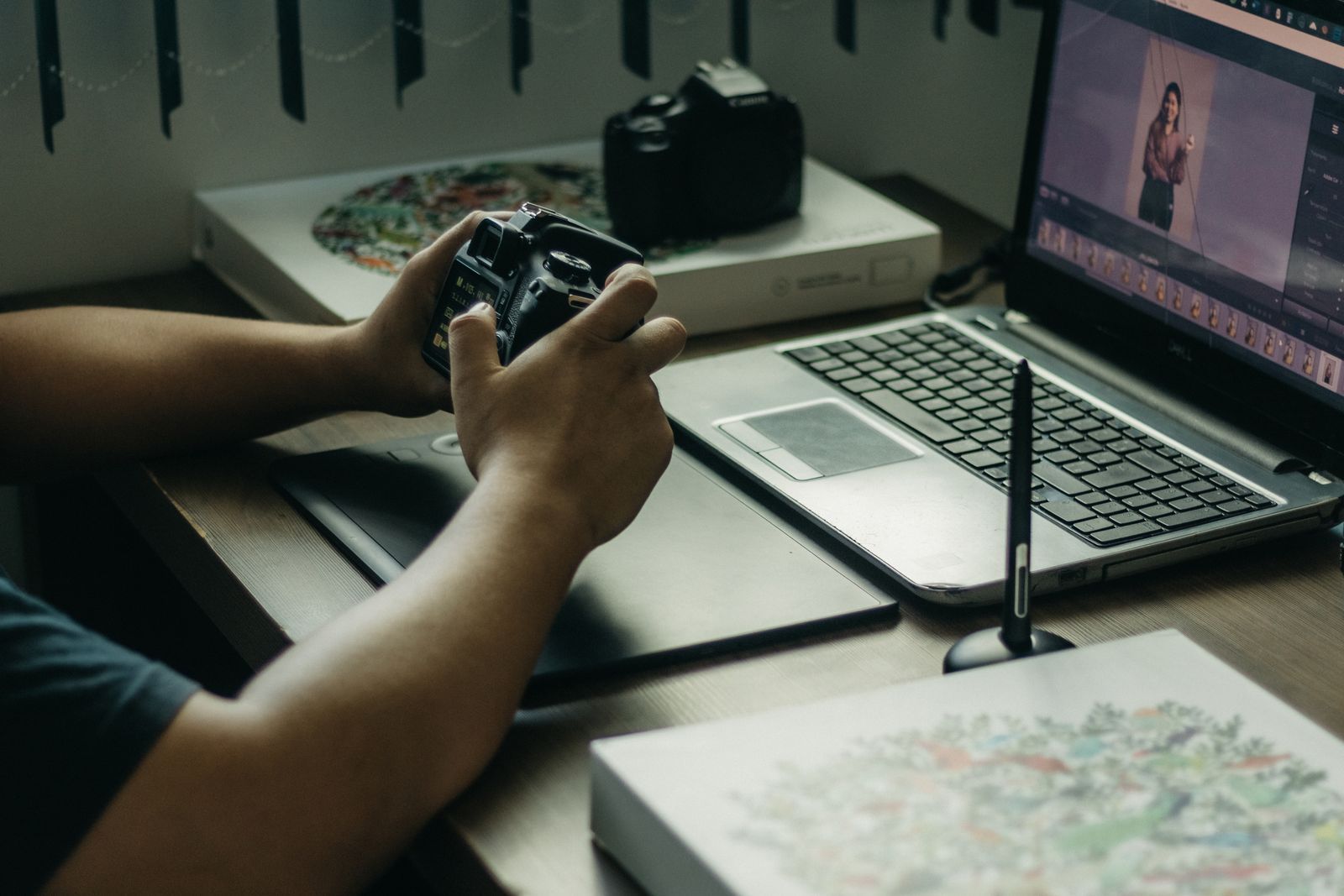
Job one: the library, where Lightroom earns its keep
A wedding photographer comes home with 3,000 RAW files. Her problem is not editing a photo; it is culling 3,000 down to 600, applying a consistent look across all of them, and delivering by Friday. That is a catalog problem, and Lightroom is built for exactly it: import with presets, flag and rate at keyboard speed, develop one frame and sync the settings across a hundred siblings, export in batches. Its AI masking and denoise have quietly become the features professionals cite most.
The pricing has a wrinkle worth more than most features: the Photography plan at $19.99 a month on an annual plan bundles Lightroom and Photoshop with 1TB of storage, which is less than Photoshop alone at $22.99. Adobe's standalone Lightroom price was not published in our data set, and the Photography plan is the route most photographers should price first anyway, because the two programs are designed to hand images to each other. Over three years the Photography plan totals $719.64. That figure buys the workflow that high-volume shooters measure in evenings returned.
The split that confuses newcomers: Lightroom exists in a cloud version and a Classic version with local folders and the deeper catalog toolset. High-volume and long-tenure photographers generally live in Classic; casual and multi-device shooters in the cloud version. Pick once, early, because migrating a big catalog between them later is a weekend you will not enjoy.
Job two: the retouch, where Photoshop is still the answer
When one image matters, a product shot, a portrait, a composite, the work is layers, masks, selections, and increasingly Adobe's generative tools, and Photoshop remains the standard the alternatives measure themselves against. Frequency separation, channel masking, blend modes, and now Generative Fill and the Remove tool: this is the pixel-level bench, and its file format is the industry's interchange language.
The honest pricing note: at $22.99 a month for the single app, Photoshop alone costs more than the Photography plan that includes it. Buy the single app only if Lightroom genuinely has no place in your life. Over three years, Photoshop alone totals $827.64, against $719.64 for the bundle with Lightroom and storage included, an unusual case of the bundle being cheaper than the part.
Job three: quick fixes, where free quietly won
For a listing photo with a stranger in the background, a snapshot that needs straightening and light, the built-in editors in modern phones and free apps now do in seconds what once justified a subscription. Generative erasers remove objects, auto enhance is respectable, and the output is the size social platforms want. The catch to name: prompt-based AI editors redraw the whole image, which can subtly alter faces and details, so for photos that must stay truthful (journalism, listings with legal weight, family archives), use brush-based tools that change only the marked area, and keep your originals.
The free bench, taken seriously
GIMP is the free Photoshop-shaped tool: layers, masks, selections, and a plugin ecosystem, held back by an interface that feels a generation old and a RAW workflow that needs a partner program. Darktable and RawTherapee are that partner: serious open source RAW developers with cataloging and batch tools that working photographers genuinely use, at $0, with learning curves that reward a weekend of tutorials. The free bench's real price is time and the absence of Adobe's AI masking and denoise, which professionals increasingly treat as infrastructure. For hobbyists and the subscription-averse, the bench is not a compromise; it is the correct economic answer, and its files (TIFF, JPEG, and open RAW workflows) never hold your library hostage.
Affinity Photo deserves the honest mention every 2026 roundup gives it: it has become a capable, genuinely free desktop editor, and photographers who want a Photoshop-shaped workflow without a subscription should trial it beside GIMP and pick by feel. Capture One and DxO PhotoLab own the studio and RAW-quality niches respectively (tethered shooting, and best-in-class conversion and noise handling), and professionals in those niches already know their names; their pricing is tiered and changes often enough that we do not print figures we cannot keep honest.
The three year cost table
| Route | Per month | Three year total | What you get |
|---|
| Photography plan (Lightroom plus Photoshop, 1TB) | $19.99 | $719.64 | Both jobs, one bill |
| Photoshop single app | $22.99 | $827.64 | Retouching only, oddly pricier |
| Free bench (GIMP, Darktable) | $0 | $0 | Both jobs, steeper learning curve |
Read the table as a time purchase. The paid route buys AI masking, denoise, catalog polish, and an ecosystem of presets and tutorials, which high-volume photographers convert directly into hours. The free route buys the same endpoints with more manual work. Neither is the moral choice; they are different exchange rates between money and evenings, and your shooting volume sets the rate that favors you.
One workflow warning: the catalog is the lock-in
Editors are easy to switch; libraries are not. A decade of ratings, flags, collections, and edit history lives inside your catalog software's database, in a form competitors import imperfectly. Whichever tool you choose, keep your originals in a plain folder structure you control, export finished work as TIFF or high quality JPEG, and let the catalog be an index rather than the only copy of your life's work. The photographers who switch tools painlessly are the ones who treated the catalog as a cache from day one.
Printing and color: the last ten percent
Screen editing is not the end of the craft for photographers who print. Soft proofing (previewing how an image will render in a printer's color space) and a calibrated monitor separate prints that match your screen from expensive surprises. Lightroom and the free RAW bench both soft proof; Photoshop remains the prepress finishing standard. If you print seriously, budget attention here before another lens: the workflow is calibrate the display, edit in a wide color space, soft proof with the paper profile, and only then sharpen for output size. It is unglamorous, teachable in a weekend, and the difference between a hobbyist's wall and a photographer's.
Related guides
The shortlist does not end here. These related guides cover the sibling tools, matchups, and pricing questions closest to this one.
Frequently asked questions
Is Photoshop or Lightroom better for beginners?
Lightroom, for most beginners, because most beginners' problem is many photos, not one photo: importing, organizing, and making a whole shoot look consistent. Photoshop is a deeper, stranger tool aimed at single images. Note the pricing quirk before buying either: the Photography plan bundles both for $19.99 a month on an annual plan, less than Photoshop alone.
What is the best free photo editing software?
GIMP for layer-based retouching, paired with Darktable or RawTherapee for RAW development and batch work. All are free and open source with no watermarks or limits. Affinity Photo has also become a capable free desktop option worth trialing. The free bench costs learning time rather than money, and it never locks your library into a subscription.
Do professionals still use Photoshop?
Yes, for retouching and compositing it remains the standard, and its generative tools are now part of commercial workflows. But most working photographers spend more hours in Lightroom or Capture One, because professional photography is mostly volume: culling, batch developing, and delivering. Photoshop is the finishing bench, not the factory floor.
Is the Adobe Photography plan worth it?
For anyone who shoots regularly in RAW, it is the benchmark deal in this category: Lightroom, Photoshop, and 1TB of storage for $19.99 a month on an annual plan, $719.64 over three years. It is worth it when your shooting volume converts its workflow and AI tools into saved hours; it is not worth it for occasional phone photos, which free tools now handle well.
Can AI photo editors replace Lightroom and Photoshop?
For quick fixes, increasingly yes: object removal, sky swaps, and one-tap cleanup are fast and good. For a truthful, high-volume, or print-bound workflow, no: prompt-based editors redraw whole images and can alter faces and details, batch and catalog work is not their shape, and professionals need layered, reversible, full-resolution control. Use AI editors as the quick-fix bench, not the library.
What happens to my photos if I cancel an Adobe subscription?
Your original files remain yours, in whatever folders they live. What lapses is the software and, over time, cloud-stored items per the plan terms. Edits stored only in a catalog become hard to use without the software, which is why this guide recommends exporting finished work to standard formats and keeping originals in a folder structure you control, subscription or not.
Photo credits: Kawê Rodrigues (Pexels). Photos are served from this site; follow the credit to the library page for the original.