The three year table, and what it really says
Premiere on its annual plan costs $275.88 a year, which sounds modest until the third year, when the running total passes $827 and keeps climbing at the same rate forever. Resolve Studio costs $295 once, so the crossover arrives early in year two: from roughly month 13 onward, the Studio owner edits for free while the Premiere subscriber keeps paying rent. Month to month Premiere, the plan people drift onto when they miss the annual terms, is the worst of both worlds at $1,241.64 over three years, a $414 premium over its own annual plan for the same software.
None of this makes Premiere a bad buy. It makes it a considered one. Premiere is the professional default for client work: project files open on any editor's machine, the Adobe ecosystem (After Effects for motion graphics, Photoshop for thumbnails, Audition for audio) shares one subscription logic, and text-based editing and the modern audio tools are genuinely strong. If clients send you Premiere projects, or your team already lives in Adobe apps, the subscription buys compatibility, and compatibility is a feature. If you edit your own videos on your own channel or for your own business, that argument evaporates, and the three year table is the whole conversation.
Pick by workflow, not by logo
Talking head and tutorial work. Your bottleneck is not color or effects; it is the hour of raw footage with forty mistakes in it. Text-based editing, where you delete words from a transcript to cut the video, is the workflow revolution for this shape, and it exists inside Premiere and in dedicated transcript editors. Pair it with any competent timeline for finishing. The free route is Resolve, cutting manually, and it is slower per video but free per month, which at one video a week is a fair trade for a starting channel.
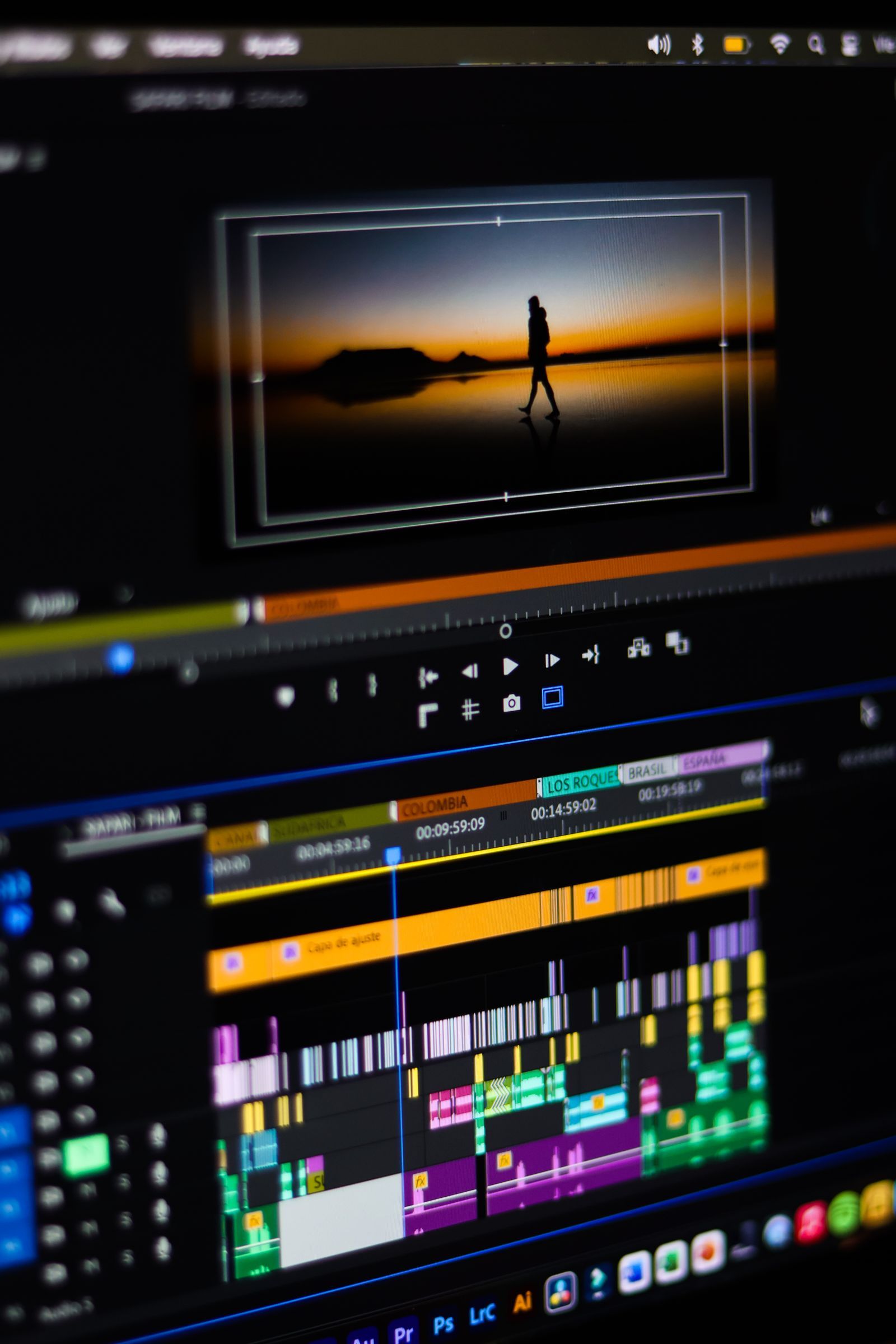
Timeline craft: short films, client pieces, music videos. This is the classic editor's job, and both flagships do it. Resolve's color page is the best grading tool in the business at any price, which is why colorists finish in it even when the edit happened elsewhere. Premiere's timeline will feel familiar to anyone who has edited anywhere, and its ecosystem wins when the project also needs motion graphics and design assets.
Short-form vertical video. Speed and captions decide this category. The mainstream editors all export vertical now; the specialists and phone apps are faster for template-driven work. Honest guidance: cut the long-form master in a real editor and derive the vertical clips from it, rather than maintaining a second workflow you will abandon by February.
Team editing. When two or more people touch the same project, the questions change: shared storage, project locking, review links, and version discipline. Premiere's ecosystem and productions model are built for this; Resolve has collaboration through its own server and cloud options. Both demand the same unglamorous foundation, which is file naming and media management habits no subscription includes.
The hardware reality check nobody prints beside the price
Software prices get compared; hardware requirements get discovered. Editing is one of the few software categories where your computer is part of the purchase. Three honest principles, then check the vendor's current system requirements page before you commit, because they move.
First, the free edition of Resolve is famous for leaning on your graphics card: a modest GPU makes it feel broken, a decent one makes it feel miraculous, and the Studio edition unlocks more GPU acceleration still. Second, RAM and storage speed matter more than processor bragging rights for timeline smoothness; 4K footage from modern cameras is large, and editing from a nearly full drive is misery in every editor. Third, proxies are the poor computer's superpower: every serious editor can generate small stand-in files for editing and relink to the originals for export, which turns an aging laptop from a hard no into a workable yes. If a guide tells you to buy a new computer before you have tried proxies, it is selling computers.
The practical sequence: install the free Resolve, import your real footage, and edit one real project. Your computer will tell you the truth in an afternoon, for $0, and then the paid decision, Studio versus subscription versus hardware, makes itself.
The free-first path, stated plainly
Start in the free edition of DaVinci Resolve. It is not a trial and not a demo: editing, color, effects, and audio are genuinely in there, exports carry no watermark, and working editors ship client work from it. Upgrade when a named limit bites, and name it out loud before paying. The usual named limits are noise reduction and certain effects reserved for Studio, higher resolution and frame rate ceilings, and GPU acceleration depth. If the named limit is in Studio's list, $295 once ends the conversation. If the named limit is actually a client demanding Premiere project files, $22.99 a month buys the compatibility. If you cannot name the limit, you do not have one yet, and the correct purchase is nothing.
Blender deserves its footnote here: it is free, open source, and contains a video sequencer, but its real role beside an editor is 3D titles, product shots, and effects work. Learn it for the shots your editor cannot do, not as your main timeline.
What the subscription actually rents you
Fairness to the other side of the table: a subscription is not pure loss. It rents continuous updates, cloud services, stock and font ecosystems, and support, and it spreads a professional tool's cost across the months a business actually earns from it. Freelancers billing clients monthly often prefer matching costs to income. The mistake is not subscribing; it is subscribing by default, on the month-to-month rate, for software you open twice a month. Audit your editing hours once a year against the three year table. The tool you live in earns its subscription. The tool you visit does not.
Related guides
Readers working through this choice usually weigh the options below next. Each one runs the same vendor checked pricing as this guide.
Frequently asked questions
What is the best free video editing software?
DaVinci Resolve's free edition, and it is not close. It is a complete professional editor with the best color grading in the category, no watermark, and no time limit. Its real costs are a learning curve and an appetite for a decent graphics card, both of which you can test for free with your own footage before spending anything.
Is Premiere worth it over DaVinci Resolve?
When compatibility pays: clients or collaborators who work in Premiere, heavy use of the wider Adobe ecosystem, or a team standardized on it. On price alone it is hard to defend for solo creators: $827.64 over three years on the annual plan against $295 once for Resolve Studio, and $0 for the free edition most people never outgrow.
When does Resolve Studio pay for itself against a Premiere subscription?
Early in year two. Studio costs $295 once; Premiere on the annual plan costs $275.88 per year, so the subscription passes the one-time price at about month 13 and keeps going. Against month-to-month Premiere at $34.49, the crossover arrives in month nine.
What computer do I need for video editing?
Check the vendor's current system requirements for the editor you choose, then weight three things: a capable graphics card (Resolve leans on it hardest), enough RAM for your footage format, and fast storage with real free space. Before buying hardware, learn proxy workflows in your editor; they make modest machines viable and cost nothing.
Should beginners start with a simple editor instead?
Start with the editor you will still use in a year, which for most people is the free Resolve, accepting a steeper first month. Switching editors later means relearning shortcuts, rebuilding templates, and sometimes abandoning project files. The exception is phone-first short-form creators, whose workflow genuinely lives in mobile and template tools.
Can I edit commercially with the free version of Resolve?
Yes. The free edition is licensed for real work, exports without watermarks, and is used professionally. The Studio upgrade is about specific tools (noise reduction, more effects, higher ceilings, deeper GPU use), not about permission to earn money from your edits.
Photo credits: Fuka jaz (Pexels). Photos are served from this site; follow the credit to the library page for the original.