Blender Alternatives for iPad: Pencil First, Desktop Second
By the SoftSea editorial team
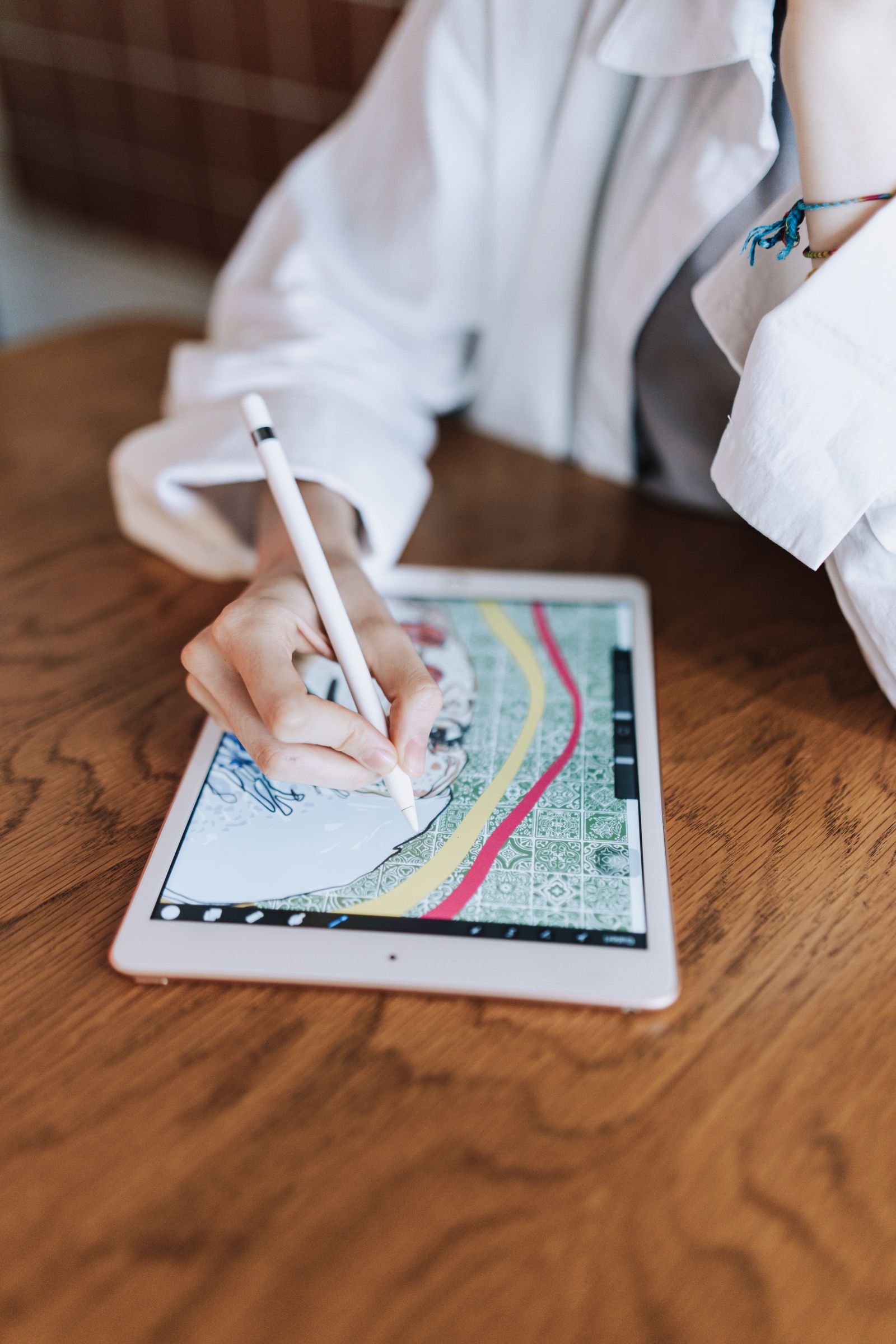
Photo: Ahmed / Pexels
The iPad is a front end, and that is fine
Every honest iPad 3D guide starts with the same two facts. The Blender project has shown Blender running on iPad and is developing a tablet version, but as of November 2026 there is no public iPadOS download, so "Blender for iPad" is a roadmap, not an app. And the iPad's actual 3D ecosystem is good at specific jobs: sculpting with the Pencil is genuinely excellent, CAD with the Pencil is a professional workflow, and everything else (rigging, scene assembly, rendering) still belongs to a desktop. So the comparison that matters is not which app replaces Blender, but which app should be your front end for the job you do most, and how much tax the round trip to the desktop charges. That tax is fixed in kind: no app here opens .blend, so models travel as GLB, OBJ, or FBX, and materials, modifiers, and scene structure simplify on every crossing.
The iPad job
The front end
Price shape
Desktop handoff
Sculpting (industry standard)
ZBrush for iPad
Free base version; full via Maxon subscription
OBJ, GoZ-style workflows to desktop ZBrush
Sculpting (value verdict)
Nomad Sculpt
One-time purchase
OBJ, glTF
Parametric CAD
Shapr3D
Free tier; paid tiers on vendor page
STEP and standard CAD
Full Blender, streamed
Remote access (Parsec, Shadow class)
Subscription or your own PC
Native .blend, over a network
ZBrush for iPad and Nomad Sculpt: the sculpting split
ZBrush for iPad is the prestige option: the same sculpting lineage as the desktop standard ($49 a month or $399 a year on desktop), rebuilt for touch and Pencil, with a free base version whose limited brush set is still enough to learn the workflow and judge the feel. For artists whose destination is desktop ZBrush or a studio pipeline, starting on the iPad edition keeps the muscle memory in the family. Nomad Sculpt is the value verdict and the app most independent artists actually own: a complete sculpting and painting workflow for a single one-time purchase (its exact store price is carried as an honest null in our dataset, since store pricing varies by region and was not read to our standard), no subscription, no account, and clean OBJ and glTF export. The split is not quality; both sculpt beautifully. It is ecosystem versus economics: ZBrush charges rent and repays it in pipeline sameness, Nomad charges once and repays it every month after. Our Android guide makes the same call for the other platform, where Nomad wins by default because ZBrush is not there.
Interactive tool
Comparison Builder
Pick two or three products and see them side by side on the numbers that decide the purchase.
Measure
Nomad Sculpt
ZBrush
Shapr3D
Starting paid price
Not published
$33.25 per user/mo, billed annually
Not published
Free option
No free plan: sold as a one-time app purchase
Free plan: ZBrush for iPad offers a free base version with a limited brush set
Free plan: a free plan with a small project limit is offered
Plans
Nomad Sculpt: not published
ZBrush: $33.25/user/mo annual
Standard: not published
Platforms
Android, iOS
Windows, macOS, iOS
iOS, macOS, Windows
Best for
sculptors who work away from a desk, iPad and Android artists starting characters, Blender users who want a mobile front end
character and creature sculptors, toy, collectible, and jewelry modelers, iPad-first digital sculptors
product and industrial designers, iPad-first CAD work, makers who need precise parts, not characters
Strengths
Real sculpting depth on a tablet or phone; Pay once, own it: the anti-subscription in this category; Exports OBJ and glTF for finishing on desktop
Sculpting detail nothing else here touches; The character and creature pipeline standard; The iPad version is a real sculpting tool, not a viewer
The best Pencil CAD experience on iPad; Real parametric kernel, not a mesh toy; Syncs from iPad to desktop for finishing
Watch out for
Sculpting only: no low-poly modeling workflow and no animation; No .blend support; interchange goes through mesh formats; The purchase price was not read to this dataset standard, so it is carried as a null
It sculpts; it does not animate, rig, or render scenes; The interface is famously idiosyncratic; Desktop is subscription-only now
CAD, not sculpting or animation; Full pricing was not verified for this dataset; Advanced features sit behind the paid tiers
Lowest entry price: ZBrush at $33.25 per user/mo billed annually. Real free plan: ZBrush, Shapr3D. Entry price is the floor, not the decision: check the plan line above for the tier that actually includes the feature you need.
All figures from vendor pricing pages, checked November 18, 2026. Some vendors price by contacts, tasks, or operations instead of seats; those notes are in the plan data and the linked pricing guides.
Shapr3D: the Pencil CAD verdict
Shapr3D is the answer when the iPad job is parts rather than characters. It runs a real parametric kernel (the Siemens Parasolid engine) under a Pencil-and-finger interface that industrial designers use professionally: sketch, constrain, extrude, and a dimension change rebuilds the model. It offers a free plan with a small project limit; its paid pricing is carried as an honest null in this dataset because the vendor page was not read to our verification standard, so this guide prints no figure for it and says so, which is the correct treatment for a price we did not verify. The handoff is CAD-shaped (STEP and standard formats into desktop CAD or slicing), not mesh-shaped. If your Blender use was really "modeling objects that must fit together," Shapr3D is not an alternative to endure; it is the tool you actually wanted, and the desktop half of your workflow becomes CAD or print preparation rather than Blender at all.
The remote option and the interchange tax
Streaming full Blender from a PC or a cloud computer (Parsec, Astropad, and Shadow-class services recur in the incumbent guides) is the fourth route: native .blend, your add-ons, real rendering, at the price of latency and a subscription or an always-on host. Pencil input over a stream has improved and remains a compromise for sculpting; it suits scene assembly, checking renders, and light edits away from the desk. Whichever front end you choose, budget the interchange tax honestly: export at the end of every iPad session, keep the desktop file as the master, and expect materials and scene dressing to be desktop work. Artists who treat the iPad file as the master eventually lose a project to an app update or a sync accident; the checklist below exists because that sentence is learned the hard way by someone every month.
The verdict
ZBrush for iPad (free base version to start) for sculptors headed toward the desktop standard, Nomad Sculpt (one-time purchase) for sculptors who want to own their tool, Shapr3D for Pencil CAD, and remote access for true Blender at a latency price. When the official iPad Blender ships, the artists who fare best will be the ones whose work already lives in portable formats; the workflow in this guide is built to survive that transition. Our general Blender alternatives guide covers the desktop half of every handoff named here.
Interactive tool
iPad 3D Workflow Checklist
Check off each step as you finish it. Your progress stays on this page.
0 of 6 complete
0% done
Related guides
More from this corner of the chart: these companion guides compare the nearest alternatives and head to head matchups.
Not as a public download. The Blender project has demonstrated a tablet version and is developing one, but as of November 2026 there is nothing to install from the App Store or the Blender site. Anything currently sold as Blender for iPad is a third-party app using the name loosely. The working pattern until it ships is a Pencil-first front end (Nomad Sculpt, ZBrush for iPad, or Shapr3D) with desktop finishing, or streaming the desktop program to the iPad.
ZBrush for iPad or Nomad Sculpt: which one should I buy?
Start with the free base version of ZBrush for iPad and a weekend of sculpting; it costs nothing and teaches you the family's feel. Buy Nomad Sculpt when you want a complete, owned tool without a subscription, which is most independent artists' answer. Move to full ZBrush (desktop at $49 a month or $399 a year, with the iPad edition in the Maxon ecosystem) when your work is headed for studios or desktop ZBrush pipelines and the sameness is worth rent. The sculpting quality difference is smaller than the business model difference.
Can I finish a whole project on iPad without a desktop?
For sculpting-led work, nearly: Nomad Sculpt and ZBrush for iPad can carry a character from block-in to a painted, exportable mesh, and Shapr3D can carry a CAD part to a print-ready file. What the iPad still does badly is the suite work around the model: rigging and animation, complex scene assembly, and final rendering. Artists who sell stills and collectibles finish on iPad regularly; artists who ship animated scenes treat the iPad as the best front end they own, not the whole studio.
What file format should I use between iPad and desktop?
glTF for textured meshes that need to arrive looking right, OBJ for pure geometry into sculpting tools, FBX when animation data must travel to a desktop suite, and STEP for CAD from Shapr3D. Pick one primary format per workflow and use it every time; format-hopping is how textures and scale quietly break. Keep the desktop file as the master and treat every iPad export as a delivery, not an archive.
Does the Apple Pencil model matter for 3D work?
Yes, more than the iPad model does at the same budget. Pressure sensitivity is the input sculpting brushes are built around, and the current Pencil Pro and Pencil (USB-C) generations differ in features like hover and squeeze that the sculpting apps use to varying degrees. Any modern Pencil makes Nomad Sculpt and ZBrush for iPad dramatically better than finger input. Buy the best Pencil your iPad supports before you buy a bigger iPad for 3D.
Photo credits: Ahmed (Pexels). Photos are served from this site; follow the credit to the library page for the original.