Photoshop Alternatives for iPad: The Pencil Bench (Affinity Is Free Here Too)
By the SoftSea editorial team
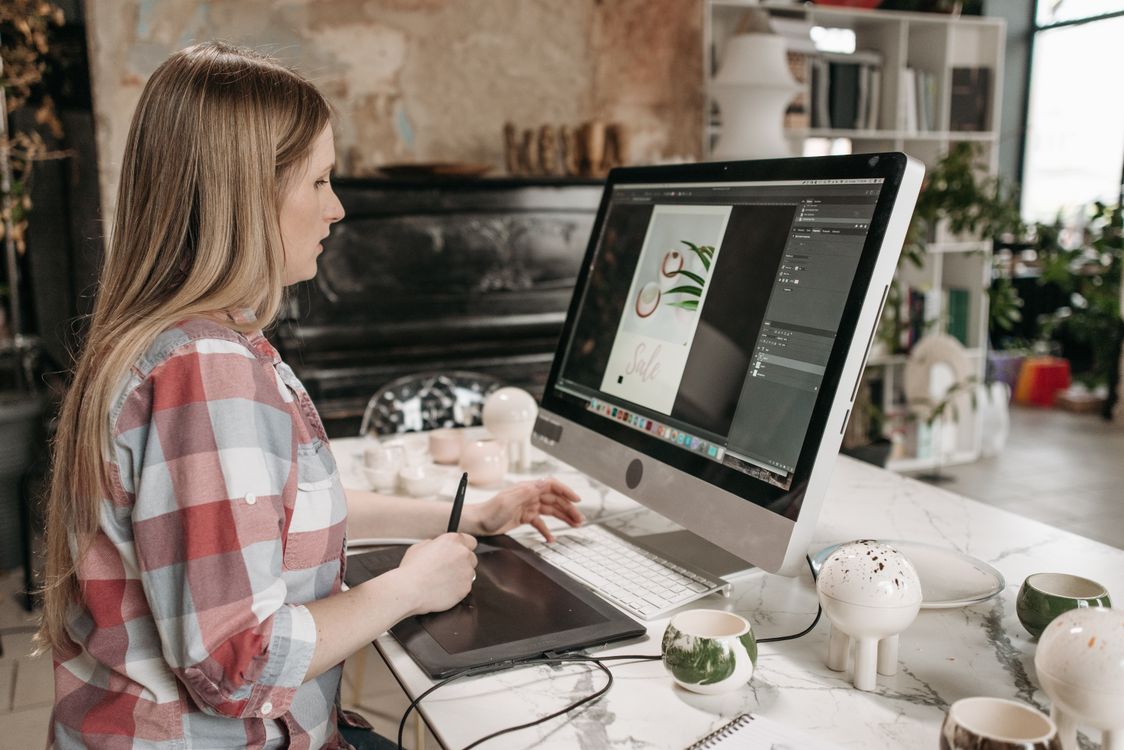
Photo: Pavel Danilyuk / Pexels
The iPad is not a small desktop
iPad editing benches go wrong when they grade desktop feature lists on a touch device. The work here is different: you draw with a Pencil, you pinch, you work on a train, and the file has to survive the trip back to a desktop or a client. So this bench grades four things: Pencil behavior (pressure, tilt, palm rejection), standalone completeness (can the job finish on the iPad alone), PSD round-tripping (what survives export), and price shape on a platform where one-time purchases still exist. November 2026 reshuffled the field: Affinity for iPad launched free with a Canva account, and every paid answer now has to argue against free.
App
Price
Pencil verdict
Standalone verdict
Affinity for iPad
Free with Canva account (AI behind Canva plans)
Full pressure and tilt support
Strongest free answer; launch gaps listed below
Procreate
$12.99 one-time (App Store)
The drawing reference
Drawing and painting, not a photo workflow
Photoshop on iPad
Subscription (desktop plans)
Good, improving
Best PSD fidelity, because it is Photoshop
Adobe Fresco
Adobe freemium
Excellent brushes
Illustration first, photo second
Pixelmator Pro
App Store purchase, price not in our dataset
Good
Clean photo editing, Apple-native feel
Affinity for iPad: free, new, and honestly gapped
Affinity's iPad launch is the headline: a real layer-based editor, free for individuals with a Canva account, requiring iPadOS 18 or later. The launch gaps matter and are stated plainly so nobody migrates into them blind: no batch processing, no macros, no data merge, and no astrophotography stacking studio at launch. For a Pencil illustrator or a photo editor doing one image at a time, none of those gaps bite. For a production workflow processing fifty event photos, the batch gap bites immediately, and Photoshop on iPad or a desktop remains the tool. Affinity's AI features follow the desktop rule: gated behind Canva plans. Grade Affinity as the default free trial, with the gap list taped to the trial.
Interactive tool
Comparison Builder
Pick two or three products and see them side by side on the numbers that decide the purchase.
Measure
Affinity
Procreate
Adobe Photoshop
Starting paid price
Free
Not published
$22.99 per user/mo, billed annually
Free option
Free plan: the full Affinity app free since the October 2025 relaunch; a free Canva account is required
No free plan: one-time App Store purchase
Free trial only: 7 days
Plans
Free: free
App Store purchase: not published
Photoshop single app (annual plan): $22.99/user/mo annual
Platforms
Windows, macOS, iPad
iPad
Windows, macOS, iPad, Web
Best for
designers leaving Adobe subscriptions, photographers who retouch more than they organize, Canva users stepping up
illustrators and painters on iPad, lettering and concept art, Photoshop painters leaving the subscription
retouching and compositing, commercial photo work, designers who live in layers
Strengths
Professional layer editing and RAW development at $0; One app covers photo, vector, and layout personas; PSD and standard format support is strong
Brush engine and Pencil response are the category benchmark; One-time price with no subscription; Animation and illustration tools built in
Deepest layer, mask, and selection tools in the category; Generative Fill and Remove tools built in; The file format and workflow every retoucher shares
Watch out for
Requires a Canva account; not account-free like the open-source tools; AI features are paywalled behind Canva plans; No Lightroom-style catalog depth
iPad only; no desktop or Android version; Painting first: photo retouching and CMYK print work are not its job; PSD export exists but layered round trips need testing
Subscription only, no purchase option; Weak library and batch workflow compared with Lightroom; Overkill for quick social edits
Lowest entry price: Affinity at Free per month flat. Real free plan: Affinity. Entry price is the floor, not the decision: check the plan line above for the tier that actually includes the feature you need.
All figures from vendor pricing pages, checked November 18, 2026. Some vendors price by contacts, tasks, or operations instead of seats; those notes are in the plan data and the linked pricing guides.
Procreate: the drawing answer at $12.99 once
Procreate is the iPad's beloved anomaly: a $12.99 one-time App Store purchase (price read from the App Store listing carried in our dataset) in a subscription world, with brush feel that artists treat as the reference. Its bench position is exact: for drawing and painting with a Pencil, it wins on feel and price shape together. For photo editing workflows (batch RAW, complex compositing, client PSD round-trips), it is the wrong tool, and no amount of brush excellence changes that. Many working iPad setups are Procreate for the drawing hours plus Affinity for the compositing hours, at a combined cost of $12.99, which is the quiet scandal of this bench: the full stack costs less than one month of the incumbent.
Photoshop on iPad and Fresco
Photoshop on iPad earns its subscription exactly one way: PSD fidelity and Creative Cloud round-tripping. If clients and desktops exchange files daily, the native answer removes a class of surprises. If they do not, you are paying rent for insurance you never claim. Fresco is Adobe's drawing-first app, with live brushes that illustrators love, and a freemium shape that makes it an easy trial next to Procreate. Neither Adobe app is a bad product; both are answers to questions this bench's free and one-time options now answer cheaper for most Pencil users.
The PSD round-trip test, iPad edition
Run the same test as the desktop bench, with an iPad twist: build a file on the iPad with adjustment layers, masks, and live text; export PSD; open it on a desktop editor (or in Photopea as a neutral referee); then send it back. Check what flattened, what rasterized, and whether text stayed text. Then check the boring killer: file handling. iPad apps differ wildly in how they treat Files, external drives, and large documents, and a 400MB layered file is where cheerful demos go to die. Do this test on your largest real file before the old subscription lapses, not after.
Accessories and workflow realities
Three practical notes decide whether an iPad bench survives contact with your desk. First, storage: layered photo work eats space, and iPad apps differ in how gracefully they use external drives through Files; test your drive with the round-trip file, not with a selfie. Second, color: iPad displays are good, but if your deliverable is print or a picky client, proof on the destination device or a calibrated monitor before blaming an app for a shift the display caused. Third, backup: your iPad files are not backed up by the fact of being in an app; export finished work to your normal archive the day it finishes, in PSD or TIFF plus the native format. These are boring paragraphs, and they are the difference between an iPad as a professional tool and an iPad as a sketchbook with ambitions. The apps have done their part (two of them for $12.99 total); the workflow discipline is yours.
The verdict
Most Pencil users: Affinity first (free), Procreate alongside it if you draw ($12.99 once). Production batch work: mind the Affinity launch gap, and keep a desktop or Photoshop on iPad for volume days. Adobe-loyal round-trippers: Photoshop on iPad is the fidelity answer, priced as rent like everything Adobe. The iPad field is the healthiest in this whole series: two excellent answers together cost less than a month of the old default.
Interactive tool
The iPad setup checklist
Check off each step as you finish it. Your progress stays on this page.
0 of 5 complete
0% done
Related guides
More from this corner of the chart: these companion guides compare the nearest alternatives and head to head matchups.
Yes for individuals, with a Canva account, on iPadOS 18 or later. AI features are gated behind Canva's paid plans, and the November 2026 launch version lacks batch processing, macros, data merge, and an astrophotography studio. For one-at-a-time editing and illustration, the free version is a complete professional tool, which is why it leads this bench.
Procreate or Affinity for drawing on iPad?
Procreate for pure drawing and painting feel; it is the reference Pencil experience and costs $12.99 once. Affinity for anything involving photos, compositing, text, or PSD files, and it is free. They are complements more than rivals, and the pair together costs less than one month of a Photoshop subscription.
Can iPad editors replace desktop Photoshop entirely?
For many solo creators, yes in 2026: Affinity and Procreate cover illustration, photo editing, and compositing at a level that ships real client work. The remaining desktop strongholds are batch production, exotic plugins, very large files, and some print workflows. The round-trip test in this article tells you which side of that line your work sits on.
Does Photoshop on iPad include the desktop version?
Photoshop on iPad is tied to Adobe's subscription plans rather than sold as a standalone one-time purchase, and plan bundles change; check the current plan page before assuming a bundle. The bench point stands either way: its value is fidelity and cloud round-tripping, and if you do not use those weekly, the free and one-time answers grade higher.
What iPad do I need for these apps?
Affinity's launch requirement of iPadOS 18 or later is the binding constraint in this bench, which excludes older iPads regardless of Pencil support. Procreate and Fresco run broadly across recent hardware. For large layered files, RAM matters more than chip branding: the biggest iPad you already own is the right test machine, and the round-trip test will tell you if it is enough.
Photo credits: Pavel Danilyuk (Pexels). Photos are served from this site; follow the credit to the library page for the original.