DaVinci Resolve Alternative for iPhone: It Does Not Exist There, So Here Is the Real Bench
By the SoftSea editorial team
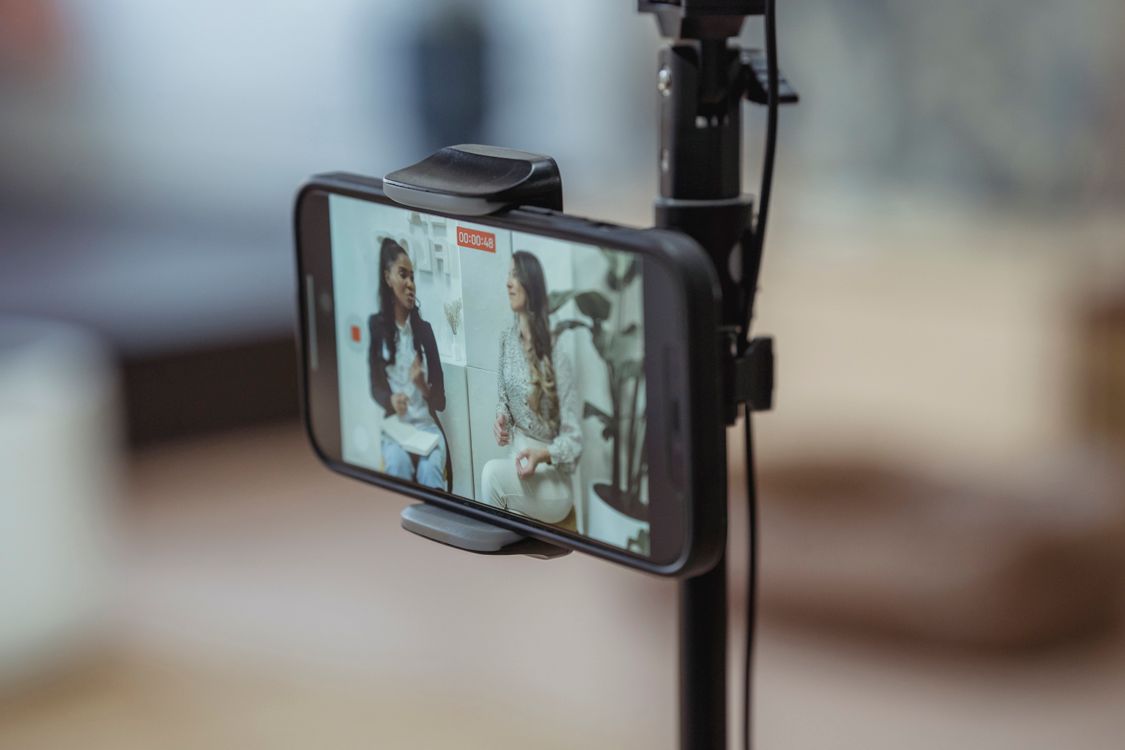
Photo: George Milton / Pexels
The fact first: Resolve is iPad-only, and that shapes everything
Search this query hoping for a download link and you will find imitators, tutorials, and at least a few apps trading on confusion, so the ground truth belongs at the top: Blackmagic Design's own product page lists DaVinci Resolve for iPad as the mobile product, sold through the App Store with Studio features behind a $94.99 in-app purchase per incumbent reads, and there is no iPhone edition at any price. Resolve for iPad itself asks for an M-series iPad to feel like itself. iPhone editors are therefore not shopping for a port; they are shopping for the best phone editor, and the bench is genuinely good in 2026, provided you sort it by the job. Our CapCut alternatives for iPhone guide walks the same store from CapCut's side; this guide grades the store from Resolve's side, meaning the grading axes are the ones a Resolve user misses: multi-track timeline discipline, real color tools, audio control, export quality without watermarks, and a sane path back to a desktop finish. The flagship Resolve alternatives guide covers the desktop exits; the Android companion covers the other phone store, where the bench and the scams differ.
iPhone editor
Price
Timeline and tracks
Color tools
Watermark
LumaFusion
$29.99 one-time
Up to 12 tracks, magnetic timeline
Scopes, LUTs, keyframed correction
None
CapCut
Free tier; Pro by store pricing
Fast template timeline
Filters and basic correction
None on standard exports
iMovie
Free
Two video tracks
Basic filters
None
VN
Free
Multi-track, desktop-class editor
LUTs and curves
None
KineMaster
Subscription tiers
Multi-track with asset store
Correction and effects
Free tier watermarked
LumaFusion, the professional answer, and CapCut, the fast one
LumaFusion at $29.99 one-time in our dataset is the iPhone editor a Resolve user respects: up to twelve tracks of video and audio on a magnetic timeline, proper keyframing, color correction with scopes and LUT support, chroma key, and exports up to 4K at high frame rates, with an optional Final Cut Pro XML export for finishing elsewhere. It is the only phone editor here that feels like a small NLE rather than a large social tool, and its one-time price undercuts a single month of most subscriptions. CapCut is the other rational pick, for the opposite reason: nothing on the phone assembles a captioned vertical video faster, its auto captions and templates are the category standard, and its free tier exports without a watermark; its Pro tier unlocks assets and effects, priced per storefront (our dataset carries CapCut Pro as an honest null because those reads conflict, so check the in-app price before subscribing). iMovie is the zero-decision answer for simple cuts, already installed, two tracks, no watermark, and a hard ceiling you will hit within a month of serious work. VN is the connoisseur's free pick: a desktop-class multi-track editor with curves and LUTs that exports without a watermark, the strongest free option for creators who edit long on the phone. KineMaster rounds out the bench with a deep asset store behind subscriptions; grade it after the other four.
Interactive tool
Comparison Builder
Pick two or three products and see them side by side on the numbers that decide the purchase.
Measure
LumaFusion
CapCut
DaVinci Resolve
Starting paid price
$29.99 per month, flat
Free
$295 per month, flat
Free option
No free plan: paid up front, with optional feature add-ons
Free plan: core editor and free templates; premium templates, effects, and AI tools sit behind Pro or credits
Free plan: the standard edition is free, with editing, color, effects, and audio included
serious mobile editing, iPad-first creators, buy-once buyers on phones
short-form creators who stay inside its template system, TikTok-first workflows, quick captioned clips
YouTube creators who will learn a pro tool once, color-driven work, teams that refuse subscriptions
Strengths
A true multi-track timeline built for touch; One payment, no subscription meter; Handles long, serious projects on a tablet
Templates, effects, and auto captions set the short-form standard; One account across phone, desktop, and web; Free editor remains capable for basic cuts
Best color grading tools in the category, free; No watermark on free exports; One-time Studio price instead of a subscription
Watch out for
No free tier to test with; A learning curve well beyond CapCut; Some features are paid add-ons
No Linux version exists; Projects do not export to third-party editors; you leave with rendered video; US availability was interrupted in January 2025 and the app is banned in India
Steep learning curve for beginners; Wants a capable computer and GPU; Free edition caps resolution and some effects
Lowest entry price: CapCut at Free per month flat. Real free plan: CapCut, DaVinci Resolve. Entry price is the floor, not the decision: check the plan line above for the tier that actually includes the feature you need.
All figures from vendor pricing pages, checked November 18, 2026. Some vendors price by contacts, tasks, or operations instead of seats; those notes are in the plan data and the linked pricing guides.
The creators who thrive in this gap treat the phone editor as the front half of a pipeline, not a Resolve replacement. Shoot on the iPhone (in ProRes or the best codec your storage allows), rough-cut on the phone while the day is fresh, then finish in Resolve on the desktop where the color page and Fairlight audio live. Two transfer disciplines make it work: keep original camera files untouched and synced (the phone edit references copies), and choose editors whose exports travel: LumaFusion's project export toward Final Cut is the polished route, while the universal route is a high-bitrate rendered draft plus the original media, rebuilt as a finish rather than a conform. What does not work is expecting XML round-trips into Resolve to be lossless from phone editors; grade and mix after the move, not before. The checklist below sets up the phone half properly (storage, codecs, caption pass, export settings), and the CapCut for iPhone guide covers the social-first variant of the same store. If your real destination is an Android phone, stop here and read the Android companion instead; the benches share CapCut and little else.
Interactive tool
iPhone Editing Setup Checklist
Check off each step as you finish it. Your progress stays on this page.
0 of 6 complete
0% done
Related guides
If this guide narrowed your shortlist, the reads below tackle the decisions that usually come right before or after it.
No. Blackmagic Design publishes DaVinci Resolve for iPad only; there is no iPhone edition, and apps in the store using similar names are not Blackmagic products. Resolve for iPad itself wants an M-series iPad for the full experience and sells Studio features as a $94.99 in-app purchase per incumbent reads. iPhone editors should shop the real bench: LumaFusion, CapCut, VN, iMovie.
What is the best iPhone alternative to DaVinci Resolve?
LumaFusion for professional work: $29.99 one-time in our dataset, twelve tracks, scopes and LUTs, keyframing, and 4K exports with no watermark. CapCut for short-form speed and auto captions. VN for the strongest free editor, and iMovie for simple cuts. The deciding axis is whether you need an NLE's discipline (LumaFusion) or a social tool's velocity (CapCut).
Can I start a video on iPhone and finish it in Resolve?
Yes, with the right expectations. Edit a draft on the phone, keep the original camera files untouched, and finish in Resolve from the original media, treating the phone export as a reference cut. Project-level round-trips from phone editors into Resolve are not lossless; do your color and mix after the move. LumaFusion's export path toward desktop editors is the most polished version of this workflow.
Does CapCut on iPhone have a watermark?
Standard CapCut exports carry no watermark, including on the free tier, which is one reason it leads the short-form bench. Its Pro tier unlocks premium assets, effects, and cloud features; pricing appears inside the app and varies, and our dataset carries CapCut Pro as an honest null rather than printing a figure we could not verify consistently.
Is LumaFusion worth $29.99 compared with free editors?
For anyone editing weekly, yes: it is a one-time purchase in a subscription category, and it buys the things free editors withhold or lack: twelve tracks, real color tools with scopes, keyframing, high-bitrate 4K export, and a project format that can travel to a desktop finish. Free editors (VN especially) are excellent for learning and for social output; LumaFusion is the step where phone editing becomes a production tool.
Photo credits: George Milton (Pexels). Photos are served from this site; follow the credit to the library page for the original.