DaVinci Resolve Alternatives: The Exit Is Real, but Name Your Reason Before You Shop
By the SoftSea editorial team
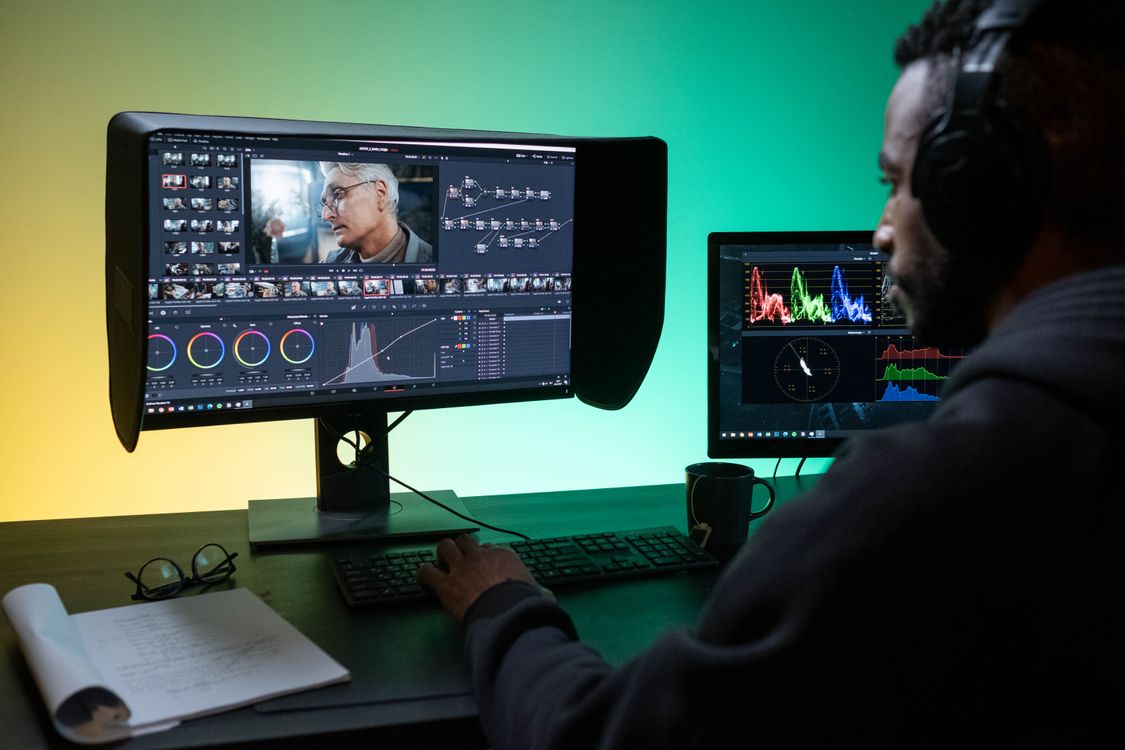
Photo: Ron Lach / Pexels
Why leaving Resolve is a decision with a cost column
Most alternatives guides pretend the incumbent is weak. Resolve is not weak: the free edition edits 8-bit footage up to Ultra HD at 60 fps with no watermark, and the color page is the industry reference, which is why our Resolve comparison and the CapCut versus Resolve piece both start from respect. People leave anyway, for reasons that are all legitimate and all different: the learning curve that prices casual editors out of their own evenings, the hardware floor (a GPU with 4 GB of VRAM and 16 GB of RAM on Windows, in Blackmagic's own requirements), the phone-shaped hole (no iPhone or Android app, iPad only, covered in the platform guides in this cluster), and platform or pipeline fits where another editor is simply the local standard. What incumbents skip is the cost column of leaving: a .drp project file opens in nothing else on earth, so your library of projects stays behind in Resolve or travels as OpenTimelineIO timelines with edits intact and grades lost, because no other editor reads Resolve's node trees. Name your exit reason first, because each reason has exactly one or two rational destinations, and shopping the whole field is how creators spend a month testing editors instead of editing.
Exit reason
Destination
Price shape
Work lives in the Adobe ecosystem
Premiere Pro
$22.99 per month annual plan, dataset
Mac editor, one-time purchase
Final Cut Pro
$299.99 one-time, dataset
Short-form and speed
CapCut
Free tier; Pro priced honestly null
Low-end hardware
Shotcut or Kdenlive
Free and open source
Phone editing
LumaFusion or CapCut
Platform guides in this cluster
Color is the job
Stay, or plugin and finishing tools
Color-grading guide in this cluster
The two professional destinations
Premiere Pro is the ecosystem exit: it is what agencies send projects in, what After Effects and Audition round-trip with, and what job listings ask for, at $22.99 per month on the annual plan in our dataset, with text-based editing and a gentler learning curve than Resolve's seven-page discipline. You give up the color page's depth and the one-time purchase; you gain the industry default and a subscription that never ends, which our Premiere alternatives guide prices across a career. Final Cut Pro is the platform exit: $299.99 once, on Mac only, with magnetic-timeline speed that makes long edits feel light and Apple silicon performance that Resolve only recently matched. Resolve 21 raises the stakes here, because Blackmagic's current version requires Apple silicon and macOS 15 or later (Intel Macs are capped at 20.3.2), which narrows the "runs on my old Mac" advantage Final Cut used to concede. Both destinations are real editors with real depth; the choice between them is ecosystem and operating system, not quality. The comparison tool below lines the three up on the dataset's verified figures.
Interactive tool
Comparison Builder
Pick two or three products and see them side by side on the numbers that decide the purchase.
Measure
DaVinci Resolve
Adobe Premiere
Final Cut Pro
Starting paid price
$295 per month, flat
$22.99 per user/mo, billed annually
$10.75 per month, flat
Free option
Free plan: the standard edition is free, with editing, color, effects, and audio included
Free trial only: 7 days
No free plan; a 90-day free trial has historically been offered on the Mac App Store
Final Cut Pro (one-time purchase): not published · Apple Creator Studio: $10.75/mo flat
Platforms
Windows, macOS, Linux
Windows, macOS
macOS
Best for
YouTube creators who will learn a pro tool once, color-driven work, teams that refuse subscriptions
professional editors, agencies and client work, creators already in Adobe apps
Mac editors leaving Premiere, Apple silicon owners, creators who want to own their editor
Strengths
Best color grading tools in the category, free; No watermark on free exports; One-time Studio price instead of a subscription
Industry default for client work; Text-based editing and deep audio and effects tools; Fits the wider Adobe ecosystem
Fastest exports on Apple silicon thanks to the media engines; One-time purchase option ends the subscription permanently; Magnetic timeline and roles keep big projects organized
Watch out for
Steep learning curve for beginners; Wants a capable computer and GPU; Free edition caps resolution and some effects
Subscription only, no purchase option; Heavier system demands than beginner editors; Price rises if you pay month to month
Mac and iPad only; no Windows or Linux version exists; Premiere projects and plug-ins do not transfer; timelines are rebuilt; Some premium content is reserved for Creator Studio subscribers
Lowest entry price: Final Cut Pro at $10.75 per month flat. Real free plan: DaVinci Resolve. Entry price is the floor, not the decision: check the plan line above for the tier that actually includes the feature you need.
All figures from vendor pricing pages, checked November 18, 2026. Some vendors price by contacts, tasks, or operations instead of seats; those notes are in the plan data and the linked pricing guides.
The speed, free, and platform exits
CapCut is the velocity exit: for creators whose deliverable is vertical, captioned, and published today, its templates, auto captions, and one-tap polish beat Resolve's power at the only metric that matters, time to posted. Our CapCut alternatives guide grades its bench, and its Pro pricing stays an honest null in our dataset because store reads conflict. The open bench (Kdenlive, Shotcut, both free and open source, with Olive behind them) is the principled exit and the low-hardware exit combined, graded in the low-end PC guide on the floors that matter. The platform exits have their own guides in this cluster because the benches genuinely differ: iPhone, Android, Mac, Windows, and Linux. And if your exit reason is color itself, the color-grading guide is the honest one: it will mostly talk you into staying, with Studio at $295 list (Blackmagic's product page showed $236 on November 20, 2026) as the real alternative to leaving. Whatever you choose, export OpenTimelineIO timelines and rendered masters of everything you care about before the switch, while Resolve is still installed and licensed. The checklist below sequences the exit so nothing is stranded.
Interactive tool
Resolve Exit Checklist
Check off each step as you finish it. Your progress stays on this page.
0 of 6 complete
0% done
Related guides
The shortlist does not end here. These related guides cover the sibling tools, matchups, and pricing questions closest to this one.
It depends entirely on your exit reason. Premiere Pro ($22.99 per month in our dataset) if your work lives in the Adobe ecosystem or the job market asks for it. Final Cut Pro ($299.99 one-time) if you edit on Mac and want speed with no subscription. CapCut if the deliverable is short-form. Kdenlive or Shotcut if free and open source is the point. Resolve itself remains the best free editor, so a weak reason produces a bad move.
Can I open my DaVinci Resolve projects in another editor?
No. The .drp project format opens only in Resolve. The migration bridge is OpenTimelineIO (or XML and EDL for simpler timelines), which carries edit decisions, cuts, and basic structure into Premiere and other editors. Color grades built on Resolve's node trees do not transfer at all. Export timelines and rendered masters of finished work before switching, while Resolve is still installed.
Is DaVinci Resolve Studio worth it instead of switching?
For many leavers, yes. Studio is $295 list one-time (Blackmagic's product page showed a $236 sale price on November 20, 2026), and it removes the free edition's real limits: higher resolutions and frame rates, 10-bit footage, GPU acceleration, noise reduction, and the full effects library. If your exit reason is a Studio-gated feature, upgrading is cheaper than any migration. If your reason is platform, curve, or ecosystem, Studio changes nothing.
What do I lose leaving Resolve's color tools?
The reference implementation. Resolve's color page is what professional colorists use, and its node-based grades, qualifiers, and tracking do not move to any other editor. Premiere's Lumetri and Final Cut's color tools are capable for delivery-grade work, and the color-grading guide in this cluster grades the in-editor, plugin, and finishing-system routes honestly. If color is why clients hire you, test the destination on paid work before committing.
Is CapCut a serious Resolve alternative?
For short-form, yes; for long-form, no. CapCut wins on speed, templates, and auto captions for vertical video, which is a legitimate professional deliverable in 2026. It does not offer Resolve's color depth, audio post, or project management, and its Pro pricing is not published consistently (our dataset carries it as an honest null). Many creators run both: CapCut for shorts, Resolve for everything else.
Photo credits: Ron Lach (Pexels). Photos are served from this site; follow the credit to the library page for the original.