Discord Alternatives With Screen Share: Free Resolution, Frame Rate, and the Paywall Line
By the SoftSea editorial team
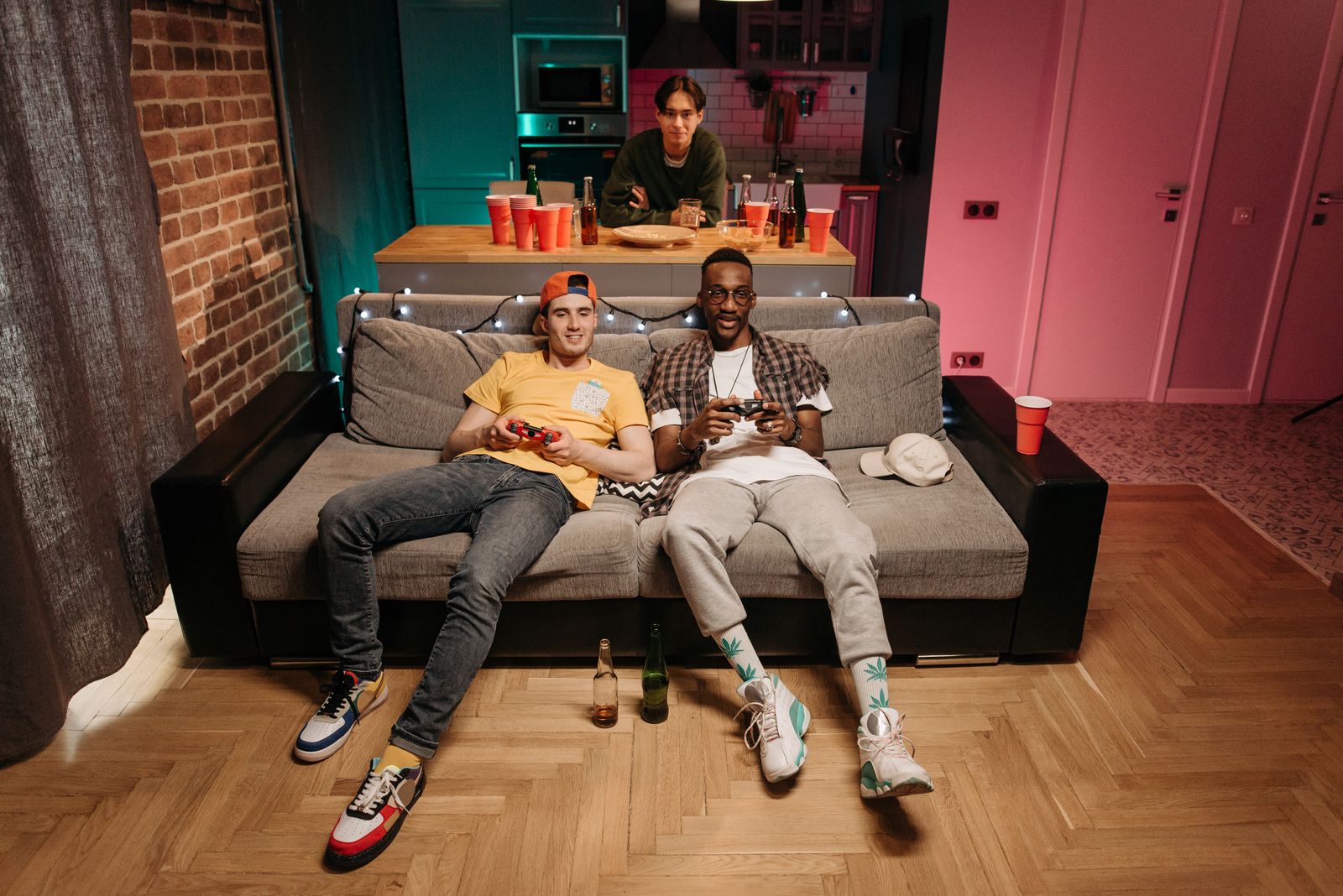
Photo: Pavel Danilyuk / Pexels
Screen share is a spec, not a checkbox
Incumbent lists for this query say "has screen sharing" beside a dozen names and stop. The spec is what you feel: the resolution and frame rate your friends actually see, whether the free tier is capped, and whether sharing a game, a film, or a spreadsheet is the same feature (it is not). Discord's own free tier is the benchmark everyone is escaping: 720p at 30 fps for free users, with 1080p and 4K and higher frame rates gated behind Nitro at $9.99 a month in our dataset. The general Discord alternatives guide sorts by community type; this page sorts the subset that can show your screen, by what the share actually looks like.
Product
Screen share
Free resolution and fps
What paid unlocks
Best at
Discord
Yes
720p, 30 fps
Nitro: up to 4K, higher fps, better audio
The baseline everyone compares against
Stoat
Yes, added July 2026
720p, 30 fps
Nothing: no paid tier
Discord-shaped sharing without a paywall
TeamSpeak
Yes, added 2025
Generous; 4K and 60 fps reported in beta
Server scale licensing, not share quality
Game sharing and watch sessions on your server
Element (Element Call)
Yes
HD group calls, no Nitro-style cap
Hosted tiers buy support, not pixels
Encrypted group calls with sharing
Slack
Yes (huddles and calls)
HD on paid plans
Paid plans for full meeting features
Work screens: docs, code, dashboards
Mumble
No
None: no video or screen share in stable
Nothing to unlock
Voice only, on purpose
The Discord-shaped answer: Stoat
Stoat shipped screen sharing in July 2026, and dated reads (micup, verified October 31, 2026) put its current spec at 720p and 30 fps: exactly Discord's free spec, with the decisive difference that there is no paid tier waiting behind it. No Nitro means no resolution ladder, no upsell, and no feature that exists in the app but not for your members. The honest limits are youth and scale: Stoat is a younger, smaller project, its self-hosted voice and video stack is the least battle-tested in this table, and a watch party of thirty friends is a bigger ask than a five-person game share. For a friend group whose complaint is the paywall rather than the pixels, Stoat is the cleanest answer in this guide.
The quality answer: TeamSpeak
TeamSpeak spent decades as the voice-only purist and added screen sharing in 2025, which incumbents (Comparitech among them) now treat as the feature that closed its biggest gap. Dated reads report 4K at 60 fps in beta, with free use of the top spec not yet confirmed, so this guide prints the beta flag rather than a promise. What is confirmed is the model: you run the server, the client is free, and there is no per-user subscription selling you back your own resolution. For game sharing, where frame rate is the difference between watchable and useless, TeamSpeak on a nearby self-hosted server is the connoisseur pick, and the gaming companion guide grades its voice and overlay story in full.
Interactive tool
Comparison Builder
Pick two or three products and see them side by side on the numbers that decide the purchase.
Measure
TeamSpeak
Stoat
Discord
Starting paid price
Free
Free
$2.99 per month, flat
Free option
Free plan: the client is free; small self-hosted servers are free, larger ones are licensed
Free plan: free and open source, including self-hosting
Free plan: the full product is free, with unlimited searchable message history and no per-seat charge
public communities, open-source projects, creator and gaming groups
Strengths
Lowest-latency, cleanest voice in this category; Self-hosting means no platform account or ID verification wall; Screen sharing added in 2025 closed the biggest feature gap
The closest layout and server model to Discord; Custom emoji and avatar perks without a subscription; No ID verification wall and no tracking pitch
Free for everyone, forever, with unlimited message history; Always-on voice channels people drop into without scheduling a call; No per-seat bill, so a 500-person community costs the same as a 5-person one
Watch out for
Voice first; text, bots, and community features are thin; Someone has to run the server; Interface is utilitarian
Smaller network; your members are not already there; iOS access is an installed web app, not a native app; File uploads cap at 20 MB and group DMs at 50
No SSO, retention policies, compliance exports, or admin console for companies; Built for communities, not employers: no guest model designed for clients; Nitro is a personal subscription and buys the individual perks, not the server
Lowest entry price: TeamSpeak at Free per month flat. Real free plan: TeamSpeak, Stoat, Discord. Entry price is the floor, not the decision: check the plan line above for the tier that actually includes the feature you need.
All figures from vendor pricing pages, checked November 18, 2026. Some vendors price by contacts, tasks, or operations instead of seats; those notes are in the plan data and the linked pricing guides.
The work and privacy answers: Slack and Element
Screen sharing at work is a different job: the screen holds a document, a design, or a dashboard, the fps barely matters, and annotation, recording, and permissions matter instead. Slack's huddles and calls share screens inside the tool where the work already lives, with full meeting features on paid plans (Pro at $7.25 per user in our dataset). It is the wrong shape for a gaming community and the right shape for a team, which is why the Slack versus Discord comparison exists. Element Call, built on LiveKit and Matrix, brings screen sharing to end-to-end encrypted group calls with no resolution paywall: the cost is setup complexity if you self-host, and a calls model rather than Discord's persistent streaming channels. Communities that chose Element for ownership get sharing as part of the package, not as a product tier.
The correction: Mumble has no screen sharing
Mumble appears in screen-share roundups by inertia, so the record deserves stating plainly: the stable Mumble release has no screen sharing and no video. It is superb low-latency voice with positional audio, free and open source, and it should be recommended for exactly that. A group that needs to watch one member's screen should not migrate to Mumble and discover the gap during the first session. The same honesty applies to older lists recommending Guilded for watch parties: Guilded shut down on December 19, 2025, and any list still carrying it has not been maintained.
Pick by the job you actually share
Watch parties (films, shows, a friend's single-player run) want stability, decent resolution, and everyone admitted without accounts friction: Stoat for the Discord shape, TeamSpeak for the quality ceiling. Game sharing wants frame rate above all: TeamSpeak, then Discord itself. Work screens want the tool the work lives in: Slack. Encrypted community calls want Element. The migration checklist below sequences the move so the first shared session is a success instead of a troubleshooting call: test with your real group size, on your real connections, with the real game or film, before you announce the new home.
Interactive tool
Screen share test protocol
Check off each step as you finish it. Your progress stays on this page.
0 of 6 complete
0% done
Related guides
Readers working through this choice usually weigh the options below next. Each one runs the same vendor checked pricing as this guide.
Which Discord alternative has the best free screen sharing?
For pure spec, TeamSpeak: screen sharing added in 2025 with 4K and 60 fps reported in beta and no per-user subscription. For the Discord shape without any paywall, Stoat matches Discord's free 720p and 30 fps and sells nothing behind it. Discord free itself remains 720p and 30 fps.
Does Stoat really have screen sharing now?
Yes. Stoat added screen sharing in July 2026, and dated reads verified October 31, 2026 put it at 720p and 30 fps. It is newer and less battle-tested than Discord's implementation, and the self-hosted video stack is still settling, but the feature exists and carries no paid tier.
Can Mumble share screens?
No. Stable Mumble has no screen sharing and no video at all. It is a voice-only tool by design. Lists that imply otherwise are recycling category boilerplate; use Mumble for voice and pair it with something else, or choose TeamSpeak or Stoat, if sharing matters.
What does Discord Nitro unlock for screen sharing?
Higher resolutions (1080p and up to 4K), higher frame rates, and better streaming audio, at $9.99 a month for full Nitro in our dataset. The free tier stays at 720p and 30 fps. Every alternative in this guide should be judged against that paywall line, not against the checkbox.
Which is best for watch parties with friends?
Stoat if you want the Discord layout and no accounts friction beyond a free signup; TeamSpeak if your group will install a client and wants the best picture on a server one of you runs. Element suits groups already there for privacy. Avoid building a watch party on Mumble (no video) or on stale recommendations of Guilded, which shut down December 19, 2025.
Photo credits: Pavel Danilyuk (Pexels). Photos are served from this site; follow the credit to the library page for the original.