Illustrator Alternatives for Android: Vector Work Without an Adobe App
By the SoftSea editorial team
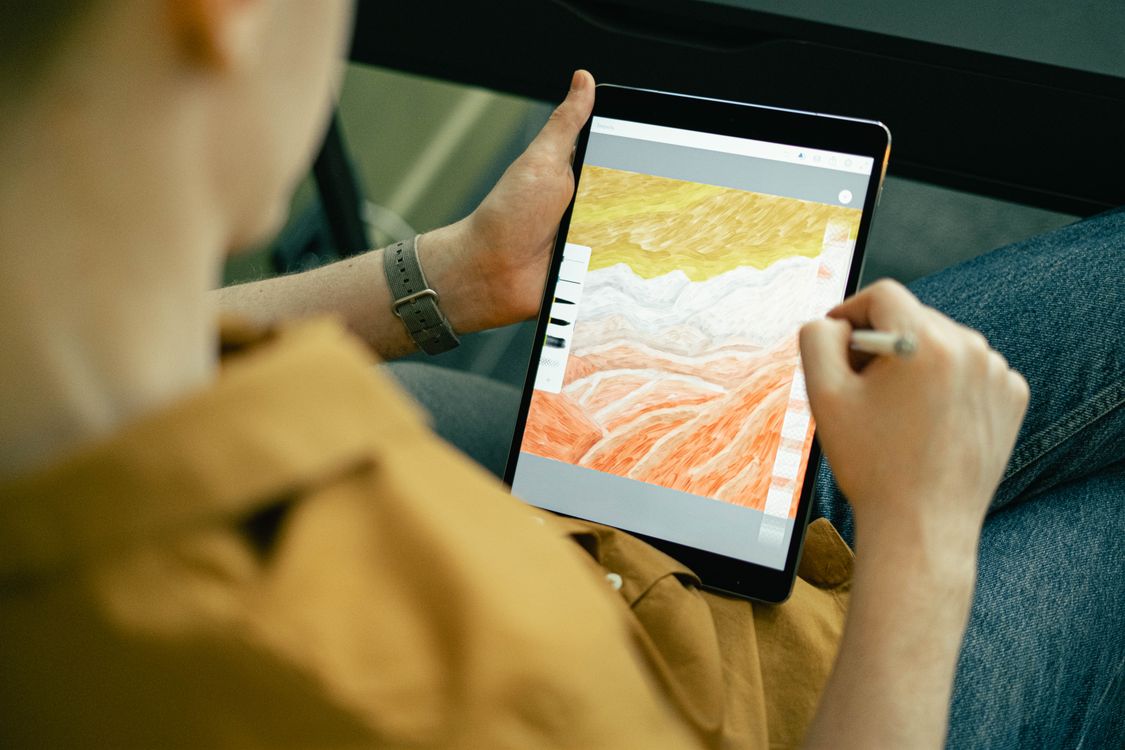
Photo: Ivan S / Pexels
The premise: Adobe left this platform, so grade what is actually here
The Android and iPad versions of this query look symmetrical and are not, which is why this site adjudicated them as a pair and kept both: the benches share almost no products and opposite premises. On iPad, Illustrator itself exists natively and the question is which Pencil app beats it. On Android, the incumbent is absent: Adobe Illustrator has no Android app, Illustrator Draw was discontinued in 2022, and Adobe's current Android design presence is Express, a template tool that is not a vector editor. So this guide grades the native bench on the jobs Android users actually bring: logo sketches and icon work on phones and tablets, stylus illustration on Galaxy Tab and similar hardware, and files that must survive the trip to a desktop for finishing.
Destination
Shape
Terms in our dataset
Infinite Design
Android-native vector editor
Free with ads; Pro unlock price not verified
Concepts
Infinite-canvas vector sketching
Free tier; paid unlocks not verified
Canva
Template-led design, Android app
Free tier; Pro price not published in our dataset
Browser tools (Figma, Penpot)
Web apps in Chrome
Figma Starter free; Penpot free and open source
Illustrator
Absent on this platform
No Android app exists
Grading the Android bench
Infinite Design is the bench's anchor because it is a true vector editor built for Android: paths, pen tooling, booleans, layers, and an infinite canvas, on phones as well as tablets. Its free tier is ad-supported and its Pro unlock is a one-time purchase whose price our dataset carries as not verified rather than guessed. For logo drafts, icon work, and illustration that starts on the couch and finishes on a desktop, it is the honest first install. Concepts is the thinking tool: an infinite canvas with vector strokes that stay editable, a beloved sketching feel, and real Android and Windows apps beside the iPad original. It is a sketchbook and storyboarding tool first; its production export story is thinner than Infinite Design's, and buying it as a logo factory misreads it.
Canva's Android app earns a mention for the template-shaped jobs (social graphics, simple marks from elements) with a free tier, and the honesty that it is not a vector editor: the day you need node-level path control, you have left its category. The browser path matters more than roundups admit: Figma (Starter free) and Penpot (free, open source, MPL-2.0) both run in Android Chrome, and on a tablet with a stylus they deliver real vector editing with desktop-grade export, at the cost of touch interfaces designed for mice. The comparison tool on this page puts Infinite Design and Concepts beside Canva so the native bench is graded on its own terms.
Interactive tool
Comparison Builder
Pick two or three products and see them side by side on the numbers that decide the purchase.
Measure
Infinite Design
Concepts
Canva
Starting paid price
Free
Free
Free
Free option
Free plan: free with ads; a Pro unlock removes limits
Free plan: a free tier with in-app purchases is published
Free plan: full editor with a large free template and asset library
Plans
Free: free · Pro: not published
Free: free · Paid unlocks: not published
Free: free · Pro: not published · Business: not published
Platforms
Android
iPad, Android, Windows
Web
Best for
Android illustrators, logo sketches on a phone, vector work without a desktop
ideation and storyboards, Android tablet drawing, design thinking sessions
social media managers, solo creators, small business marketing
Strengths
True vector editing on Android, paths and booleans included; Infinite canvas with layers; Works on phones, not just tablets
Infinite canvas suits early-stage thinking; Real Android and Windows apps, not viewers; Vector strokes stay editable
Fastest route from blank page to publishable graphic; Background Remover and Magic Resize on Pro; Brand Kit keeps teams consistent
Watch out for
Android only; Smaller ecosystem and fewer tutorials; Not a print production tool
A sketching tool first; not a logo production environment; Paid unlock pricing varies by store and region; Print workflow is not the point
Not a replacement for professional design tools; Pro pricing could not be verified on the vendor page when checked
Lowest entry price: Infinite Design at Free per month flat. Real free plan: Infinite Design, Concepts, Canva. Entry price is the floor, not the decision: check the plan line above for the tier that actually includes the feature you need.
All figures from vendor pricing pages, checked November 18, 2026. Some vendors price by contacts, tasks, or operations instead of seats; those notes are in the plan data and the linked pricing guides.
Export is the whole game on Android
An Android vector tool earns its place by what leaves the phone. The checklist on this page orders the evaluation accordingly: export SVG and PDF from the free tier before drawing anything real, open the SVG in a desktop editor (Inkscape is free and graded in the open source guide) and confirm paths arrive as paths, not outlines or rasters. Check stylus behavior on your exact device: pressure support varies by hardware and app, and a store listing's promise is not evidence. Decide where files live (local storage, Drive, a synced folder) so the desktop half of the workflow is a path, not a hope. And keep expectations calibrated: Android is a strong sketching and drafting platform for vector work and a weak finishing one; print-ready output still routes through a desktop, which the flagship guide grades.
Contrast the iPad situation once, because buyers cross-shop the ecosystems: there, Illustrator itself, Affinity, and Linearity Curve contest a native Pencil bench, graded in the iPad guide. Android's bench is smaller and cheaper, and for drafting work it is enough; the mistake is expecting symmetry that Adobe's absence removed years ago.
Interactive tool
Set up an Android vector kit that respects your files
Check off each step as you finish it. Your progress stays on this page.
0 of 5 complete
0% done
The verdict by device and job
Phone-first drafting and logo sketches: Infinite Design, free tier first. Ideation, storyboards, and sketching with editable strokes: Concepts. Template-shaped graphics: Canva, knowing its ceiling. Tablet plus stylus plus browser tolerance: Penpot or Figma in Chrome for the strongest export story. Finishing and print: none of these alone; pair the Android drafting tool with a desktop editor from the flagship bench and judge the pair by the SVG round trip between them.
Related guides
The shortlist does not end here. These related guides cover the sibling tools, matchups, and pricing questions closest to this one.
No. Adobe has never shipped Illustrator for Android, and its earlier mobile drawing app, Illustrator Draw, was discontinued in 2022. Adobe Express exists on Android but is a template design tool, not a vector editor. The Android bench is third-party by necessity.
What is the best vector drawing app on Android?
Infinite Design for true vector editing (paths, booleans, layers, infinite canvas), free with ads and a one-time Pro unlock. Concepts is better for sketching and ideation with editable vector strokes. Both are graded in our dataset with paid prices carried as not verified rather than invented.
Can I do professional logo work entirely on Android?
You can draft professionally and should finish carefully: the export path (SVG and PDF) works, but print-ready production, font control, and client handoff are still desktop strengths. The practical workflow is Android for drafting, a desktop editor for finishing, tested with one real brief before you rely on it.
How is the Android bench different from the iPad bench?
Opposite premises. On iPad, Illustrator itself exists natively alongside Affinity and Linearity Curve, so the question is which app wins. On Android, Adobe is absent entirely, so the question is which native or browser tool covers the job. The two guides on this site grade them separately for that reason.
Do these apps support a stylus?
Infinite Design and Concepts both support pressure-sensitive styluses on hardware that provides them (Samsung S Pen devices are the common case). Support varies by device and Android version, so test on your exact hardware during the free tier before paying for any unlock.
Photo credits: Ivan S (Pexels). Photos are served from this site; follow the credit to the library page for the original.