OneNote Alternatives for Mac: The Parity Gaps, and the Apps That Close Them
By the SoftSea editorial team
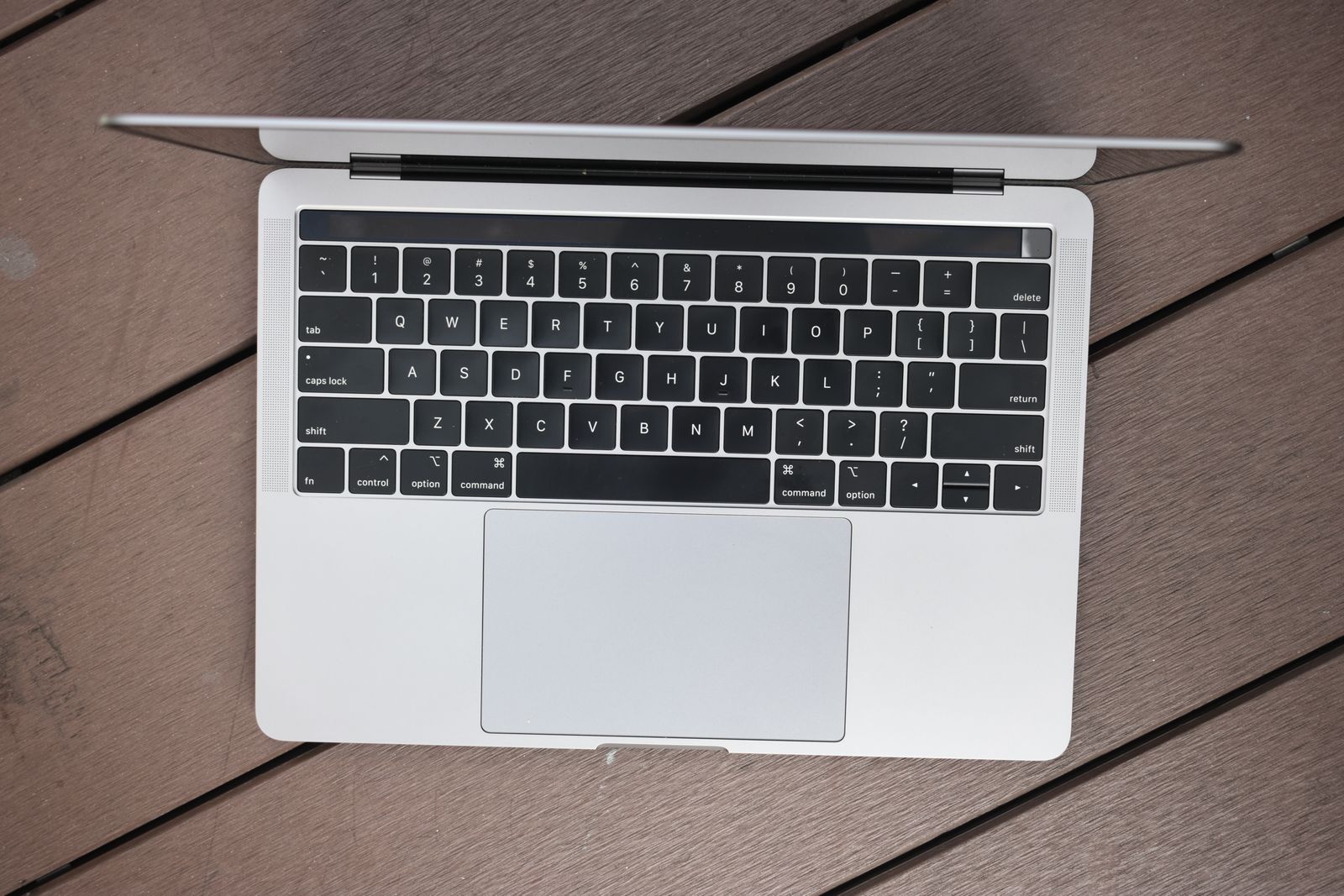
Photo: Jourdan Wee / Pexels
The parity problem, stated precisely
Mac users do not lack a OneNote app; they lack the whole OneNote. Two gaps define the experience. The first is structural: the Mac app cannot create local notebooks. Every notebook lives in OneDrive, which means the offline, file-on-your-disk relationship Windows users can choose is not on the Mac menu at all. The second is feature drift: capabilities such as the Transcribe tool exist on Windows and not on Mac, and Mac users learn about the difference from Microsoft's own support pages, usually mid-task. Add the platform's general truth (OneNote's Mac app has always trailed its Windows sibling) and the query explains itself: not "is there an app," but "which app treats the Mac as a first-class platform."
That framing decides the bench. Every tool below is graded on whether a Mac user gets the whole product: local storage where the platform expects it, Apple ecosystem integration (Shortcuts, iCloud, Pencil on iPad as a bonus surface), and feature parity with the vendor's own flagship version, because there is only one version and it was designed here.
The bench
App
Price shape
The parity gap it closes
Apple Notes
Free, built in
Local and iCloud notes with full OS citizenship; the baseline every Mac user already owns
Bear
Pro $2.99 a month or $29.99 a year
A designed Mac notebook with iCloud sync and Shortcuts support
Craft
Subscription tiers
Native documents that present and share beautifully
Obsidian
Free app; Sync $4 billed annually
Local notebooks, literally: your vault is a folder on your Mac
Joplin
Free, AGPL-3.0
Local database you control, sync through your own storage
NotePlan, DEVONthink
Paid, in prose
The planner niche and the document-archive niche respectively
Apple Notes is the answer hiding in plain sight, and this guide insists on grading it seriously: it creates local and iCloud notes, syncs free, takes Pencil input on iPad, scans, tags, and locks notes, and it is already installed on the machine the reader is using to read this. For note takers whose OneNote use was capture and reference rather than freeform canvas architecture, Apple Notes is not a compromise; it is the platform's own answer, and the migration is an export and an afternoon.
Bear is the designed upgrade: tags over folders, beautiful typography, iCloud sync, Shortcuts support, Pro at $2.99 a month or $29.99 a year. Its trade is the file question (notes live in Bear's store). Craft is the document answer, native and presentation-grade. Obsidian closes the local-notebook gap by definition: the vault is a folder of Markdown files on your Mac, the app is free, and official Sync ($4 billed annually) is optional rather than compulsory, which is the exact inversion of OneNote's Mac posture. Joplin closes it the open source way, with a database on your machine and sync you choose. NotePlan (calendar-integrated planning) and DEVONthink (the heavyweight document archive) serve the two power niches in prose; both are serious Mac institutions and neither is a general notebook replacement.
Interactive tool
Comparison Builder
Pick two or three products and see them side by side on the numbers that decide the purchase.
Measure
Apple Notes
Bear
Microsoft OneNote
Starting paid price
Free
$2.5 per month, flat
$8.33 per month, flat
Free option
Free plan: included free with macOS and iOS
Free plan: full editor on one device class without sync
Free plan: the app is free with a Microsoft account, syncing through OneDrive (5 GB free storage)
Plans
Apple Notes: free
Bear Pro: $2.5/mo flat
OneNote app: free · Microsoft 365 Personal: $8.33/mo flat · Microsoft 365 Family: $10.83/mo flat
Platforms
macOS, iOS, Web
macOS, iOS
Windows, macOS, iOS, Android, Web
Best for
Mac households, Evernote exits on Apple gear, casual capture
Mac and iPhone writers, Markdown note-takers, journaling
students and teachers, handwritten notes and meeting capture, Microsoft 365 households and offices
Strengths
Already installed on every Mac and iPhone; Direct ENEX import for Evernote exits; Zero extra cost
One of the best writing experiences on Mac and iOS; Tag-based organization suits writers; Reasonable, simple pricing
Free-form canvas with the best handwriting and stylus support in the category; The app itself is free, with no note limits; Already installed or included for most Microsoft 365 users
Watch out for
Apple ecosystem only; Organization is folders and tags, nothing deeper; No real Windows or Android app
Apple platforms only; No web or Windows app; Sync rides on iCloud
No databases, relations, or structured records; Sharing and collaboration are thinner than workspace tools; Copilot AI is tied to a Microsoft 365 subscription and covers the account holder first
Lowest entry price: Apple Notes at Free per month flat. Real free plan: Apple Notes, Bear, Microsoft OneNote. Entry price is the floor, not the decision: check the plan line above for the tier that actually includes the feature you need.
All figures from vendor pricing pages, checked November 18, 2026. Some vendors price by contacts, tasks, or operations instead of seats; those notes are in the plan data and the linked pricing guides.
Interactive tool
Run the parity check before you switch
Check off each step as you finish it. Your progress stays on this page.
0 of 5 complete
0% done
The verdict by intent
Your OneNote use is capture and reference: Apple Notes, free, today, and spend the saved subscription on nothing at all. You want a notebook that feels designed for your machine: Bear. Your notes become documents other people read: Craft. The local-notebook gap is your core complaint: Obsidian, whose vault is a folder, or Joplin, whose database is yours; both make "local" a fact rather than a setting. Your life runs on a calendar: NotePlan. Your notes are really a research archive: DEVONthink. The checklist in the second tool slot is the parity check to run during any trial, because parity is a list of small features and the time to discover a missing one is before the migration, not during the semester. The flagship exit guide is OneNote alternatives, and the sibling platform bench is Evernote alternatives for Mac.
Related guides
Before you commit, it is worth a look at the nearest alternatives and comparisons, gathered below from the same section of the chart.
The structural gap is local notebooks: the Mac app cannot create them, so all notebooks live in OneDrive. Feature gaps follow the same pattern, with tools such as Transcribe available on Windows and absent on Mac. The pattern, a permanently trailing Mac version, is what pushes users to Mac-first apps.
What is the best OneNote alternative for Mac?
Apple Notes for most users, because it is free, installed, fully native, and syncs through iCloud; Bear ($2.99 a month or $29.99 a year) for users who want a designed notebook with tags and polish; Obsidian for users whose core complaint is local storage, since its vault is literally a folder of Markdown files on the Mac.
Can I keep notebooks locally on a Mac with any alternative?
Yes: that is the Obsidian and Joplin answer. Obsidian stores your vault as files in a folder you choose; Joplin stores its database locally and syncs through storage you pick (Dropbox, OneDrive, WebDAV, Nextcloud, or its own server). Both invert OneNote's Mac posture, where cloud storage is compulsory.
Is Apple Notes powerful enough to replace OneNote?
For capture, reference, scanning, attachments, tags, and Pencil notes, yes. It lacks OneNote's freeform infinite canvas and section architecture at scale, which is why heavy OneNote architects should look at Obsidian or Joplin. Most users overestimate how much of the canvas they use; a month in Apple Notes is the cheapest way to find out.
How do I move OneNote notebooks to a Mac alternative?
Export from OneNote (the Windows app or web export routes give the fullest results), then use the destination's importer: Joplin imports OneNote content directly, Obsidian through its community importer, and Apple Notes accepts standard exports with more shape loss. Pilot with one section containing ink and attachments before committing the library.
Photo credits: Jourdan Wee (Pexels). Photos are served from this site; follow the credit to the library page for the original.