OneNote Alternatives for iPad: The Pencil Bench, Graded on Ink
By the SoftSea editorial team
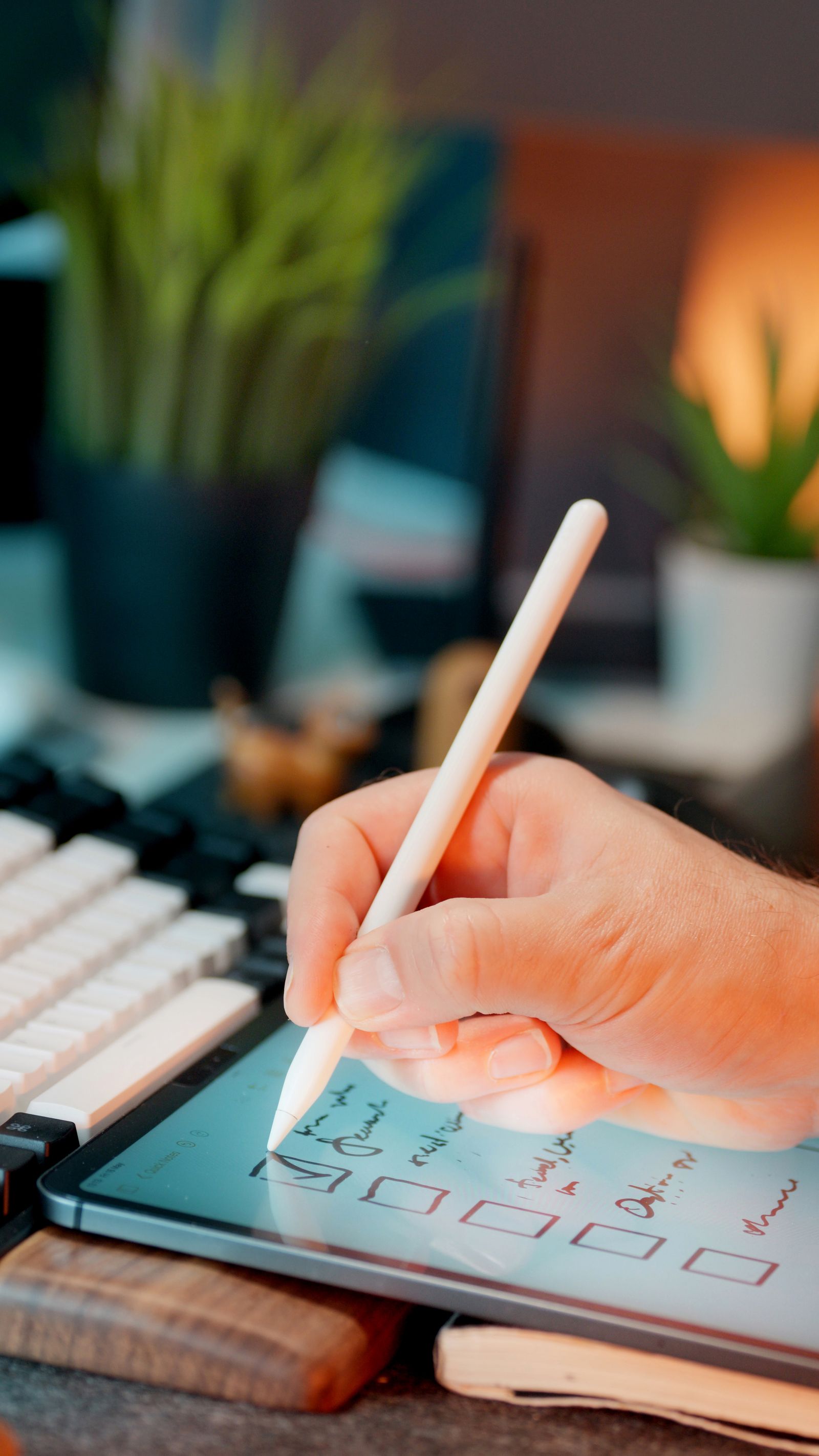
Photo: Jakub Zerdzicki / Pexels
On iPad, the query means handwriting
Read the search results for this query and a pattern emerges: the switchers are students, clinicians, field workers, and meeting writers, and almost all of them write with the Pencil more than they type. That changes the grading completely. Sync engines and markdown support, the axes that decide the desktop benches, matter less here than four ink questions. Does the pen feel like a pen, with pressure response and palm rejection that survives a full page? Can you search what you wrote? What shape is the page: an infinite canvas like OneNote, or a notebook of fixed pages? And the question roundups skip: what happens to the years of ink already sitting in your OneNote notebooks when you move?
The ink question
GoodNotes
Notability
OneNote on iPad
Page shape
Fixed pages in notebooks
Fixed pages in notebooks
Infinite freeform canvas
Handwriting search
Yes, across notebooks
Yes
Yes, a long-standing strength
Audio synced to strokes
No
Yes, the signature feature
Audio recording exists; stroke sync is Notability's game
Price
Free for 3 notebooks; Essential $11.99 a year; Pro $35.99 a year
Free limited tier; Plus sold annually in the App Store
Free app; Microsoft 365 Personal $8.33 a month billed yearly adds 1 TB
Your OneNote ink after import
Arrives as PDF pages: readable, not editable ink
Arrives as PDF pages: readable, not editable ink
Native
GoodNotes: the ink-first default
GoodNotes is the closest thing the iPad has to a default handwriting notebook, and it earns that position on pen feel and organization rather than on any single feature. Notebooks hold fixed pages, which former OneNote users experience as either a relief or a constraint: pages end, so notes stay findable, but the sprawling single canvas where a whole project lived on one surface is gone. Handwriting search works across notebooks, the element former OneNote users fear losing most, and it holds up on ordinary cursive and print. The pricing is gentle by subscription standards: the free tier covers three notebooks, which is enough to run a real trial on real coursework; Essential is $11.99 a year and Pro is $35.99 a year per dated November 2026 reads, both sold as annual subscriptions rather than monthly. For a student whose OneNote pain is pen lag, organization, or the app feeling like a Windows port, GoodNotes is the first trial to run.
Notability: the lecture and meeting recorder
Notability's reason to exist is one feature executed properly: it records audio while you write and syncs the recording to your strokes, so tapping a word in your notes plays what was being said when you wrote it. For lectures, clinical rounds, site walkthroughs, and interviews, that single capability outweighs every organizational advantage GoodNotes holds, because it turns sketchy notes into an index of the room. The rest of the app is a competent fixed-page notebook with handwriting search. Pricing needs an honest note rather than a number: Notability has a limited free tier, and its Plus subscription is sold annually through the App Store at prices that vary by region; the figure was not read on a vendor page for this guide, so check the App Store listing on your own account before budgeting. If your notes exist to reconstruct what was said, Notability is the bench's specialist pick.
Interactive tool
Comparison Builder
Pick two or three products and see them side by side on the numbers that decide the purchase.
Measure
GoodNotes
Notability
Microsoft OneNote
Starting paid price
Free
Not published
$8.33 per month, flat
Free option
Free plan: three notebooks free
Free plan: a limited free tier with capped edits and features
Free plan: the app is free with a Microsoft account, syncing through OneDrive (5 GB free storage)
Plans
Free: free · Essential: not published · Pro: not published
Notability Plus: not published
OneNote app: free · Microsoft 365 Personal: $8.33/mo flat · Microsoft 365 Family: $10.83/mo flat
Platforms
macOS, iOS, Windows, Web, Android
macOS, iOS
Windows, macOS, iOS, Android, Web
Best for
iPad handwriting users, students marking up PDFs, OneNote users who mostly write by hand
students recording lectures, iPad handwriting users, PDF markup workflows
students and teachers, handwritten notes and meeting capture, Microsoft 365 households and offices
Strengths
Best-in-class handwriting feel on iPad; Handwriting search across notebooks; Real Windows app, not just a web wrapper
Audio recordings sync to the stroke you were writing; Ink feel and PDF markup are top tier on iPad; Math conversion and handwriting search on the paid tier
Free-form canvas with the best handwriting and stylus support in the category; The app itself is free, with no note limits; Already installed or included for most Microsoft 365 users
Watch out for
Typed notes and outlining are weak next to OneNote; Full features need the annual tiers; Collaboration is lighter than OneNote or Notion
Apple platforms only; The move from a one-time purchase to a subscription still angers long-time users; Typed outlining is weaker than OneNote
No databases, relations, or structured records; Sharing and collaboration are thinner than workspace tools; Copilot AI is tied to a Microsoft 365 subscription and covers the account holder first
Lowest entry price: GoodNotes at Free per month flat. Real free plan: GoodNotes, Notability, Microsoft OneNote. Entry price is the floor, not the decision: check the plan line above for the tier that actually includes the feature you need.
All figures from vendor pricing pages, checked November 18, 2026. Some vendors price by contacts, tasks, or operations instead of seats; those notes are in the plan data and the linked pricing guides.
What your existing OneNote ink becomes
Every migration guide for this query should print this paragraph in bold and almost none do: your existing handwriting does not survive the move as handwriting. Exporting OneNote pages into GoodNotes or Notability means PDF, and PDF ink is a picture of ink. You can read it, annotate over it, and search the typed text around it, but the strokes themselves are no longer editable, selectable, or searchable as handwriting. That fact reorganizes the decision. Readers with a small, recent notebook collection can absorb the loss. Readers with years of searchable ink face a real cost, and for them the rational move is often a split life: the archive stays in OneNote, which remains free to open and search, and new writing starts in the new app. Splitting feels untidy and is frequently the correct engineering decision.
When staying on OneNote is the right answer
OneNote on iPad is free, its handwriting search is genuinely good, and if your notebooks must stay shared with Windows-using collaborators inside Microsoft 365, no app on this bench replicates that sharing. The legitimate triggers to leave are specific: you want fixed-page organization, you want audio synced to strokes, you want an app designed for the Pencil rather than adapted to it, or your notes life is entirely inside Apple's ecosystem and OneNote's OneDrive sync is the friction. Name your trigger before trialing. Readers who cannot name one usually discover, two weeks into a migration, that they have traded a free app they knew for a subscription they did not need. Microsoft 365 Personal at $8.33 a month billed yearly is the paid step that matters here, and it buys 1 TB of storage across the suite, not a better pen.
The verdict
Run the Pencil test below on your own handwriting before you pay anyone: one page of fast writing, one page of diagrams, one search for a word you wrote last week. GoodNotes (free for three notebooks, then $11.99 or $35.99 a year) is the default replacement for ink-first writers who want notebook discipline. Notability is the pick when your notes index recorded speech. OneNote itself remains the verdict for archive-heavy readers and Microsoft 365 households. The bench is short because the iPad ink market is short; the test is what separates the two paid picks.
Interactive tool
Run the Pencil test before you pay
Check off each step as you finish it. Your progress stays on this page.
0 of 6 complete
0% done
Related guides
This decision rarely stands alone. The guides below cover the closest questions on the chart, each with prices checked on the vendor pages.
What is the best OneNote alternative for iPad handwriting?
GoodNotes, for most writers: the pen feel and notebook organization are the best on the platform, handwriting search works across notebooks, and the free tier (three notebooks) is enough for a genuine trial. It costs $11.99 a year for Essential or $35.99 a year for Pro per dated November 2026 reads. Choose Notability instead if you record lectures or meetings and want audio synced to your strokes.
Can I import my OneNote notebooks into GoodNotes or Notability?
Yes, as PDFs, and the distinction matters: the pages arrive readable and annotatable, but your handwriting becomes a picture of handwriting. It is no longer editable ink, and the new app cannot search it as handwriting. Readers with large ink archives often keep the archive in OneNote (free to open and search) and start new notebooks in the new app rather than converting everything.
Is OneNote on iPad actually free?
The app is free with a Microsoft account and syncs through OneDrive, with 5 GB of free storage. The paid step is Microsoft 365 Personal at $8.33 a month billed yearly ($99.99 a year), which raises storage to 1 TB and adds Copilot for the account holder. Heavy ink users fill 5 GB faster than they expect, because ink and inserted media are not small; check your notebook sizes before assuming the free tier holds.
GoodNotes or Notability for students?
It depends on the class. For problem sets, diagrams, and written revision, GoodNotes' notebooks and handwriting search are the stronger daily tool. For lectures you need to revisit, Notability's audio recording synced to your strokes is worth more than any organizational feature, because tapping a half-remembered formula replays the explanation. Many students run both for a term; the free tiers make that test cheap.
Does Apple Notes count as a OneNote alternative on iPad?
For light ink, increasingly yes: it is free, the Pencil support is native, and handwriting is searchable. It fails the bench on organization at scale: no notebook structure comparable to OneNote sections or GoodNotes notebooks, and no real answer for Windows collaborators. Treat it as the zero-cost baseline in your Pencil test; if it passes your test, the paid bench has to beat free, and sometimes it does not.
Photo credits: Jakub Zerdzicki (Pexels). Photos are served from this site; follow the credit to the library page for the original.