QuickBooks Alternatives for Churches: Fund Accounting, Giving, and Clergy Payroll
By the SoftSea editorial team
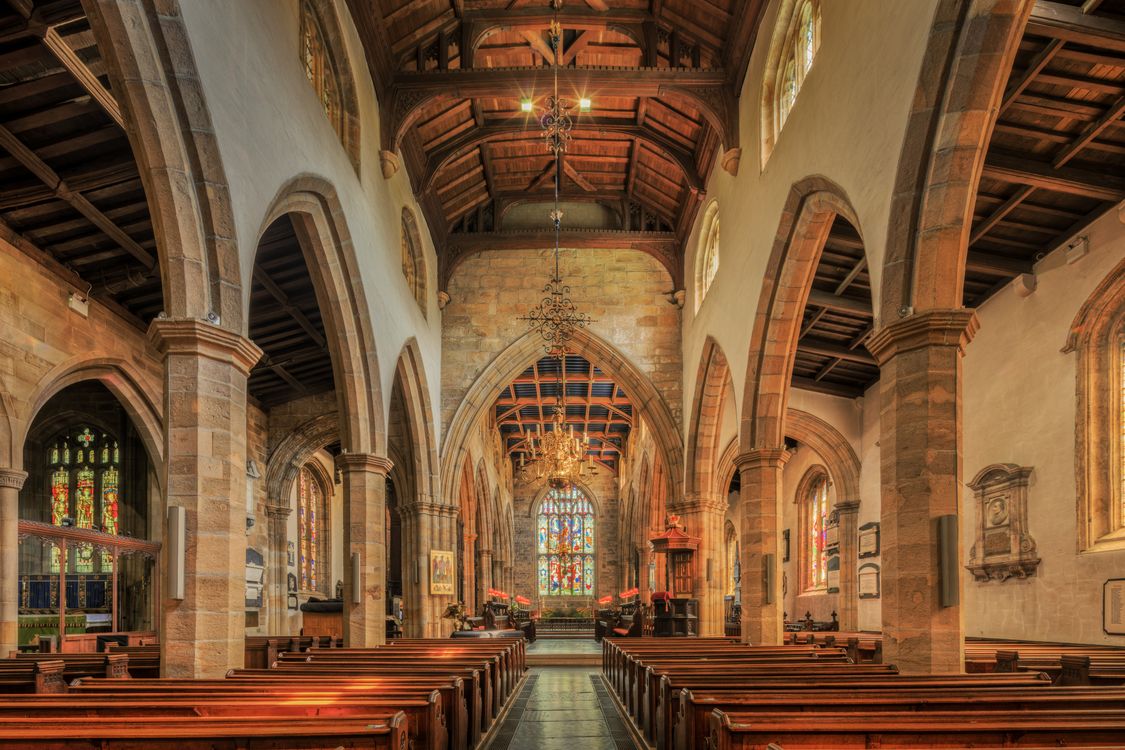
Photo: Michael D Beckwith / Pexels
The shape of church money
Church accounting breaks generic software in three specific places. First, funds: money arrives restricted by donors for missions, buildings, benevolence, and the books must prove each fund was spent as promised; that is fund accounting, and it is the church's legal and moral core, not a reporting preference. Second, giving: contributions must be recorded per donor and turned into year-end statements, which is donor management living inside the ledger. Third, clergy payroll: ministers sit in a dual tax status (employees for income tax, self-employed for Social Security), with housing allowances that are income-tax-exempt but SECA-taxable, and generic payroll mishandles this with confidence. QuickBooks can approximate funds with class tracking and can be taught clergy payroll by a knowledgeable bookkeeper, at subscription prices from $38 to $340 a month plus payroll add-ons. The dedicated church platforms (Aplos, ChurchTrac, PowerChurch Plus) start from the church's shape instead of bending toward it. That difference is this bench.
Platform
Fund accounting
Giving and statements
Clergy payroll shape
Aplos
Built for nonprofit and church funds
Integrated giving records
Church-aware payroll options
ChurchTrac
Church-first books
Contributions built in
Designed around church staff
PowerChurch Plus
Desktop church management heritage
Membership and contributions core
Long church payroll history
QuickBooks Online
Classes as a workaround ($38 to $340 tiers)
Needs add-ons or manual work
Generic payroll, expert setup required
Zoho Books
General nonprofit-capable books (Free under $50k revenue)
Not church-specific
Generic payroll story
Aplos and ChurchTrac: the dedicated answers
Aplos was built for nonprofit and church fund accounting: funds are first-class, contribution tracking lives with the books, and reporting speaks the language a church board actually uses. ChurchTrac comes from the church management side (people, groups, giving) with accounting shaped for churches rather than adapted to them. For both, our dataset carries no published prices (independent reads conflicted), so this bench quotes none: price them on the vendor pages against your congregation size, and compare against the true QuickBooks figure for your setup, which is the subscription tier plus the payroll add-on plus the value of your treasurer's workaround hours. Churches systematically underprice the last item; a volunteer treasurer's Friday nights are a real cost even when no invoice arrives.
Interactive tool
Comparison Builder
Pick two or three products and see them side by side on the numbers that decide the purchase.
Measure
Aplos
ChurchTrac
PowerChurch Plus
Starting paid price
Not published
Not published
Not published
Free option
Free trial only: no free plan
Free tier: a free starting tier is offered; accounting features sit behind an add-on in current reads
No free plan: one-time license purchase
Plans
Aplos plans: not published
ChurchTrac plans: not published
One-time license: not published
Platforms
Web
Web
Windows
Best for
small and midsize churches, nonprofits with restricted funds, boards that need fund balance reports
churches under a few hundred attendees, volunteer treasurers, churches replacing spreadsheets and a separate giving tool
budget-conscious churches, churches that dislike subscriptions, single-office church administration
Strengths
True fund accounting, not class tracking workarounds; Giving and donor management share the ledger; Contribution statements are native
One bill for church management and finances; Priced for very small churches; Giving and people data live together
One-time license instead of a monthly subscription; Fund accounting, contributions, and payroll in one program; Runs locally, which some churches prefer
Watch out for
Churches that need full church management still pair it with a ChMS; Pricing could not be carried at this dataset standard; Payroll is handled through partners rather than a native engine
Fund accounting depth is lighter than a dedicated fund ledger; Accounting is an add-on shape, not the core product; Reporting depth trails Aplos class tools
Desktop software: access is tied to installed machines; Interface and workflow are traditional; Price could not be carried at this dataset standard
Lowest entry price: Aplos. None of these has a real free plan, only trials. Entry price is the floor, not the decision: check the plan line above for the tier that actually includes the feature you need.
All figures from vendor pricing pages, checked November 18, 2026. Some vendors price by contacts, tasks, or operations instead of seats; those notes are in the plan data and the linked pricing guides.
PowerChurch Plus: the desktop veteran
PowerChurch Plus is the long-running desktop answer: membership, contributions, and accounting in one church-shaped system, sold as a one-time license rather than a subscription (our dataset carries no price; published figures in the wild conflict, so read the vendor page). Its bench position is for churches that distrust subscriptions, have a stable office machine, and value a system their last three treasurers already know. Its trade-offs are the desktop's trade-offs: remote access and multi-device life are weaker than the cloud pair, and a one-time license still comes with upgrade and support economics over the years. Judge it as infrastructure, not nostalgia.
The QuickBooks workaround, honestly priced
Thousands of churches run on QuickBooks with classes standing in for funds, and it can work with a disciplined chart of accounts and a treasurer who understands the model. The failure mode is equally known: classes are optional in QuickBooks in a way funds must never be, a careless entry posts to the wrong class, and the building fund report quietly lies until audit season. Price the workaround honestly: subscription tier ($38 to $340), payroll add-on (QuickBooks payroll is a paid extra; the product was renamed QuickBooks Workforce in 2026 reads), plus the expertise premium, because the workaround lives in one person's head and churches turn over treasurers. If that person is you and you are leaving, the workaround is already broken; it just has not been discovered yet.
Giving, statements, and the January test
Whatever platform wins, grade it in January: can it produce accurate contribution statements for every donor, handle non-cash gifts with the right acknowledgment language, and separate deductible gifts from payments for goods (the bake sale problem) without spreadsheet surgery. Dedicated platforms treat this as a headline feature; generic platforms treat it as your problem. Also grade the donor-facing side if you take online giving through the same vendor: processing fees and deposit timing matter to a church budget more than interface polish, and the fees should be read on the vendor page at decision time, because they change and because our dataset does not publish them.
Clergy payroll: the non-negotiable detail
Before any platform signs your church, run one test payroll on paper with your actual minister's compensation: salary plus housing allowance, and check how the system treats the allowance for income tax versus SECA, how it reports on the W-2, and whether it supports the minister's voluntary withholding arrangement. Dedicated church platforms have opinions about this because their customers demanded them; generic payroll can usually be configured, but "can be configured" must be demonstrated with your numbers, not asserted in a demo. This single test eliminates more contenders than any feature matrix, which is why it sits in this bench as a gate, not a preference.
The verdict
Most churches should start with the dedicated field: Aplos for fund-accounting-first cloud books, ChurchTrac for the management-plus-books shape, PowerChurch Plus for the desktop one-time-license tradition. QuickBooks remains viable only with a genuinely expert treasurer and a priced payroll add-on. Church money is other people's donated money; the software should be shaped like the obligation.
Interactive tool
The church finance checklist
Check off each step as you finish it. Your progress stays on this page.
0 of 5 complete
0% done
Related guides
This decision rarely stands alone. The guides below cover the closest questions on the chart, each with prices checked on the vendor pages.
What is the best accounting software for churches?
For most churches, a dedicated platform: Aplos for fund accounting as a first-class citizen in the cloud, ChurchTrac for church management and books together, or PowerChurch Plus for a one-time-license desktop tradition. Generic tools like QuickBooks work only through class-tracking workarounds that depend on expert setup and discipline.
Can QuickBooks handle church fund accounting?
Approximately, using classes to imitate funds, at subscription prices from $38 to $340 a month plus a paid payroll add-on. The imitation is fragile: classes are optional on entries, so mispostings are easy and quiet. Churches with a skilled, stable treasurer make it work; churches with rotating volunteers are the dedicated platforms' reason to exist.
What is different about clergy payroll?
Ministers have a dual tax status: employees for federal income tax, self-employed for Social Security and Medicare (SECA). Housing allowance is excluded from income tax but included for SECA. Generic payroll often mishandles one leg of that triangle. Any platform a church chooses must demonstrate a correct clergy payroll with the church's real numbers before adoption.
How much do Aplos and ChurchTrac cost?
Our dataset publishes no prices for either, because independent reads conflicted; treat any figure quoted in roundups as unverified and read the current price on the vendor's own page for your congregation size. Compare it against the full QuickBooks figure (tier plus payroll add-on), not against the subscription headline alone.
Do churches need fund accounting if they are small?
Yes, in proportion. Even a small church usually holds at least one restricted fund (a building or missions designation), and restricted money is restricted at any size. The tooling can be simpler for a small church, and ChurchTrac-class or even a disciplined small setup may suffice, but the fund discipline itself is not optional, because it is a promise made to donors.
Photo credits: Michael D Beckwith (Pexels). Photos are served from this site; follow the credit to the library page for the original.