The two questions that decide a self-hosted board
Self-hosting Trello sounds like a pricing decision and is actually two others. The first is operational weight: what does the board need to run, and who keeps it running. The second is migration gravity: how do your existing boards get in, because a board tool you cannot import into is a board tool you will rebuild by hand over a lost weekend. This guide answers both with tables, then runs the break-even math against Trello's paid tiers honestly, including the seat counts where self-hosting loses.
| Your situation | Self-hosted pick | Why |
|---|
| Trello-shaped boards, real importer, team use | Wekan | Only built-in Trello JSON importer in this set |
| Tiny server, minimal board, stable for years | Kanboard | Roughly 70 MB idle, MIT, maintenance mode |
| Tasks first, boards as one view | Vikunja | AGPLv3, roughly 110 MB idle |
| Prettiest board, license caveat accepted | Planka | Fair Use License, not OSI open source |
| No one will own a server | Do not self-host | Trello Standard is $5 per seat |
Reference prices from our verified data set, checked November 2026: Trello Standard is $5 per user per month billed annually ($60 per user per year), Premium is $10 ($120 per user per year), and Enterprise is $17.50 on annual billing. Wekan is free software under the MIT license; its only software cost is $0 at any seat count. Resource figures are idle-memory measurements published by ssdnodes and checked in late 2026.
The resource-weight and importer table
| Tool | Idle memory, approx. | License | Trello importer | Ongoing weight |
|---|
| Kanboard | 70 MB | MIT | No built-in importer | Lowest: minimal app, maintenance mode |
| Vikunja | 110 MB | AGPLv3 | Check current docs | Low: single service plus database |
| Planka | 280 MB (with Postgres) | Fair Use License 1.1 | Trello import offered | Moderate: app plus Postgres |
| Wekan | 750 MB | MIT | Yes: JSON and ZIP, built in | Highest here: Meteor stack plus database |
Read the last column as the decision. All four run comfortably on a small virtual server, so memory rarely decides anything except hosting tier. What decides is the combination of importer and ownership: Wekan is the heaviest to run and the lightest to migrate into, and for most teams the migration weekend costs more than a year of the memory difference.
Wekan: the heavy board that imports like it means it
Wekan (MIT, actively maintained with weekly releases) is the default self-hosted Trello replacement because it is the only candidate that treats your existing boards as a first-class input: export from Trello as JSON or ZIP, import, map members to accounts, and your lists, cards, and checklists arrive as a working board. Its views go past Trello's free tier (swimlanes, calendar, Gantt), and sign-in options (LDAP, CAS, OIDC) cover the organizations most likely to self-host. The costs are the stack (Meteor plus a database, roughly 750 MB idle) and the absence of an official hosted fallback: if your server person leaves, the knowledge leaves with them unless you document the deployment. At team scale its economics are the strongest in this article, because $0 per seat stays $0 at 50 seats while Trello Premium becomes $6,000 a year.
Kanboard and Vikunja: the light end of the shelf
Kanboard is the board as appliance: MIT, minimal, roughly 70 MB idle, and in maintenance mode, which means stable and finished rather than abandoned. It has no built-in Trello importer, so the migration is a rebuild or a script, acceptable for a handful of boards and painful for fifty. Choose it when the requirement is a small board that runs for years untouched on the smallest possible server.
Vikunja (AGPLv3, roughly 110 MB idle) starts from tasks and offers kanban as one view among list, table, and Gantt. For a small team whose Trello boards were really shared task lists, that model can be a better fit than a board clone. Verify its current importer support in its documentation before scheduling the move; its center of gravity is the task list, and board-heavy teams should pilot before committing.
Planka: price the license caveat honestly
Planka plus Postgres idles at roughly 280 MB, offers a Trello import, and presents the most polished board interface in this set. Its current license is the Fair Use License 1.1, which is not OSI-approved open source and restricts some commercial uses. For an internal team tool that may be entirely acceptable; for anyone whose self-hosting reason is license freedom, it fails the premise. Read the license, decide with your eyes open, and do not let a roundup's "open source" label make the decision for you. Our open-source Trello guide runs the full license and maintenance audit across this shelf.
The break-even math, including where self-hosting loses
Trello's annual-billing totals from our data set: Standard is $60 per user per year, so 10 users cost $600 a year, 25 cost $1,500, and 50 cost $3,000. Premium doubles those: $1,200, $3,000, and $6,000. A self-hosted board's software is $0, its server is a modest fixed cost, and its real variable is admin time: updates, backups, and the occasional incident, realistically a few hours a month for a small deployment.
The honest conclusions follow. Below roughly 10 seats, self-hosting loses on cost for almost everyone: even a few admin hours a year exceed a $600 Trello Standard bill once the time is worth anything, so small teams should self-host only for custody, compliance, or data-residency reasons, and should say so. Between 10 and 25 seats the math turns on how you value the admin hours and which Trello tier you would otherwise buy. Above 25 seats, or anywhere Premium is the comparison, the seat math wins decisively for self-hosting on cost alone, provided the named-owner problem is solved. Custody, it should be said, is a legitimate reason at any size: boards holding client work, health-adjacent data, or export-controlled projects may belong on your hardware at 6 seats for reasons that have nothing to do with $600.
Readiness gates before the server exists
Four gates, all passable in an afternoon, all skipped by teams that regret self-hosting. One: a named owner for updates and incidents, with a deputy. Two: a backup that has been restored once in a test. Three: the Trello export taken and stored outside Trello before anything moves, because the export is both your migration input and your rollback. Four: a pilot board, imported and used by real people for two weeks, while Trello stays live beside it. The checklist in the second tool slot sequences these gates with the migration steps, and the comparison tool above keeps Wekan priced beside Trello and ClickUp while you decide.
The verdict
Self-host Wekan if your boards must live on your infrastructure or your seat count makes Trello's per-seat rent the dominant cost; it is the only option here that imports Trello boards natively, and its weight is a fair price for that. Take Kanboard for a tiny, stable, minimal board, Vikunja for task-first teams, and Planka only with its license caveat read and accepted. Below 10 seats with no custody requirement, the verdict flips: pay Trello Standard $5 a seat and spend the admin hours on your actual work. Self-hosting is a custody decision that sometimes saves money, and the teams that thrive with it are the ones who knew which of the two they were buying.
Related guides
More from this corner of the chart: these companion guides compare the nearest alternatives and head to head matchups.
Frequently asked questions
What is the best self-hosted alternative to Trello?
Wekan. It is MIT-licensed and actively maintained, matches Trello's board model with swimlanes and extra views, and is the only tool in this set with a built-in importer for Trello JSON and ZIP exports. Its cost is operational: roughly 750 MB of idle memory and an owner for updates and backups.
At what team size does self-hosting beat Trello on cost?
Trello Standard costs $60 per user per year on annual billing, so a 10-person team pays $600 a year and a 50-person team pays $3,000 (Premium doubles both). Self-hosted software is $0, so the comparison is a small server plus admin hours against those totals. Below about 10 seats admin time usually loses; above 25 seats, or against Premium at any size, self-hosting wins on cost if someone owns the server.
How much server does a self-hosted board need?
Published idle measurements put Kanboard at roughly 70 MB of memory, Vikunja at 110 MB, Planka with Postgres at 280 MB, and Wekan at 750 MB. All four fit on a small virtual server; Wekan's heavier stack is the price of its feature depth and importer, and it is still a modest footprint for a team tool.
Can I import Trello boards into a self-hosted tool?
Wekan imports Trello JSON and ZIP exports directly, including member mapping. Planka offers a Trello import. Kanboard has no built-in Trello importer, so its migration is a rebuild or a script, and Vikunja's importer support should be checked in its current documentation. Always pilot one real board first.
Is Planka open source?
Not under an OSI-approved license in its current form: it ships under the Fair Use License 1.1, which restricts some commercial uses. It may still suit an internal deployment, but if license freedom is your reason for self-hosting, Wekan (MIT), Kanboard (MIT), or Vikunja (AGPLv3) meet the requirement and Planka does not.
What is the biggest risk of self-hosting our boards?
Ownership, not technology. The failure pattern is an unnamed server: updates stop, backups go untested, and the board becomes fragile exactly when the team depends on it. Name an owner and a deputy, test a restore before you migrate, and keep the Trello export as your rollback. The checklist in this article sequences all three.
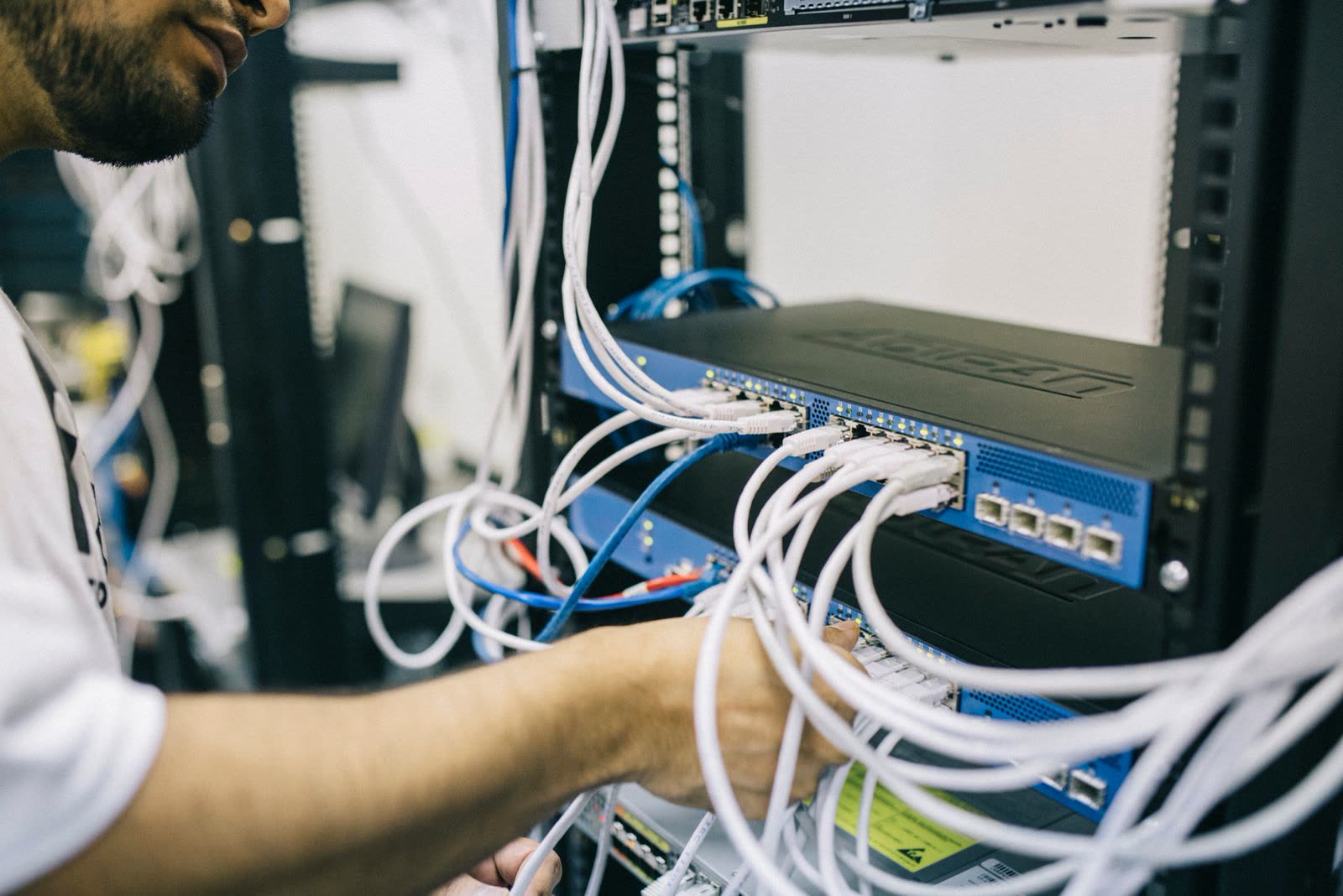
Photo credits: Field Engineer (Pexels). Photos are served from this site; follow the credit to the library page for the original.