DaVinci Resolve Alternatives for Color Grading: The Honest Guide That Mostly Tells You to Stay
By the SoftSea editorial team
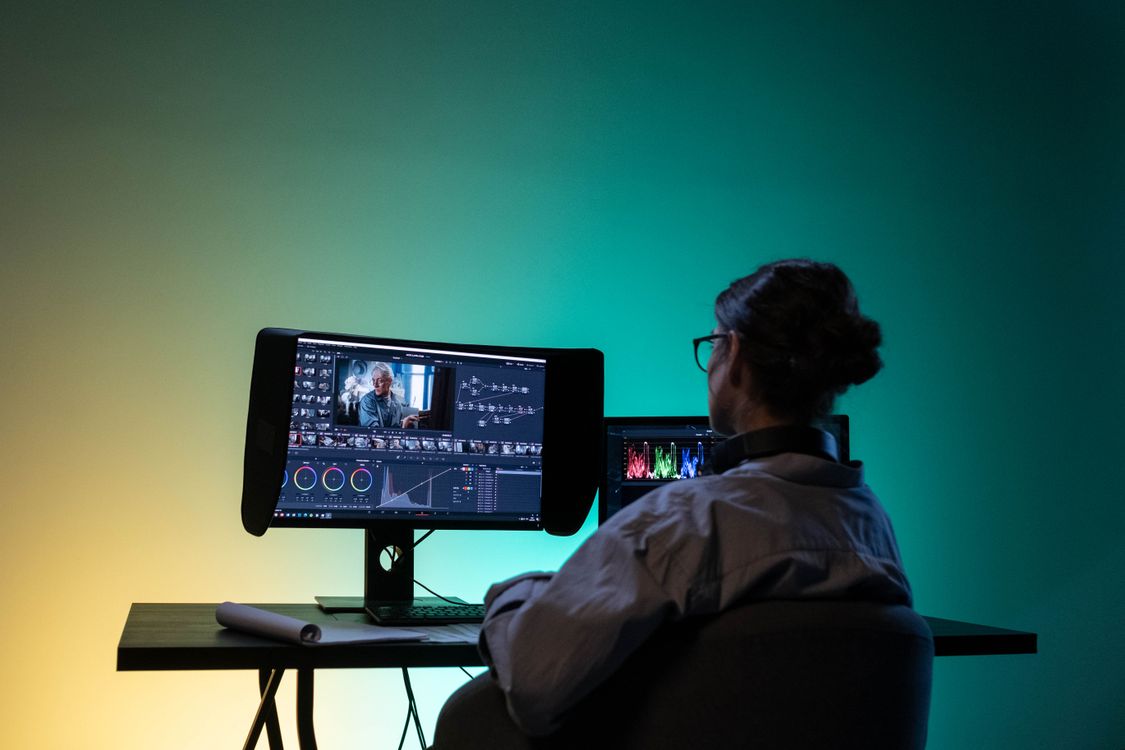
Photo: Ron Lach / Pexels
The uncomfortable premise: you are shopping against the reference
Colorists grade in Resolve. That is not brand loyalty; it is the accumulated fact of two decades of the color page being the tool finishing houses standardize on, and it means every alternative in this guide is graded against the reference implementation rather than against a weak incumbent. Our Resolve versus Premiere comparison makes the same point from the editing side. So this guide's first job is triage: most people who search this query do not need a different grading tool; they need one of three narrower things. They need their editor's built-in grading to be enough (the in-editor route). They need a specific look, film emulation or a signature style, to travel into the editor they already use (the plugin route). Or they are finishing other people's films at a level where Resolve's remaining gaps matter (the finishing-system route). Each route has real products and real prices, and each is graded below. What none of them does is beat Resolve at general grading for less money, because Resolve's free edition already contains most of the color page, and Studio, the complete tool, is $295 list one-time (Blackmagic's product page showed $236 on November 20, 2026). Any guide that skips that arithmetic is selling you a subscription.
Route
Products
What it actually buys
Stay and unlock
Resolve Studio
10-bit, HDR tools, noise reduction, full FX: $295 list one-time
In-editor
Premiere Lumetri, Final Cut color tools
Delivery-grade grading without leaving your editor
Plugin layer
FilmConvert, Dehancer, Magic Bullet, Colourlab
Film looks and assisted grading inside other NLEs
Finishing systems
Baselight, Mistika, Assimilate
Facility-grade finishing beyond Resolve's scope
Route one and two: in-editor grading and the plugin layer
Lumetri inside Premiere Pro ($22.99 per month in our dataset) is the in-editor benchmark: scopes, wheels, curves, HSL qualifiers, and LUT support that cover delivery-grade correction and moderate creative grading without leaving the timeline, which for editors grading their own footage is often the entire requirement. Final Cut Pro's color tools ($299.99 one-time) play the same role on Mac with wheels, curves, and hue and saturation controls that are faster than they are deep. The honest ceiling for both: node-based parallel workflows, Resolve's tracker and qualifier depth, and its HDR palette are a class above, and a working colorist will feel the difference on the first difficult shot. The plugin layer exists for a different need: FilmConvert and Dehancer sell film emulation as a craft (grain, halation, print stocks) that applies inside Premiere, Final Cut, and Resolve alike; Magic Bullet (in the Maxon ecosystem) sells fast stylized looks; Colourlab sells AI-assisted shot matching and look building for finishing workflows. No plugin in this guide carries a price, because none was read to this dataset's verification standard; treat them as named routes to price on the vendor page, not as figures to budget from a listicle. The comparison tool below lines up the dataset's editor entries; the plugin and finishing layers are graded in prose because their pricing models (perpetual, subscription, quote) do not share an honest unit.
Interactive tool
Comparison Builder
Pick two or three products and see them side by side on the numbers that decide the purchase.
Measure
DaVinci Resolve
Adobe Premiere
Final Cut Pro
Starting paid price
$295 per month, flat
$22.99 per user/mo, billed annually
$10.75 per month, flat
Free option
Free plan: the standard edition is free, with editing, color, effects, and audio included
Free trial only: 7 days
No free plan; a 90-day free trial has historically been offered on the Mac App Store
Final Cut Pro (one-time purchase): not published · Apple Creator Studio: $10.75/mo flat
Platforms
Windows, macOS, Linux
Windows, macOS
macOS
Best for
YouTube creators who will learn a pro tool once, color-driven work, teams that refuse subscriptions
professional editors, agencies and client work, creators already in Adobe apps
Mac editors leaving Premiere, Apple silicon owners, creators who want to own their editor
Strengths
Best color grading tools in the category, free; No watermark on free exports; One-time Studio price instead of a subscription
Industry default for client work; Text-based editing and deep audio and effects tools; Fits the wider Adobe ecosystem
Fastest exports on Apple silicon thanks to the media engines; One-time purchase option ends the subscription permanently; Magnetic timeline and roles keep big projects organized
Watch out for
Steep learning curve for beginners; Wants a capable computer and GPU; Free edition caps resolution and some effects
Subscription only, no purchase option; Heavier system demands than beginner editors; Price rises if you pay month to month
Mac and iPad only; no Windows or Linux version exists; Premiere projects and plug-ins do not transfer; timelines are rebuilt; Some premium content is reserved for Creator Studio subscribers
Lowest entry price: Final Cut Pro at $10.75 per month flat. Real free plan: DaVinci Resolve. Entry price is the floor, not the decision: check the plan line above for the tier that actually includes the feature you need.
All figures from vendor pricing pages, checked November 18, 2026. Some vendors price by contacts, tasks, or operations instead of seats; those notes are in the plan data and the linked pricing guides.
Route three: finishing systems, and the decision audit
Baselight, Mistika, and Assimilate's Scratch are the tools above Resolve, used in facilities finishing theatrical and broadcast work where conform, deliverables, and color are one pipeline. They are priced by quote and configuration, and the honest sentence about them is that if your work needs them, you already know their sales channels; a search-result guide is not where that procurement happens. Their presence in this article is to mark the top of the ladder truthfully instead of pretending Premiere is it. The decision audit for everyone else runs in four questions. Is your footage 10-bit, HDR, or noisy enough that the free edition's limits are the actual pain? Then Studio at $295 list is the alternative, full stop. Is your pain that grading lives in a different app from editing? Then Lumetri or Final Cut's tools end the round-trip, and the flagship alternatives guide prices that exit properly. Is your pain a look you cannot build? Then the plugin route is a purchase, not a migration. Is your pain client work at facility scale? Then you are route three and should be talking to vendors. The checklist below walks the audit against your last three projects, because grading needs are visible in finished work, not in feature matrices.
Interactive tool
Grading Workflow Audit
Check off each step as you finish it. Your progress stays on this page.
0 of 6 complete
0% done
Related guides
If this guide narrowed your shortlist, the reads below tackle the decisions that usually come right before or after it.
What is the best alternative to DaVinci Resolve for color grading?
For most editors, the honest answer is Resolve Studio: $295 list one-time (shown at $236 on Blackmagic's product page on November 20, 2026), unlocking 10-bit footage, HDR tools, and noise reduction inside the reference tool itself. If you must grade inside another editor, Premiere's Lumetri is the deepest in-editor option. Dedicated systems like Baselight sit above Resolve for facility finishing, at quote-based prices.
Can Premiere's Lumetri really replace Resolve's color page?
For delivery-grade correction and moderate creative grading on your own footage, yes: Lumetri has scopes, wheels, curves, qualifiers, and LUTs inside the timeline. For a colorist's workflow, no: Resolve's node-based parallel grading, tracking, qualifier depth, and HDR palette are a class above, and node-tree grades do not transfer to any other tool. The dividing line is whether grading is a step in your edit or the product you sell.
What do grading plugins like FilmConvert and Dehancer actually do?
They sell a look, not a grading environment: film stock emulation, grain, halation, and print characteristics (FilmConvert, Dehancer), fast stylized looks (Magic Bullet), or AI-assisted shot matching (Colourlab), applied as effects inside Premiere, Final Cut, or Resolve itself. This guide prints no prices for them because none was verified to the dataset standard; price them on the vendor pages.
Why does this guide not recommend switching away from Resolve?
Because the economics do not support it for grading alone. The free edition already includes most of the color page; Studio removes its limits for a one-time $295 list. Every alternative either costs a subscription forever (Premiere), grades less deeply (in-editor tools), or costs facility money (Baselight class). Switching editors makes sense for ecosystem, platform, or curve reasons, covered in the flagship guide; for color alone, the alternative is usually an upgrade.
Do color grades transfer between editors?
No. A Resolve grade lives in its node tree, which no other editor reads. Moving editors means exporting timelines (OpenTimelineIO carries the edit, not the grade) and rebuilding looks from scratch or from exported LUTs of your final look, which bake one state rather than an adjustable grade. Budget re-grading time into any migration, or keep Resolve installed for the archive, which is what most switchers actually do.
Photo credits: Ron Lach (Pexels). Photos are served from this site; follow the credit to the library page for the original.