Final Cut Pro Alternative for iPad: The One Platform Where Final Cut Itself Runs
By the SoftSea editorial team
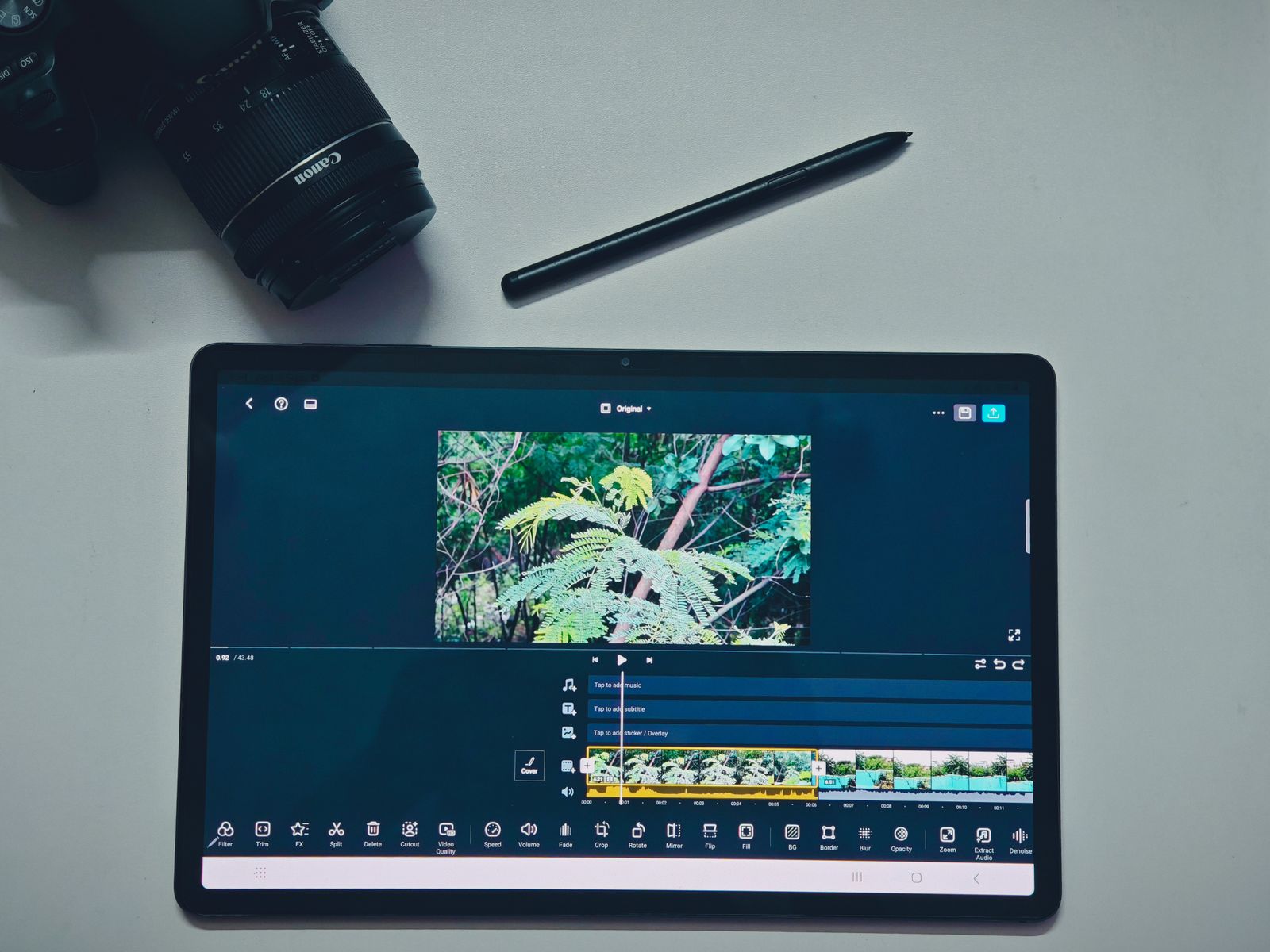
Photo: Ajit / Pexels
The iPad question is different, and better
Every other platform guide in this series starts with an absence. This one starts with a presence: Final Cut Pro genuinely runs on iPad. Verified on apple.com, it requires iPadOS 18.6 or later and an iPad with an M1 chip or later (or the A16 iPad, or iPad mini with A17 Pro), and Apple sells it through the Apple Creator Studio bundle at $12.99 a month or $129 a year rather than the Mac's $299.99 one-time purchase. So the iPad searcher is not asking "what exists" but "should I keep paying Apple, or switch editors on the device I already own?" That is a better question, and it has a real bench: DaVinci Resolve for iPad, which brings the desktop color pipeline to the tablet; LumaFusion, the one-time-purchase professional that predates Apple's own entry; and CapCut for social speed. The flagship Final Cut alternatives guide grades the whole field; this guide grades the on-device decision. Phone editors should read the iPhone guide instead, because Final Cut does not run there and the bench changes completely.
Editor on iPad
Price shape
Best at
Final Cut Pro for iPad
Creator Studio $12.99 a month or $129 a year
Apple workflow, Live Multicam, Pencil-first editing
DaVinci Resolve for iPad
Free tier; Studio unlock via one-time in-app purchase
Color pipeline, desktop project compatibility
LumaFusion
$29.99 one-time
Multitrack depth without a subscription
CapCut
Free tier; Pro price not published in our dataset
Social-first speed and captions
DaVinci Resolve for iPad: the color answer
Resolve for iPad is the alternative that makes professionals reconsider, because it is not a mobile remix: it is Resolve, with the Cut and Color pages first-class, the same project files as the desktop app, and a free tier that is genuinely usable. Studio features unlock through a one-time in-app purchase rather than a subscription, which matters in a comparison against a $12.99 monthly bundle. The working style differs from Final Cut in ways iPad users feel immediately: the interface assumes you want the desktop's depth and gives you its complexity too, Pencil support is capable rather than central, and the free tier's resolution and tool limits are the real gate. If your iPad editing feeds a desktop Resolve pipeline, or your deliverables live and die by color, Resolve for iPad is the strongest alternative on this page. If your iPad is your only machine and your style is fast timeline assembly, read on before deciding.
Interactive tool
Comparison Builder
Pick two or three products and see them side by side on the numbers that decide the purchase.
Measure
DaVinci Resolve
LumaFusion
Final Cut Pro
Starting paid price
$295 per month, flat
$29.99 per month, flat
$10.75 per month, flat
Free option
Free plan: the standard edition is free, with editing, color, effects, and audio included
No free plan: paid up front, with optional feature add-ons
No free plan; a 90-day free trial has historically been offered on the Mac App Store
Final Cut Pro (one-time purchase): not published · Apple Creator Studio: $10.75/mo flat
Platforms
Windows, macOS, Linux
iOS, iPad, Android, ChromeOS
macOS
Best for
YouTube creators who will learn a pro tool once, color-driven work, teams that refuse subscriptions
serious mobile editing, iPad-first creators, buy-once buyers on phones
Mac editors leaving Premiere, Apple silicon owners, creators who want to own their editor
Strengths
Best color grading tools in the category, free; No watermark on free exports; One-time Studio price instead of a subscription
A true multi-track timeline built for touch; One payment, no subscription meter; Handles long, serious projects on a tablet
Fastest exports on Apple silicon thanks to the media engines; One-time purchase option ends the subscription permanently; Magnetic timeline and roles keep big projects organized
Watch out for
Steep learning curve for beginners; Wants a capable computer and GPU; Free edition caps resolution and some effects
No free tier to test with; A learning curve well beyond CapCut; Some features are paid add-ons
Mac and iPad only; no Windows or Linux version exists; Premiere projects and plug-ins do not transfer; timelines are rebuilt; Some premium content is reserved for Creator Studio subscribers
Lowest entry price: Final Cut Pro at $10.75 per month flat. Real free plan: DaVinci Resolve. Entry price is the floor, not the decision: check the plan line above for the tier that actually includes the feature you need.
All figures from vendor pricing pages, checked November 18, 2026. Some vendors price by contacts, tasks, or operations instead of seats; those notes are in the plan data and the linked pricing guides.
LumaFusion: the one-time purchase that was here first
LumaFusion built the professional iPad editing market before Apple entered it, and its value proposition survives Apple's entry intact: $29.99 once, no subscription, a deep multitrack timeline with keyframing, strong audio tools, and mature external-drive and export workflows. Against Final Cut for iPad it loses the Apple-specific magic (Live Multicam with iPhones as cameras, the tightest Pencil integration, seamless handoff to the Mac app) and wins on ownership math and cross-platform reach, since the same purchase family covers iPhone, Android, and ChromeOS. Against Resolve it is simpler to learn and lighter to run. For the large class of creators who edit only on iPad and resent subscriptions on principle, LumaFusion remains the recommendation it has been for years, and Apple's bundle pricing has honestly strengthened its case.
CapCut and the speed bench
CapCut on iPad serves the social-first workflow: templates, auto captions, effects velocity, and a free tier, with Pro pricing our dataset carries as not published rather than guessed. It is not competing with Final Cut on timeline depth and does not pretend to; it competes on minutes from footage to posted vertical video. Creators who publish daily shorts will feel faster in CapCut than in any pro editor on this page, and creators cutting a documentary will feel trapped. Know which creator you are; the tool follows.
The decision framework: three questions
First, does your iPad qualify and do you already pay for Creator Studio for other apps? If the bundle is already bought, Final Cut for iPad is effectively $0 marginal and the switching case collapses. Second, where do projects finish? Desktop Resolve pipelines point to Resolve for iPad; Mac Final Cut pipelines point to staying; no desktop at all points to LumaFusion's ownership math. Third, what do you shoot? Multicam iPhone shoots are Final Cut's home turf; color-critical single-camera work is Resolve's; everything else is a timeline-preference call the free trials can settle in a weekend. The calculator below prices the subscription side of the decision honestly, because $12.99 a month is $155.88 a year and $779.40 over five years, against LumaFusion's $29.99 once.
Interactive tool
SaaS Cost Calculator
The per-seat price is the small number. This is the real one: your team, a full year, both billing cycles.
Final Cut Pro Apple Creator Studio is a flat monthly price, so the seat count does not change the bill (user caps by plan still apply)
$129.00 per year
Billed annually: $10.75 per month equivalent, paid once a year.
Billed monthly instead: $155.88 per year.
Annual billing saves $26.88 a year (17 percent), if you are sure the seats survive the year. Empty seats paid annually are the most common SaaS waste we see.
Bar: annual-billing cost as a share of monthly-billing cost for the same seats.
Plan prices from vendor pricing pages, checked November 18, 2026. Taxes, add-ons, and usage overages are not included, because vendors do not include them in the headline price either.
Related guides
The shortlist does not end here. These related guides cover the sibling tools, matchups, and pricing questions closest to this one.
Yes. Verified on apple.com: Final Cut Pro for iPad requires iPadOS 18.6 or later and an iPad with an M1 chip or later (or the A16 iPad, or iPad mini with A17 Pro). Apple sells it through Apple Creator Studio at $12.99 a month or $129 a year, rather than the Mac's $299.99 one-time purchase.
What is the best Final Cut Pro alternative for iPad?
DaVinci Resolve for iPad for color work and desktop compatibility (free tier, Studio features via one-time in-app purchase). LumaFusion for subscription-free professional editing at $29.99 one-time. CapCut for social-first speed.
Is LumaFusion better than Final Cut Pro for iPad?
For ownership math and cross-platform reach, yes: $29.99 once, and it also runs on iPhone and Android. For Apple-specific features (Live Multicam, Pencil-first workflows, handoff to Final Cut on Mac), Apple's app wins. Most solo iPad editors are better served by LumaFusion's price shape.
Can I edit from an external drive on iPad?
Yes. LumaFusion and Resolve for iPad both support working with media on external storage, and Final Cut for iPad supports external drive workflows on qualifying models. For long-form work this matters more than most feature differences, so test it with your own drive and footage.
Does DaVinci Resolve for iPad open desktop Resolve projects?
Yes. It uses the same project format as desktop Resolve, which is its decisive advantage for editors who finish on a Mac or Windows workstation. Final Cut for iPad similarly hands projects to Final Cut on Mac; pick the ecosystem you finish in.
Photo credits: Ajit (Pexels). Photos are served from this site; follow the credit to the library page for the original.