Final Cut Pro Alternative for Linux: Resolve With Its Caveats, and the Open Source Bench
By the SoftSea editorial team
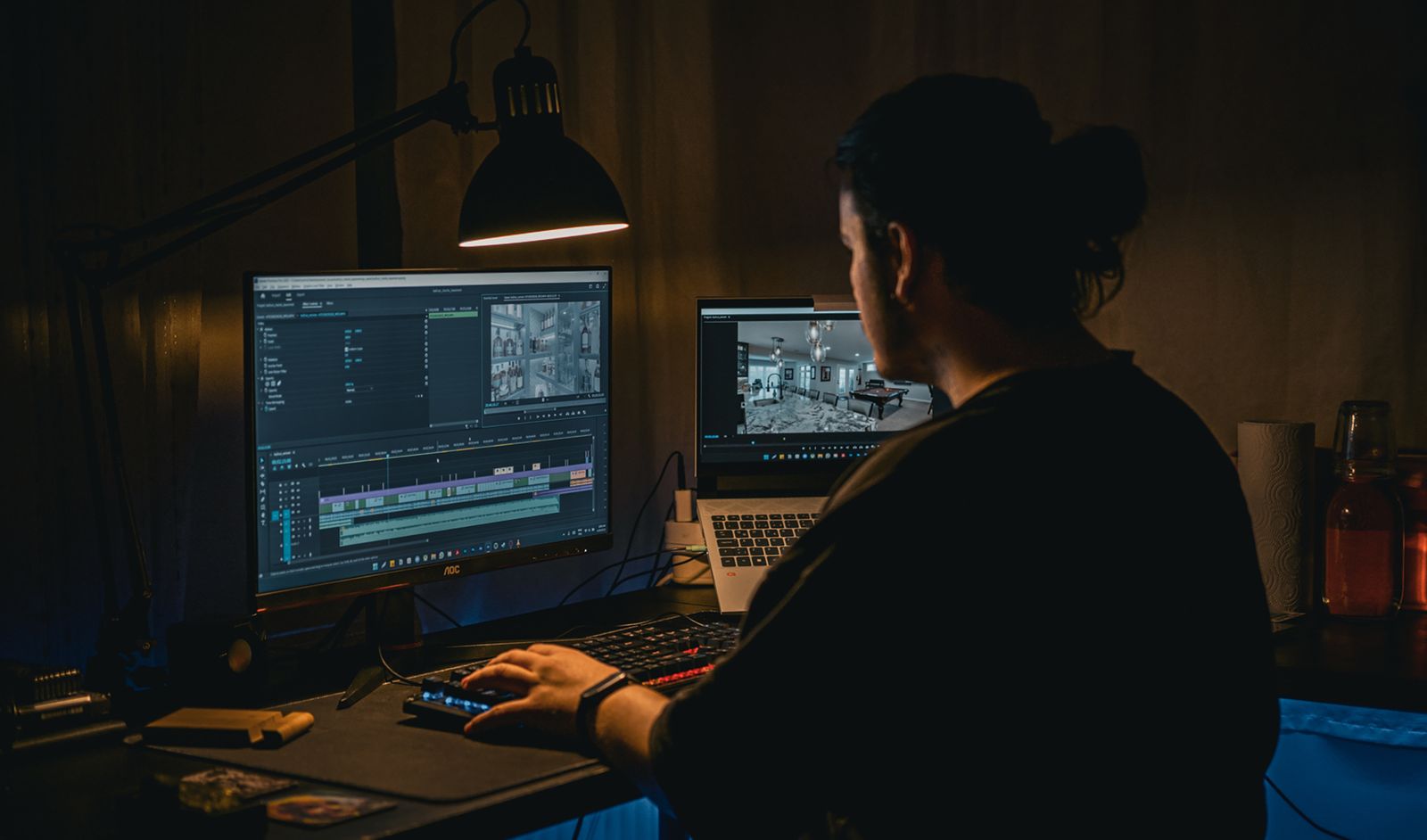
Photo: Cemrecan Yurtman / Pexels
The shape of the Linux choice
Final Cut Pro is Mac and iPad software (verified on apple.com) and has never had a Linux build, so this is a clean two-way decision. Door one is DaVinci Resolve, the only professional editor with an official Linux version, whose free tier is genuinely professional and whose Studio license is $295 one-time in our dataset. Door two is the open source bench (Kdenlive, Shotcut, Flowblade), free as in freedom and in price, with real timelines and real limits. Lightworks, a commercial editor with a long Linux history and a free tier, stands between the doors. Incumbent Linux lists typically recommend Resolve and stop, or list the open source tools without Resolve's fine print. On Linux the fine print is the story: Resolve's Linux build carries codec and audio caveats that do not exist on its Mac and Windows builds, and an editor who discovers them mid-project has been failed by their guide. This guide prints the caveats first. The flagship Final Cut alternatives guide grades the cross-platform field, and the Windows guide covers the other desktop exit.
Editor on Linux
License and price
Watch out for
DaVinci Resolve
Free tier; Studio $295 one-time
Linux build caveats: codec licensing (notably AAC audio and some H.264/H.265 paths), distribution and GPU driver sensitivity
Kdenlive
GPL, $0
Interface polish and effects depth trail the commercial tools
Shotcut
GPL, $0
Simpler timeline model; fewer pro color tools
Flowblade
GPL, $0
Linux only; smaller community and plugin ecosystem
Lightworks
Free tier; paid tiers not published in our dataset
Free tier export limits
Resolve on Linux: the caveats, printed
Resolve's Linux build is the real application, maintained by Blackmagic alongside the other platforms, and for many Linux editors it is simply the answer. The caveats are specific. Codec support on Linux differs from the Mac and Windows builds for licensing reasons: AAC audio is the famous gap (footage from phones and consumer cameras often arrives with AAC audio that the Linux build will not decode the way the other builds do), and some H.264 and H.265 encode and decode paths are limited, especially outside Studio. The build is also most at home on the distributions and GPU driver stacks Blackmagic targets; editors on rolling-release distributions with very new kernels or drivers should expect occasional friction after updates. None of this is disqualifying, and all of it is testable in an afternoon with your own footage, which is exactly what the checklist in this guide sequences. What is disqualifying is pretending the caveats do not exist, which is the standard incumbent failure this article exists to correct.
Interactive tool
Comparison Builder
Pick two or three products and see them side by side on the numbers that decide the purchase.
Measure
DaVinci Resolve
Kdenlive
Final Cut Pro
Starting paid price
$295 per month, flat
Free
$10.75 per month, flat
Free option
Free plan: the standard edition is free, with editing, color, effects, and audio included
Free plan: the whole editor is free and open source; the project accepts donations and sells nothing
No free plan; a 90-day free trial has historically been offered on the Mac App Store
Final Cut Pro (one-time purchase): not published · Apple Creator Studio: $10.75/mo flat
Platforms
Windows, macOS, Linux
Windows, macOS, Linux
macOS
Best for
YouTube creators who will learn a pro tool once, color-driven work, teams that refuse subscriptions
independent editors on Windows, long-form timeline work at $0, open-source video workflows
Mac editors leaving Premiere, Apple silicon owners, creators who want to own their editor
Strengths
Best color grading tools in the category, free; No watermark on free exports; One-time Studio price instead of a subscription
A conventional multitrack timeline that Premiere users recognize; Proxy editing keeps long timelines responsive on mid-range PCs; Subtitles, keyframes, and effects are built in, not add-ons
Fastest exports on Apple silicon thanks to the media engines; One-time purchase option ends the subscription permanently; Magnetic timeline and roles keep big projects organized
Watch out for
Steep learning curve for beginners; Wants a capable computer and GPU; Free edition caps resolution and some effects
More manual and technical than consumer editors; Premiere plug-ins, templates, and projects do not transfer; Polish and stability trail the commercial editors on large projects
Mac and iPad only; no Windows or Linux version exists; Premiere projects and plug-ins do not transfer; timelines are rebuilt; Some premium content is reserved for Creator Studio subscribers
Lowest entry price: Kdenlive at Free per month flat. Real free plan: DaVinci Resolve, Kdenlive. Entry price is the floor, not the decision: check the plan line above for the tier that actually includes the feature you need.
All figures from vendor pricing pages, checked November 18, 2026. Some vendors price by contacts, tasks, or operations instead of seats; those notes are in the plan data and the linked pricing guides.
Kdenlive, Shotcut, Flowblade: the open source bench
Kdenlive is the bench's flagship: a mature multitrack editor from the KDE community, GPL-licensed, with effects, keyframing, proxy editing for heavy footage, and an interface that respects desktop Linux conventions. For a Final Cut refugee whose work is cuts, titles, and color correction rather than high-end finishing, Kdenlive covers more of the job than its $0 price suggests, and it will never change its pricing page on you. Shotcut is the simpler sibling: a clean, approachable timeline with broad format support through FFmpeg, ideal for editors who value stability and a gentle learning curve over depth. Flowblade is the film-style specialist, Linux-only, built around a traditional insert-editing workflow that some editors find faster than drag-and-drop timelines. All three are in our dataset at $0 with GPL licenses stated, because on this bench the license is a feature: your editor cannot be acquired, repriced, or sunset by a vendor.
Lightworks and the commercial middle
Lightworks carries a genuine professional heritage (feature films were cut on it) and publishes a Linux build with a free tier; its paid tiers are carried as not published in our dataset. Its workflow is distinctive enough that editors either love its bin-and-timeline model or bounce off it within a day, so trial before commitment. For most Linux editors the realistic shortlist is Resolve versus Kdenlive, with Lightworks as the wildcard and Shotcut as the stability pick.
Making the decision stick
Test with your worst footage, not your best: the phone clip with AAC audio, the 4K H.265 file, the hour-long timeline. Run the same project through Resolve and Kdenlive in one weekend, note where each one hurts, and weight the hurt by how often that footage type appears in your real work. Editors whose libraries are camera-original ProRes and WAV will find Resolve on Linux nearly caveat-free; editors living on phone footage will feel the codec gaps weekly and may be happier in Kdenlive with FFmpeg underneath. The calculator below prices the paid side of the bench (Studio at $295 one-time against the $0 open source field) so the money argument is settled before the workflow argument starts.
Interactive tool
SaaS Cost Calculator
The per-seat price is the small number. This is the real one: your team, a full year, both billing cycles.
DaVinci Resolve Resolve Studio is a flat monthly price, so the seat count does not change the bill (user caps by plan still apply)
$3,540.00 per year
Billed annually: $295.00 per month equivalent, paid once a year.
Billed monthly instead: $3,540.00 per year.
No annual discount on these figures, so monthly billing costs nothing extra and keeps you free to leave.
Bar: annual-billing cost as a share of monthly-billing cost for the same seats.
Plan prices from vendor pricing pages, checked November 18, 2026. Taxes, add-ons, and usage overages are not included, because vendors do not include them in the headline price either.
Related guides
This decision rarely stands alone. The guides below cover the closest questions on the chart, each with prices checked on the vendor pages.
What is the best Final Cut Pro alternative for Linux?
DaVinci Resolve, whose official Linux build offers a professional free tier and a $295 one-time Studio license, provided its Linux codec caveats do not hit your footage. Kdenlive is the best open source answer (GPL, $0) and the safer pick for phone-heavy footage libraries.
Does DaVinci Resolve really run on Linux?
Yes, Blackmagic publishes an official Linux build. It is the full application, but codec support differs from the Mac and Windows builds for licensing reasons, notably around AAC audio and some H.264 and H.265 paths, and it is most stable on the distributions and GPU drivers Blackmagic targets.
Is Kdenlive good enough to replace Final Cut Pro?
For cuts, titles, multitrack assembly, proxy editing, and everyday color correction, yes for many editors. It trails Final Cut and Resolve in high-end finishing, effects depth, and polish. Its advantages are price ($0), license (GPL), and immunity from vendor pricing changes.
Can Linux editors open Final Cut projects?
No editor on any platform opens Final Cut libraries directly. Export XML from Final Cut on a Mac to carry timeline structure across, finish active projects in Final Cut, and start new work in the Linux destination.
What about Lightworks on Linux?
Lightworks is a legitimate commercial option with a Linux build and a free tier (paid tiers not published in our dataset). Its editing model is distinctive; try it for a day before committing, because editors tend to love or reject its workflow quickly.
Photo credits: Cemrecan Yurtman (Pexels). Photos are served from this site; follow the credit to the library page for the original.