Final Cut Pro Alternatives: Sorted by Why You Are Actually Leaving
By the SoftSea editorial team
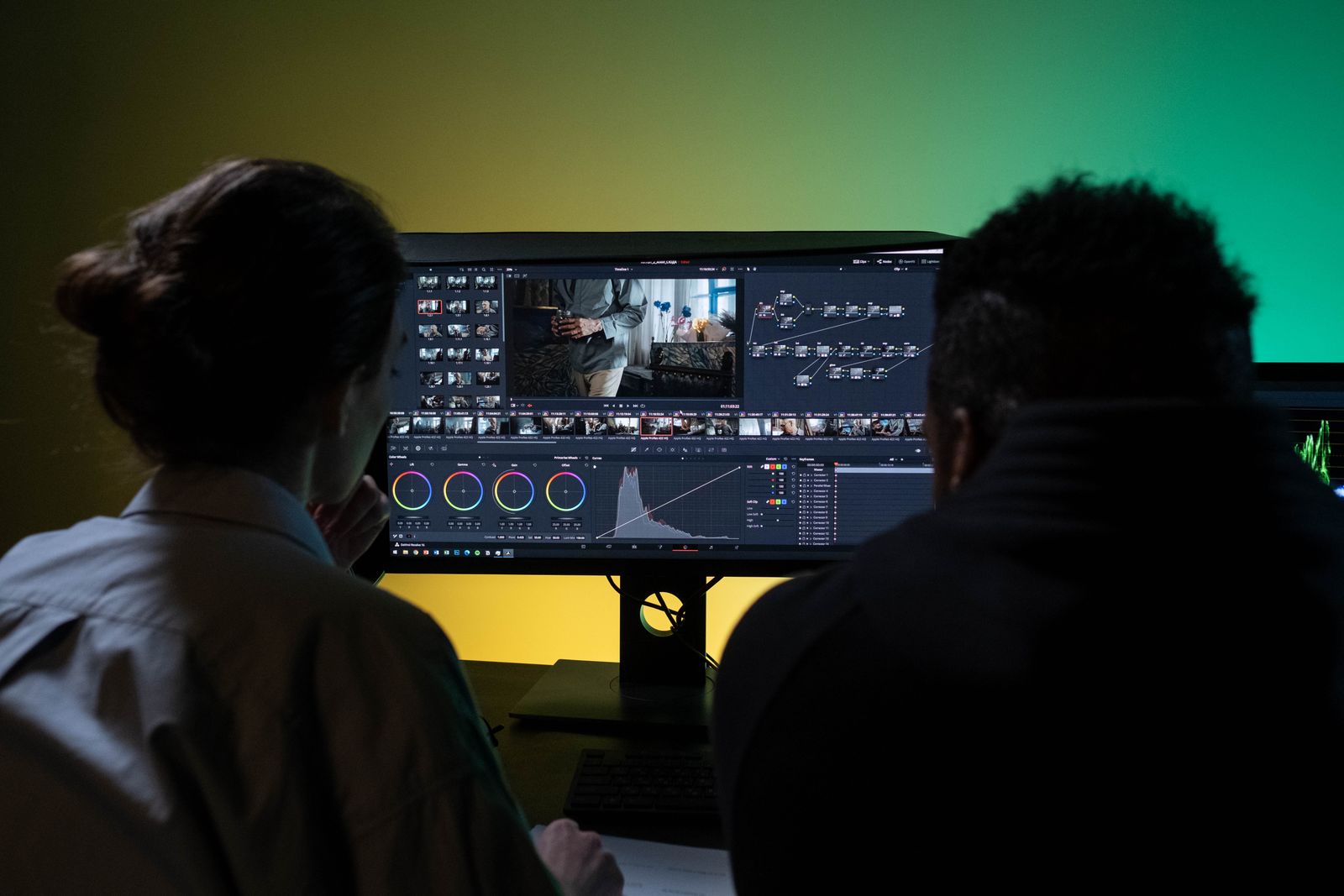
Photo: Ron Lach / Pexels
First, the verified baseline
Every figure for the incumbent in this guide was re-read on apple.com: Final Cut Pro runs on Mac and iPad only. The Mac app is a $299.99 one-time purchase requiring macOS 15.6 or later; the iPad app requires iPadOS 18.6 or later and an iPad with an M1 chip or later (or the A16 iPad, or iPad mini with A17 Pro). Apple also bundles Final Cut Pro in Apple Creator Studio at $12.99 a month or $129 a year, with educator and student pricing at $2.99 a month or $29.99 a year. There is no Final Cut for Windows, Linux, Android, or iPhone, which is why this cluster of guides exists at all: most "Final Cut alternatives" searches are platform exits wearing a feature costume. This flagship sorts the field by the three real exit causes (platform, price shape, capability), and the platform-specific guides in this series grade the benches for Android, iPad, iPhone, Linux, Windows PCs, and Mac owners who want free.
Exit cause
Destination
Price shape
Need professional color and audio, any platform
DaVinci Resolve
Free tier; Studio $295 one-time
Need the Adobe ecosystem or team standard
Adobe Premiere
$22.99 billed annually or $34.49 monthly in our dataset
Edit on iPad or iPhone seriously
LumaFusion
$29.99 one-time
Social-first speed
CapCut
Free tier; Pro price not published in our dataset
Consumer ease on Windows or Mac
Filmora
Subscription or perpetual ($79.99 in our dataset)
Free and already installed on Mac
iMovie
$0 with Apple devices
Stay, but fix the shape
Final Cut Pro itself
$299.99 once beats $12.99 a month after about 23 months
DaVinci Resolve: the professional gravity well
Resolve is where Final Cut exits land when the motive is capability or platform rather than price. Its free tier is not a demo: the edit, color, and Fusion pages are genuinely professional, and it runs on Mac, Windows, and Linux, which no other tool in this class matches. Studio, at $295 one-time in our dataset, unlocks the higher frame rates, resolutions, noise reduction, and collaboration features, and it costs less than Final Cut's sticker while covering more platforms. The honest costs are hardware appetite and learning curve: Resolve wants a real GPU, and its node-based color workflow rewards study and punishes dabbling. The DaVinci Resolve alternatives guide grades its own bench; here the verdict is simpler. If you are leaving Final Cut because you need Windows or Linux, or because you want the industry's color pipeline, Resolve is the default answer and everything else is a special case.
Interactive tool
Comparison Builder
Pick two or three products and see them side by side on the numbers that decide the purchase.
Measure
DaVinci Resolve
Final Cut Pro
Adobe Premiere
Starting paid price
$295 per month, flat
$10.75 per month, flat
$22.99 per user/mo, billed annually
Free option
Free plan: the standard edition is free, with editing, color, effects, and audio included
No free plan; a 90-day free trial has historically been offered on the Mac App Store
Final Cut Pro (one-time purchase): not published · Apple Creator Studio: $10.75/mo flat
Premiere (annual plan): $22.99/user/mo annual
Platforms
Windows, macOS, Linux
macOS
Windows, macOS
Best for
YouTube creators who will learn a pro tool once, color-driven work, teams that refuse subscriptions
Mac editors leaving Premiere, Apple silicon owners, creators who want to own their editor
professional editors, agencies and client work, creators already in Adobe apps
Strengths
Best color grading tools in the category, free; No watermark on free exports; One-time Studio price instead of a subscription
Fastest exports on Apple silicon thanks to the media engines; One-time purchase option ends the subscription permanently; Magnetic timeline and roles keep big projects organized
Industry default for client work; Text-based editing and deep audio and effects tools; Fits the wider Adobe ecosystem
Watch out for
Steep learning curve for beginners; Wants a capable computer and GPU; Free edition caps resolution and some effects
Mac and iPad only; no Windows or Linux version exists; Premiere projects and plug-ins do not transfer; timelines are rebuilt; Some premium content is reserved for Creator Studio subscribers
Subscription only, no purchase option; Heavier system demands than beginner editors; Price rises if you pay month to month
Lowest entry price: Final Cut Pro at $10.75 per month flat. Real free plan: DaVinci Resolve. Entry price is the floor, not the decision: check the plan line above for the tier that actually includes the feature you need.
All figures from vendor pricing pages, checked November 18, 2026. Some vendors price by contacts, tasks, or operations instead of seats; those notes are in the plan data and the linked pricing guides.
Premiere, LumaFusion, and the rest of the bench
Adobe Premiere is the team-standard answer: $22.99 a month billed annually or $34.49 monthly in our dataset, deep integration with the rest of Creative Cloud, and the largest hiring pool of editors who already know it. You pay rent forever, and for studios billing clients, that rent is a rounding error against the collaboration and template ecosystem. LumaFusion is the mobile professional: $29.99 one-time, a real multitrack timeline on iPad and iPhone (and Android and ChromeOS builds), and the tool that made tablet editing respectable; for creators whose camera is a phone and whose desk is wherever they are, it beats every desktop subscription on this page. CapCut owns social-first speed, with a free tier whose paid pricing our dataset deliberately carries as unpublished rather than guessed. Filmora is the consumer on-ramp for Windows and Mac switchers who found Final Cut intimidating rather than limiting, sold as a subscription or a $79.99 perpetual license in our dataset. And iMovie, free on every Apple device, imports into Final Cut and remains the correct answer for the large group of searchers whose real need is "edit the family video without a learning curve."
The honest stay: run the bundle math before you migrate
Apple Creator Studio changed the stay calculation, so run it honestly. At $299.99 one-time, buying Final Cut outright beats the $12.99 monthly bundle after roughly 23 months of use, and beats the $129 annual bundle after roughly 28 months, if Final Cut is the only app in the bundle you use. If you also use the bundle's other creative apps, or you qualify for the $2.99 educator and student tier, the subscription wins for as long as you qualify. Editors who bought Final Cut years ago own the cheapest seat in this entire guide: $0 a month, forever, with updates included. Migration has a real cost too (relearning a timeline, rebuilding templates and presets, converting active projects), so the calculator below prices your destination before you pay the switching tax for a problem a purchase shape would have solved.
Interactive tool
SaaS Cost Calculator
The per-seat price is the small number. This is the real one: your team, a full year, both billing cycles.
Final Cut Pro Apple Creator Studio is a flat monthly price, so the seat count does not change the bill (user caps by plan still apply)
$129.00 per year
Billed annually: $10.75 per month equivalent, paid once a year.
Billed monthly instead: $155.88 per year.
Annual billing saves $26.88 a year (17 percent), if you are sure the seats survive the year. Empty seats paid annually are the most common SaaS waste we see.
Bar: annual-billing cost as a share of monthly-billing cost for the same seats.
Plan prices from vendor pricing pages, checked November 18, 2026. Taxes, add-ons, and usage overages are not included, because vendors do not include them in the headline price either.
Migration reality: projects do not travel
Final Cut libraries do not open in rival editors. The working path is XML export for timelines (which carries cuts and basic structure, not effects, titles, or color decisions), plus a discipline: finish active projects in Final Cut, start new projects in the destination, and rebuild your title templates and presets natively rather than mourning them. Media itself travels fine; your organization (keywords, roles, compound clips) is the part that stays behind. Budget a week of overlap for a working editor, run one real project end-to-end in the new tool before committing, and keep the Final Cut license installed: you own it outright, and archives have a way of becoming urgent.
Related guides
More from this corner of the chart: these companion guides compare the nearest alternatives and head to head matchups.
DaVinci Resolve for most professionals: a genuinely professional free tier on Mac, Windows, and Linux, with Studio at $295 one-time. Adobe Premiere for teams standardized on Adobe. LumaFusion ($29.99 one-time) for serious iPad and iPhone editing. The right answer depends on which exit cause is yours: platform, price shape, or capability.
How much does Final Cut Pro cost in 2026?
Verified on apple.com: $299.99 as a one-time Mac purchase, or inside Apple Creator Studio at $12.99 a month or $129 a year, with educator and student pricing at $2.99 a month or $29.99 a year. It runs on Mac (macOS 15.6 or later) and iPad (iPadOS 18.6 or later, M1 chip or later) only.
Is DaVinci Resolve really free?
The free tier is a full professional editor, not a trial: no watermark, no time limit, with Studio ($295 one-time) unlocking higher resolutions and frame rates, advanced noise reduction, and multi-user collaboration. It is the strongest free tier in professional video editing.
Can I open Final Cut projects in Premiere or Resolve?
Not directly. Export an XML of the timeline to carry the edit structure across; effects, titles, color grades, and Final Cut organization (roles, keywords) do not transfer. Finish active projects in Final Cut and start new work in the destination.
Is Apple Creator Studio worth it versus buying Final Cut outright?
If Final Cut is the only app you use, the $299.99 purchase wins after about 23 months against $12.99 a month. If you use several bundled apps, or qualify for the $2.99 educator tier, the subscription is cheaper for as long as it lasts.
Photo credits: Ron Lach (Pexels). Photos are served from this site; follow the credit to the library page for the original.