Final Cut Pro Alternative for Mac (Free Only): The Strict $0 Audit
By the SoftSea editorial team
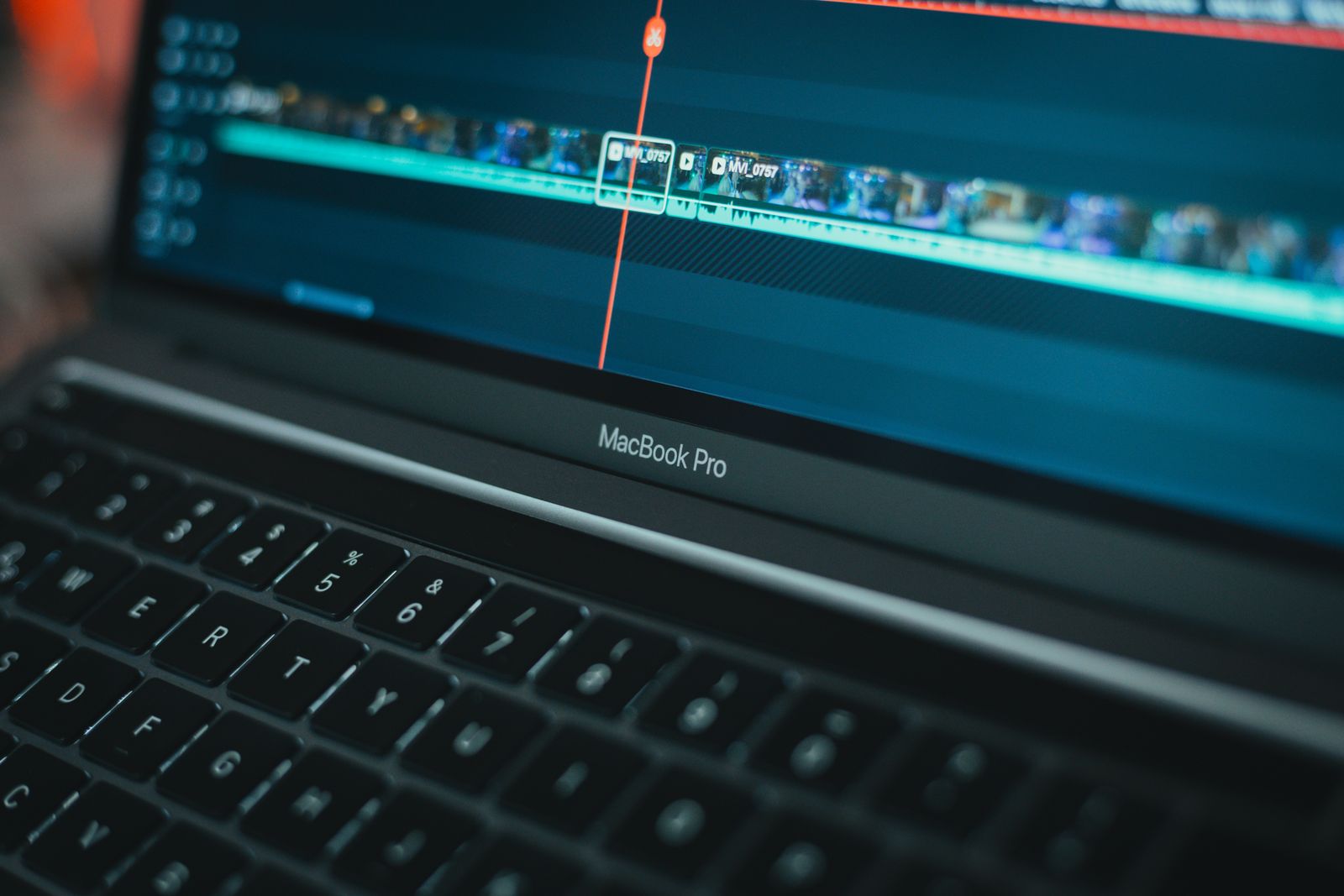
Photo: Moises Caro / Pexels
The rule of this guide: $0 means $0
Plenty of "free Final Cut alternatives" lists recommend trials, watermarked exports, and free tiers designed as sales funnels without saying so. This guide applies a stricter rule, the same discipline as the free audit in the flagship's bench: every pick below is genuinely usable at $0 on a Mac, and for each one the cap that will eventually bite is printed next to the praise. The context is Apple's own pricing, verified on apple.com: Final Cut Pro costs $299.99 one-time on Mac (macOS 15.6 or later), or arrives inside Apple Creator Studio at $12.99 a month or $129 a year. Against that baseline, a free editor does not need to be better than Final Cut; it needs to cover your actual work at no cost, for as long as your work stays inside its caps. Mac owners who are also weighing the paid field should read the flagship; Windows readers belong in the PC guide, where the free bench is graded separately.
Free editor on Mac
The cap that bites
Best at
iMovie
Timeline simplicity; template titles
Beginners; projects that later open in Final Cut
DaVinci Resolve (free)
Studio gates highest resolutions, frame rates, and advanced noise reduction
Professional work at $0
Kdenlive
Polish and effects depth
Open source reliability, proxy editing
Shotcut
Simpler timeline model
Stability and gentle learning curve
CapCut (free tier)
Feature gating toward Pro (price not published in our dataset)
Social-first speed
iMovie: already installed, quietly strategic
iMovie ships free with every Mac, and its strategic value is the exit door: iMovie projects open in Final Cut Pro. A beginner can learn on iMovie at $0, and if the work outgrows it, the library migrates into the $299.99 professional tool without starting over. Its limits are the known ones (a simplified timeline, template-driven titles, thin audio and color tools), and they bite exactly when a project needs multitrack complexity or fine control. Until that day, iMovie is the correct default for Mac owners whose editing is occasional and personal, and recommending anything more complex to that reader is a disservice dressed as thoroughness.
Interactive tool
Comparison Builder
Pick two or three products and see them side by side on the numbers that decide the purchase.
Measure
DaVinci Resolve
iMovie
Final Cut Pro
Starting paid price
$295 per month, flat
Free
$10.75 per month, flat
Free option
Free plan: the standard edition is free, with editing, color, effects, and audio included
Free plan: free with Apple devices
No free plan; a 90-day free trial has historically been offered on the Mac App Store
Final Cut Pro (one-time purchase): not published · Apple Creator Studio: $10.75/mo flat
Platforms
Windows, macOS, Linux
macOS, iOS
macOS
Best for
YouTube creators who will learn a pro tool once, color-driven work, teams that refuse subscriptions
Mac owners who need a free editor, iPhone creators, beginners
Mac editors leaving Premiere, Apple silicon owners, creators who want to own their editor
Strengths
Best color grading tools in the category, free; No watermark on free exports; One-time Studio price instead of a subscription
Zero cost on Apple hardware; Trailers and templates for fast edits; Projects open in Final Cut Pro
Fastest exports on Apple silicon thanks to the media engines; One-time purchase option ends the subscription permanently; Magnetic timeline and roles keep big projects organized
Watch out for
Steep learning curve for beginners; Wants a capable computer and GPU; Free edition caps resolution and some effects
Apple devices only; Single primary video track model; No professional color or audio tooling
Mac and iPad only; no Windows or Linux version exists; Premiere projects and plug-ins do not transfer; timelines are rebuilt; Some premium content is reserved for Creator Studio subscribers
Lowest entry price: iMovie at Free per month flat. Real free plan: DaVinci Resolve, iMovie. Entry price is the floor, not the decision: check the plan line above for the tier that actually includes the feature you need.
All figures from vendor pricing pages, checked November 18, 2026. Some vendors price by contacts, tasks, or operations instead of seats; those notes are in the plan data and the linked pricing guides.
DaVinci Resolve free: the professional answer
Resolve's free tier is the anomaly of this entire category: a professional editor (edit, color, Fusion effects, Fairlight audio) at $0, with no watermark and no time limit, on Mac as on Windows and Linux. Studio at $295 one-time unlocks the highest resolutions and frame rates, advanced noise reduction, and collaboration features, which means the free tier's caps are about finishing specifications, not about whether you can work. For a Mac editor whose deliverables are web-resolution and whose budget is zero, Resolve free is not a compromise; it is arguably overpowered. Its costs are the standing ones: a real GPU appetite and a learning curve measured in weeks. If you will only ever learn one editor on this page, learn this one, because its skills transfer to the paid professional world intact.
Kdenlive, Shotcut, and CapCut: the supporting bench
Kdenlive (GPL, $0) is the open source workhorse: multitrack editing, proxy workflows for heavy footage, and immunity from every vendor's pricing decisions, at the cost of polish. Shotcut (GPL, $0) trades depth for stability and approachability. CapCut's free tier is the social-speed option, genuinely capable for vertical video, with the standing warning that its feature gates lean toward a Pro tier whose pricing our dataset carries as not published rather than guessed. All three are honest free tools; the dishonest pattern to avoid is any list that calls a 14-day trial or a watermarked export "free" without the asterisk. This page prints the asterisks in the table, where they belong.
When free stops being enough
The upgrade triggers are predictable: deliverables above web resolution or at high frame rates (Resolve Studio), multicam and Final Cut-native workflows (Final Cut itself), client collaboration at scale (Premiere's ecosystem, graded in the flagship). When a trigger fires, the money question becomes purchase shape: $295 or $299.99 once, versus subscriptions that pass those figures in the second year. The calculator below prices the paid destinations so the decision is ready before the deadline that forces it, and the checklist sequences a no-regrets trial of the free bench in order.
Interactive tool
SaaS Cost Calculator
The per-seat price is the small number. This is the real one: your team, a full year, both billing cycles.
DaVinci Resolve Resolve Studio is a flat monthly price, so the seat count does not change the bill (user caps by plan still apply)
$3,540.00 per year
Billed annually: $295.00 per month equivalent, paid once a year.
Billed monthly instead: $3,540.00 per year.
No annual discount on these figures, so monthly billing costs nothing extra and keeps you free to leave.
Bar: annual-billing cost as a share of monthly-billing cost for the same seats.
Plan prices from vendor pricing pages, checked November 18, 2026. Taxes, add-ons, and usage overages are not included, because vendors do not include them in the headline price either.
Related guides
The shortlist does not end here. These related guides cover the sibling tools, matchups, and pricing questions closest to this one.
What is the best free alternative to Final Cut Pro on Mac?
DaVinci Resolve's free tier for professional work: full edit, color, effects, and audio pages at $0 with no watermark. iMovie for beginners and occasional editing, with the advantage that its projects open in Final Cut Pro later.
Is iMovie really free on Mac?
Yes. iMovie is free with Apple devices and in our dataset at $0. Its limits are creative (simplified timeline, template titles, thin audio and color tools), not commercial: no watermark, no trial clock.
What does DaVinci Resolve free withhold versus Studio?
Studio ($295 one-time) unlocks higher resolutions and frame rates, advanced noise reduction, some effects, and multi-user collaboration. The free tier includes the full edit, color, Fusion, and Fairlight pages and covers most web-deliverable work completely.
Are Kdenlive and Shotcut actually free on Mac?
Yes. Both are GPL-licensed open source at $0, with no tiers at all. You trade polish and high-end finishing depth for total pricing immunity.
Is CapCut free on Mac?
CapCut has a free tier that many creators use daily. Some features sit behind its Pro tier, whose price our dataset carries as not published because we could not verify a figure to our standard; check the in-app pricing in your region before depending on a gated feature.
Photo credits: Moises Caro (Pexels). Photos are served from this site; follow the credit to the library page for the original.